Targa Visionary LT 2210 Receiving TV Programmes
English - 21
Skip If you enable this function, empty preset channels will
be skipped when switching channels up or down.
AFC Performs an automatic fine tuning of the frequency.
Program Area Choose the country where you are using the device in
order to make sure that all automatic settings can be
properly adjusted.
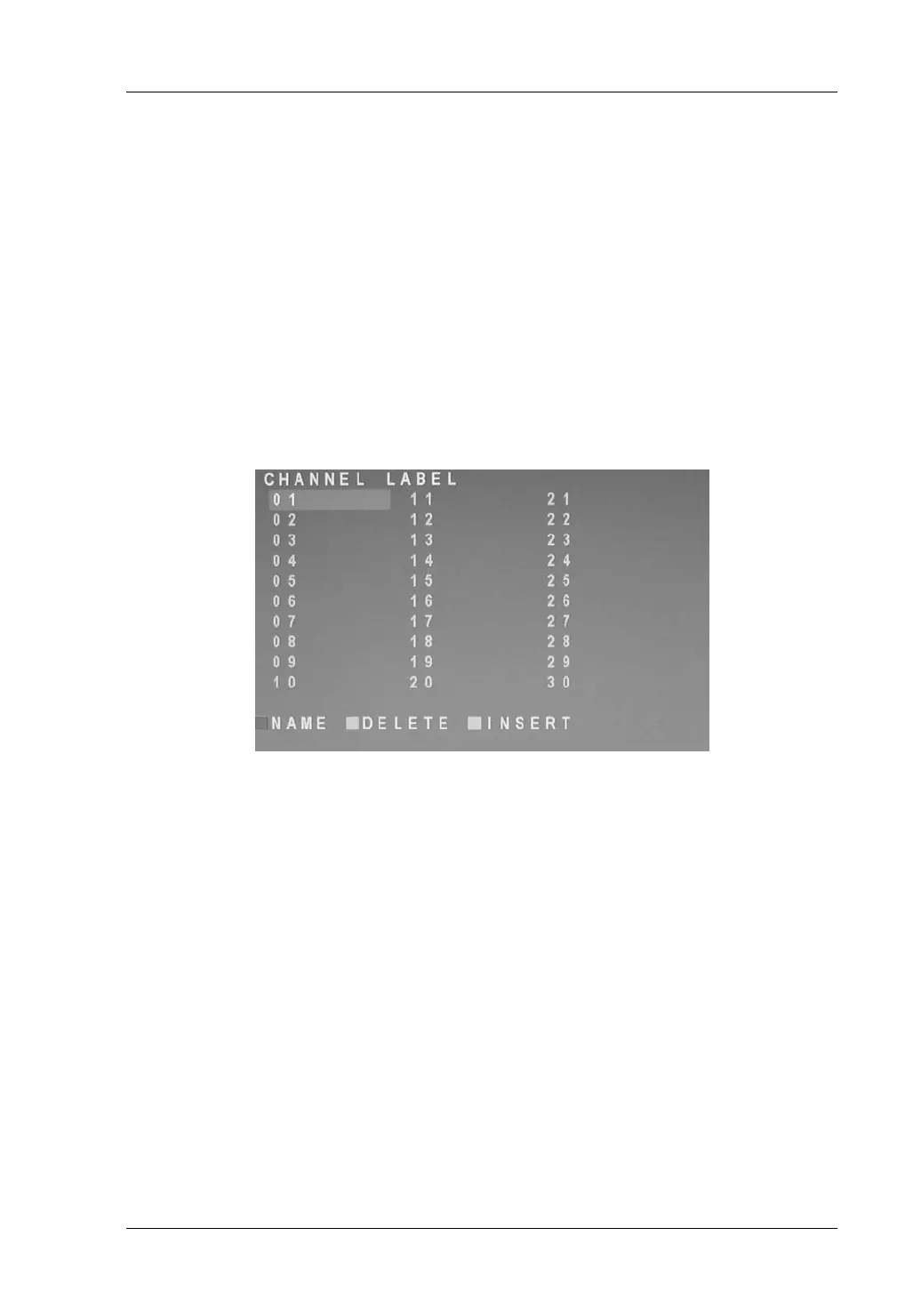
Channel List
The channel list is accessible via the TV menu. To display it, select the Channel
Label option from the TV-Channel submenu.
Deleting a Channel
Press T or S (6) on the remote control to select the channel preset that
stores the channel you want to erase.
Press the green function button (14) on the remote control to start the
deletion process.
Press the red function button (15) to erase the channel or press the green
function button (14) to cancel without erasing.


 To Next Page