10 TASCAM MP-BT1
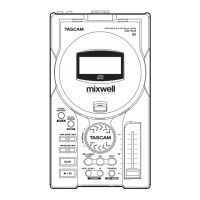
Using the MP-BT1’s bass input jack and built-in bass
effects, you can create a variety of electric bass tones
with just the MP-BT1. You can also play bass along with
an MP3 track on the unit. (See the “Practice Functions”
chapter on page 18 and the “Using Effects” chapter on
page 20.)
The INPUT level meter appears at the bottom of the home
screen. Use this to confirm input and adjust the level
of the bass signal. If the input level is too high, the dot
at the far right end of the bar will stay lit briefly. If the
input level is low, then the meter bar will extend only a
short distance from the left when you play the bass.
Watch this meter as you adjust the INPUT volume to set
the input level so that it is neither too high or too low.
The bass sound is output through the /LINE OUT jack.
When using a bass with a high output level, such as
Active bass guitars, adjust its output volume as well
as reducing the input volume to avoid clipping the
sound. This will give you a better bass sound.
Making connections
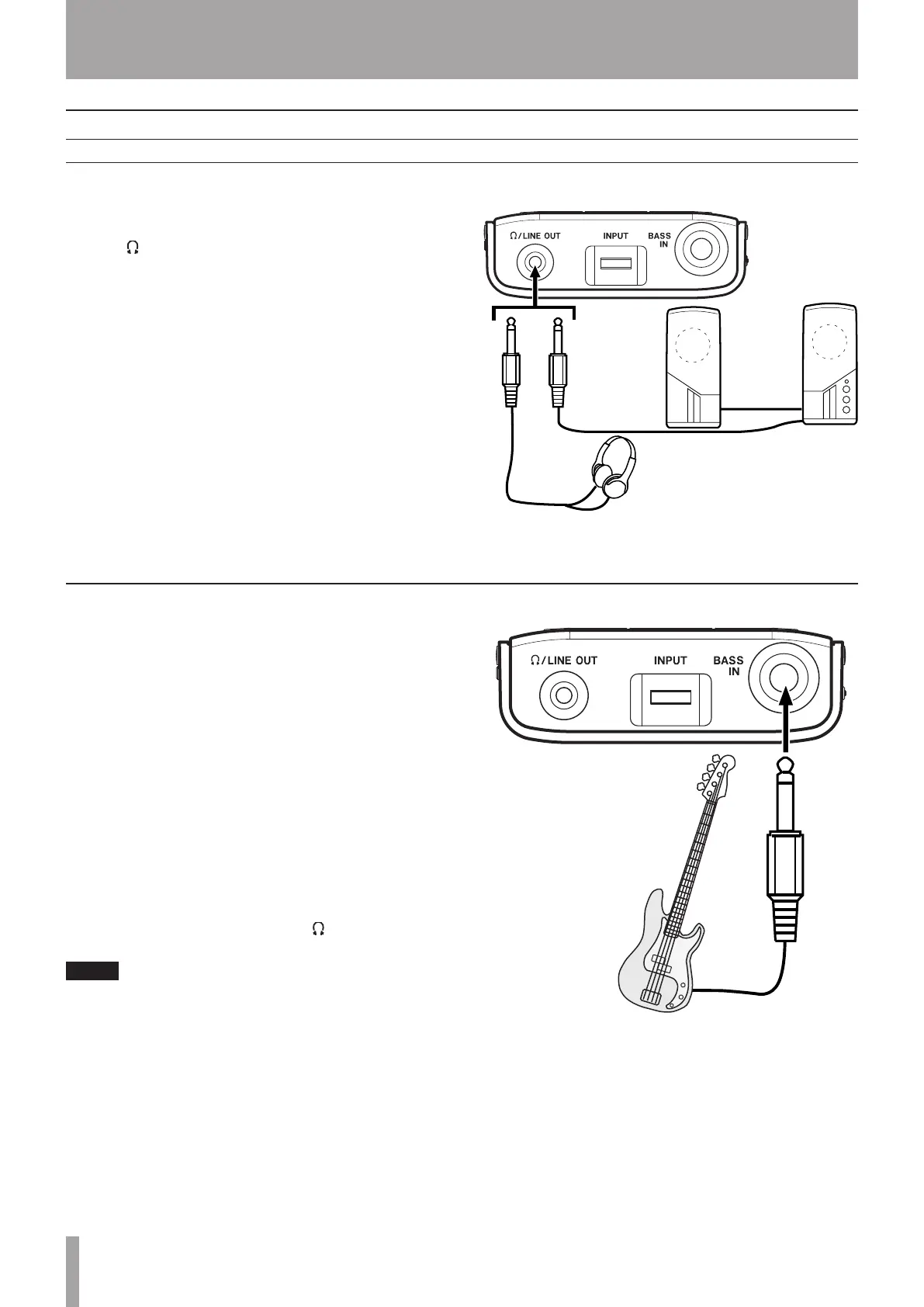
Headphones
Powered speakers or
amplifier and speakers
Connecting headphones or speakers
Connecting a bass
You can connect headphones or a monitoring system
(powered speakers, amplifier/speaker system, etc.) to the
MP-BT1 /LINE OUT jack.
3 – Connections & MP3 Transfer



 To Next Page