TASCAM MP-BT1 7
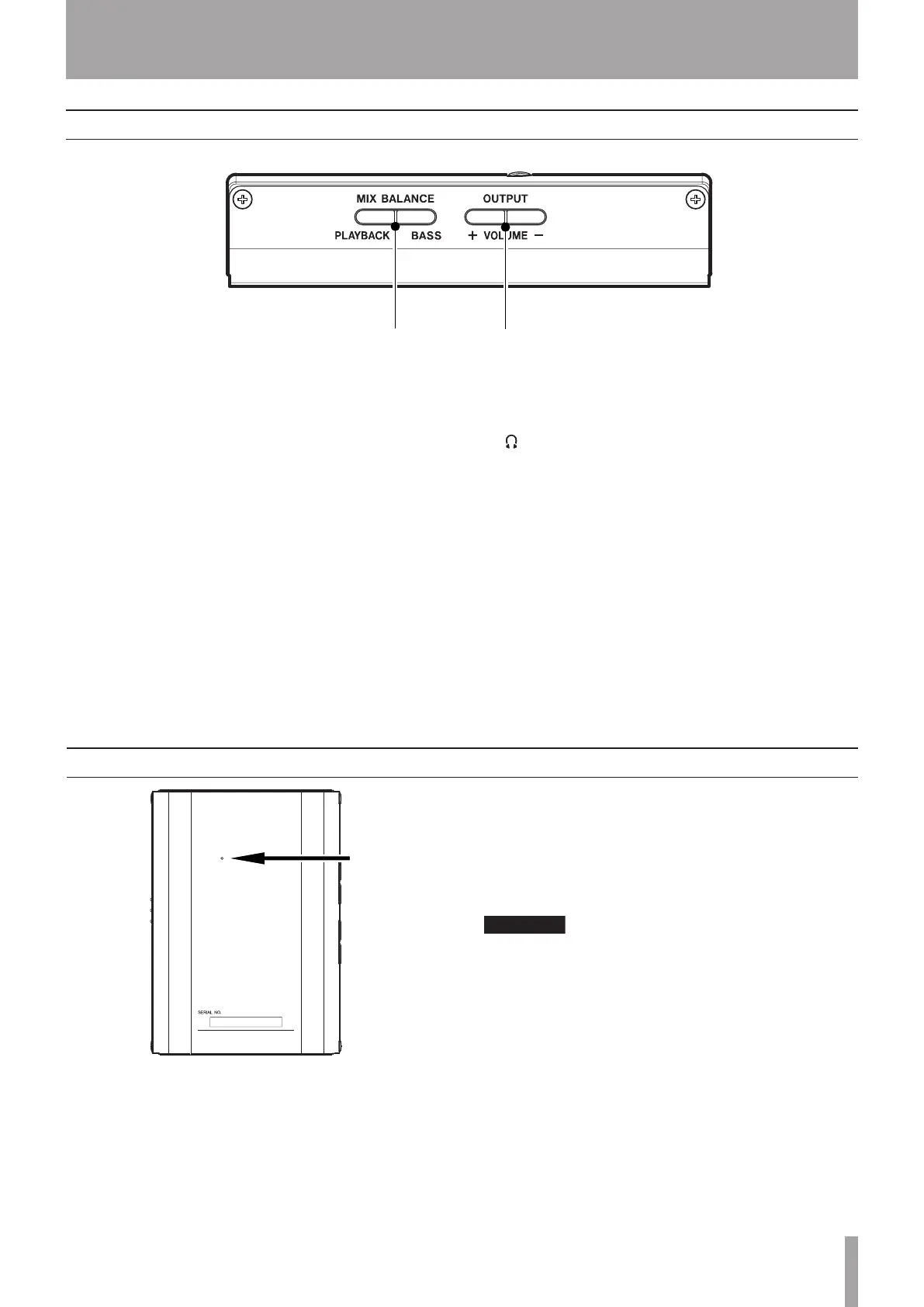
uMIX BALANCE (BASS, PLAYBACK) keys
Use these keys to adjust the balance between the
volume of the bass connected to the BASS IN jack
and the playing track. During adjustment, the
balance status is shown at the bottom of the display.
Press the BASS key to increase the relative level
of the bass, and the PLAYBACK key to increase the
relative level of the playing track.
During metronome playback, these keys adjust the
bass and metronome balance with the PLAYBACK
key increasing the metronome volume relatively.
iOUTPUT VOLUME (+, -) keys
Use to adjust the overall signal level sent from the
/LINE OUT jack.
During adjustment, the output volume is shown at
the bottom of the display.
Left Side Panel
Back Panel
Reset hole
If the MP-BT1 starts to operate incorrectly, insert the
end of a paper clip or similar object into this hole to
press the System Reset Button inside. Pressing this
button turns the power OFF.
Do not press the System Reset Button if the unit is
operating normally.
2 – Part names and functions



 To Next Page