TASCAM US-144 7
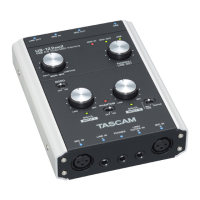
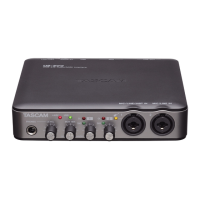
Top panel
2 – Parts of the US-144
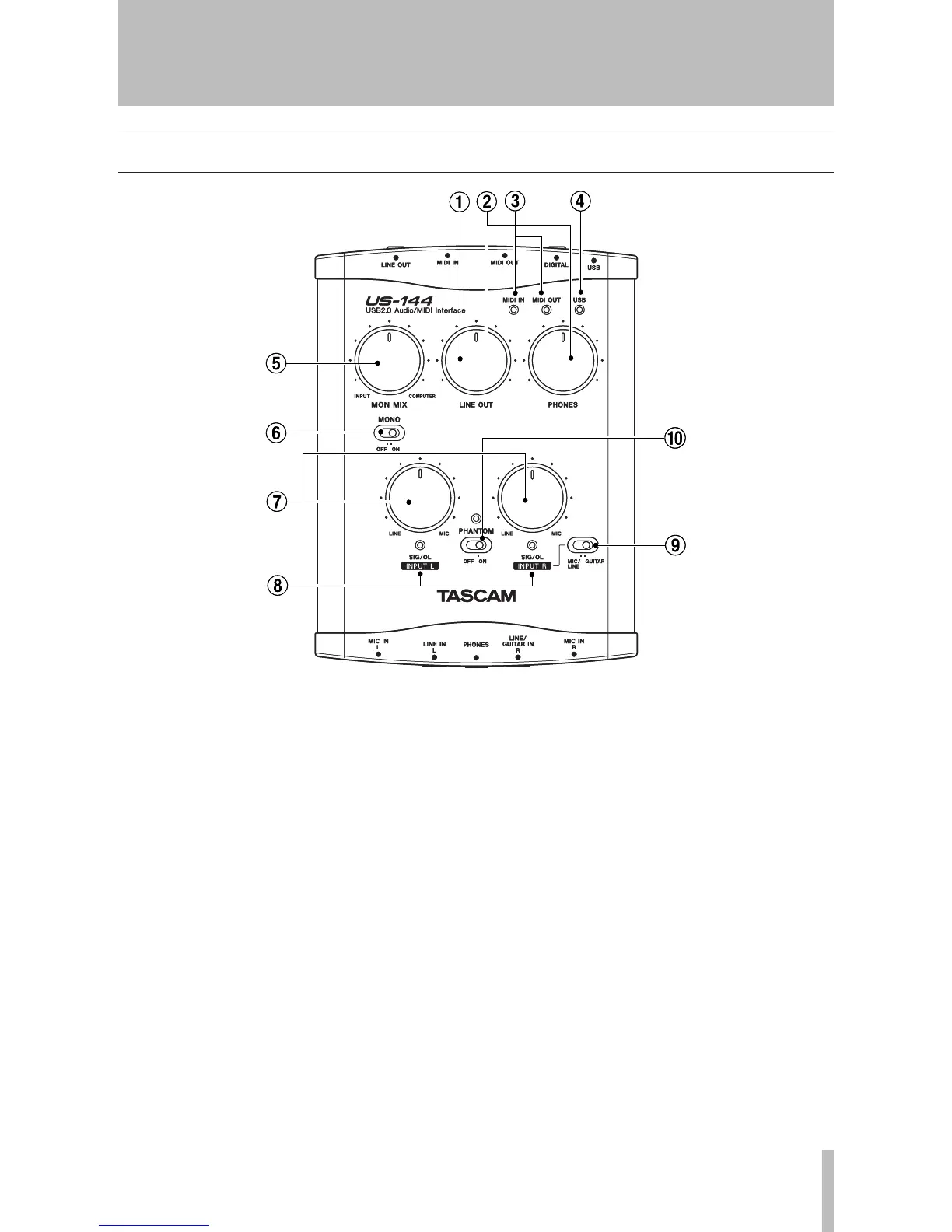
1 LINE OUT level knob Controls the
output level of the LINE OUT jacks.
2 PHONES LEVEL knob Controls the
output level of the PHONES jack.
3 MIDI IN indicator Lights when MIDI
data is being received at the MIDI IN con-
nector.
MIDI OUT indicator Lights when MIDI
data is being transmitted from the MIDI
OUT connector.
4 USB indicator Lights to indicate a
valid USB connection to the host comput-
er.
5 MON MIX balance knob Controls
the balance of the signal sources being out-
put from the LINE OUT jacks and the
PHONES jack. When this knob is turned to
the far left, the signal being input to the
US-144 (from the XLR jacks, or 1/4" phone
jacks) will be output. When this knob is
turned to the far right, the output signal
received from the computer via USB will
be output.
6 MONO switch Turn this switch ON if
you want to monitor in monaural. This
switch affects only the analog input signal.
7 INPUT knobs (L, R) Adjust the level
of the audio signal being input to the MIC
IN jacks and LINE IN jacks.


 To Next Page