20
Models BC10/BW1 1Important: To the Operator
Section 5 Important: To the Operator
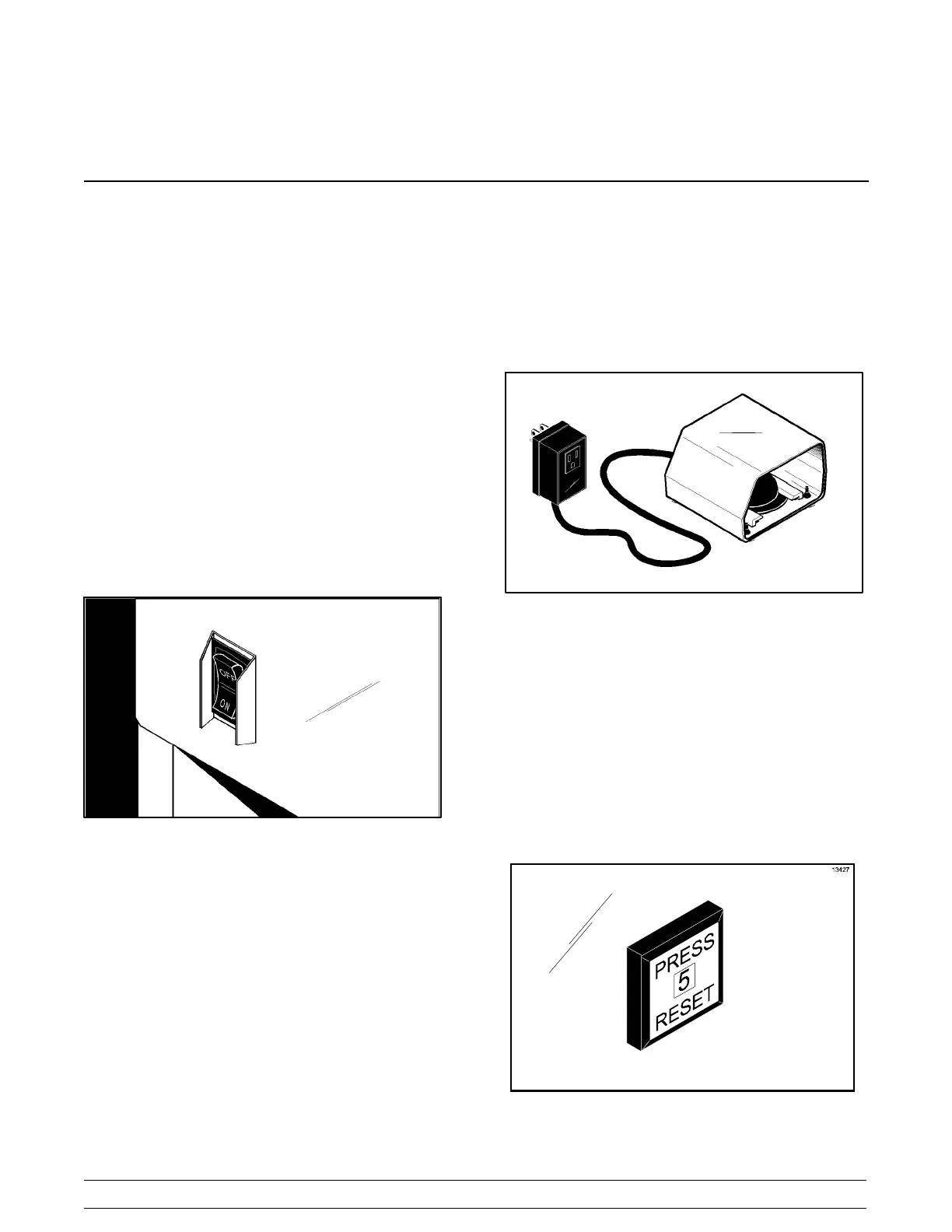
On/Off Switch
The On/Off switch is a rocker switch located on the
front of the machine. It controls the power to the
machine.
Units Not Equipped With Foot Pedal or Timer: The
On/Off switch is used to activate the agitator for
blending.
Foot Pedal or Timer Equipped Units: The On/Off
switch is placed in the ON position to ready the
machine for blending. The switch is placed in the OFF
position at the end of the day or whenever the machine
will be left unattended.
Figure 1
Start Switch
(Timer Equipped Units, Only)
The Start switch (Momentary Pushbutton Switch) is
located on the front of the machine above the On/Off
switch. With the On/Off switch in the ON position,
pressing the Start switch activates the agitator and
begins a pre-set timed blending cycle. The agitator will
stop automatically at the end of the blending cycle.
Foot Pedal
Standard units may be equipped with an optional foot
pedal. The foot pedal allows hands- free activation of
the agitator and allows the operator to use both hands
to mix the product. Press and hold the switch to
activate the agitator. Release the switch to stop the
agitator.
Figure 2
Reset Switch
The Model BC10 reset switch is located on right side
panel. The Model BW11 reset switch is located on the
front panel. The reset switch protects the motor from
an overload condition. If an overload occurs, the reset
mechanism will trip. To properly reset the unit, place
the On/Off switch in the OFF position. Allow the motor
to cool down for a few minutes. Press the reset switch.
Place the On/Off switch in the ON position and resume
operation.
Figure 3



 To Next Page