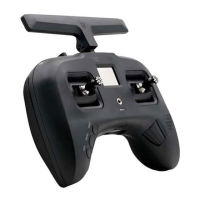
If the OSD times out, or you select EXIT, move your ROLL stick to left for 3 seconds to re-enter the CORE PRO
OSD.
Camera 5V/12V software selector
The camera port is set to 5V from the factory. To change the output voltage to 12V, connect the TBS FPVision
to the TBS Agent (Windows software), and look for the CAM VOLTAGE property. You can toggle it between 5V
and 12V. Be sure that your camera can support this voltage!
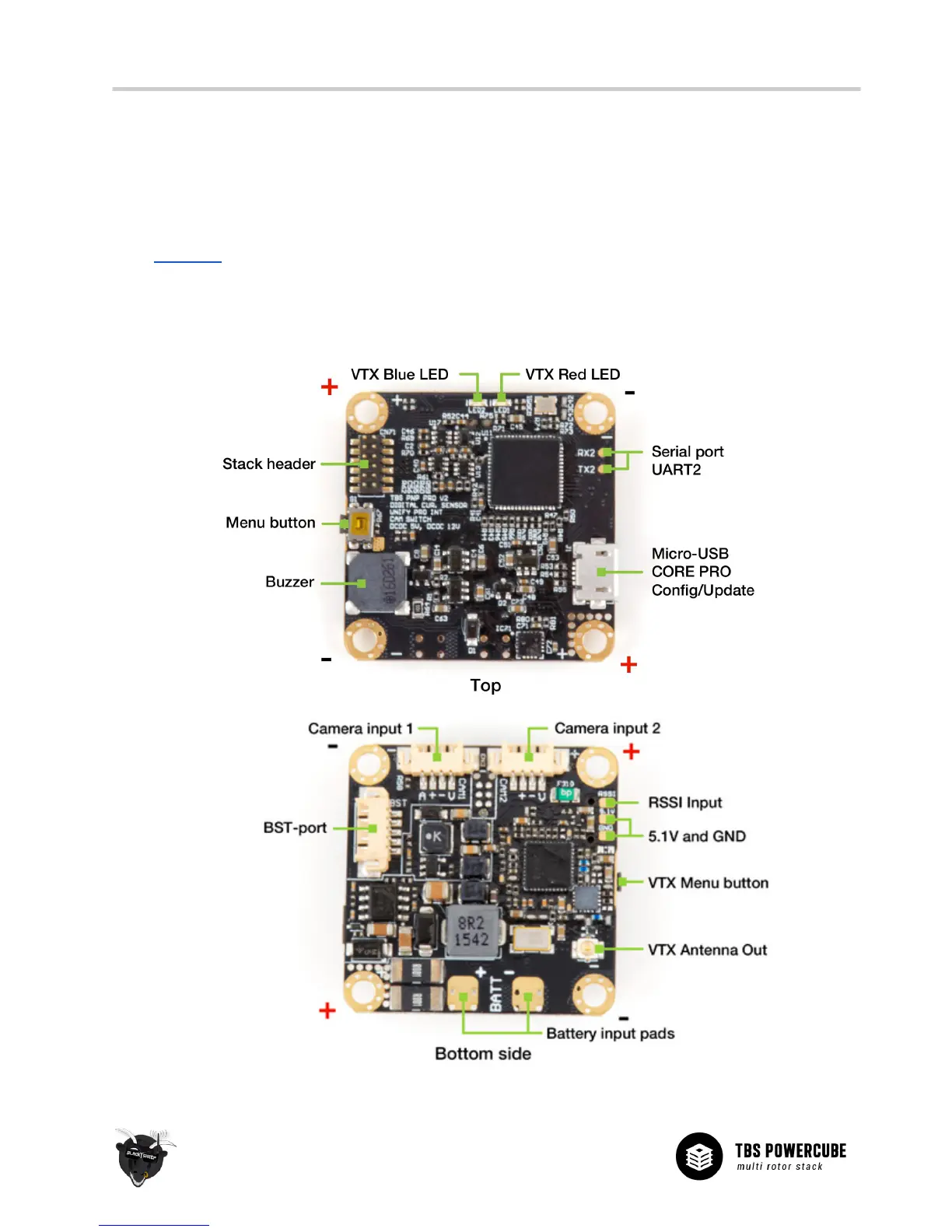
Board connection diagram


 To Next Page