CleanFlight Configurator issues
CleanFlight configurator runs as a Chrome app and therefore is at the mercy of Chrome’s driver support. In
some instances, the STM drivers will not work. Even though the flight controller starts in DFU mode,
CleanFlight configurator may not recognize your board. In this case, the instructions outlined here need to be
followed:
https://github.com/cleanflight/cleanflight-configurator/pull/250#issuecomment-146756746
Upgrade via DFU (developer use)
Use the following procedure to update the COLIBRI firmware using DFuSE, a free tool from ST
Microelectronics. It is the most “barebones” method you can use.
1. Download STM DFU loader (Windows required)
2. Install and execute the DFU loader
3. Press the boot button on COLIBRI RACE while
connecting USB - with no other power
connected
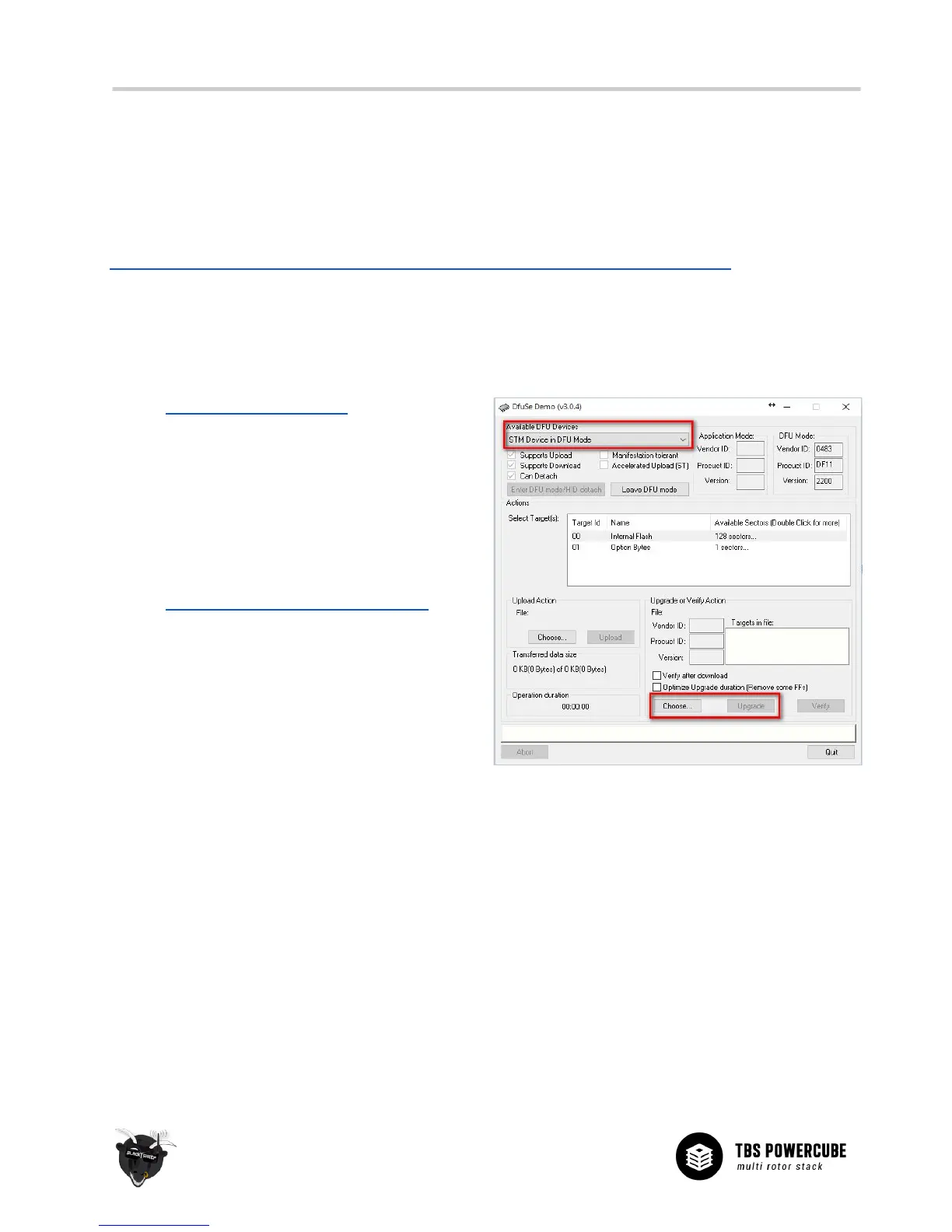
4. Your COLIBRI should now show up as a DFU
device inside the tool (see right)
5. Download the latest COLIBRI firmware
6. Select “Choose” and select downloaded .DFU
file
7. Click “Upgrade” and wait for the software to
finish uploading
8. Re-plug your USB cable to start using the new
firmware


 To Next Page