Firmware upgrades
Make sure your FC firmware supports BlHeli port forwarding. We recommend any Betaflight firmware >V2.7.
1. Download/Open up latest BlHeli Tool (https://www.mediafire.com/folder/dx6kfaasyo24l/BLHeliSuite)
2. Select Atmel/Silabs Interface inside BlHeli tool: either Atmel or Silabs with addition "Cleanflight"
3. Select COM port of your FC - make sure COM port is not connected to Betaflight/ Cleanfligh tool
4. Hit Connect
5. Hit Check
6. All your ESC should be listed
7. Flash them, using Flash BlHeli button
8. Make sure you restore the settings after flashing them, continue always hit enter will continue that
way
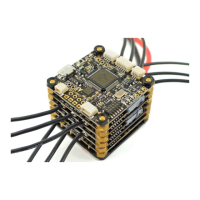
The latest TBS POWERCUBE firmware for TBS BULLETPROOF and TBS COLIBRI RACE:
• http://www.team-blacksheep.com/powercube/colibri-latest.zip
ESC / Interface table
5 - ATMEL SK Bootloader
(Afro/Turnigy USB Linker)
6 - Cleanflight passthrough
6 - Cleanflight passthrough


 To Next Page