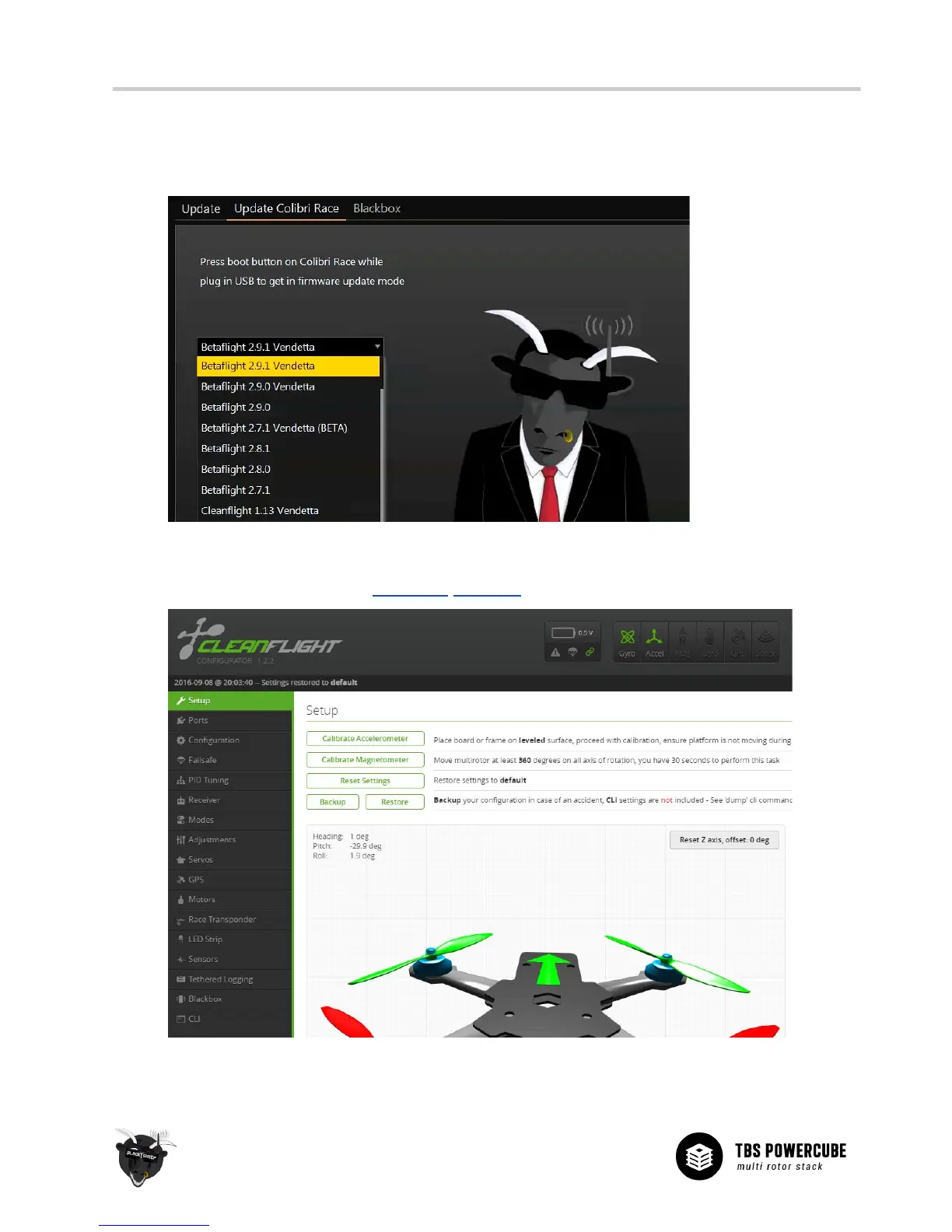
4. Select a firmware from the drop-down menu (select “Vendetta” especially made for the TBS
VENDETTA, these include pre-tuned settings) and click “UPDATE” - the process should finish within 15
seconds. To access beta-versions, press F1 and check off “Include beta releases”.
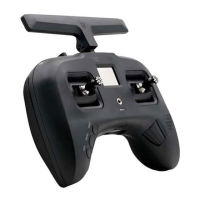
5. Now, restore or configure your receiver, flight modes, PID, beeper, and LEDs settings for the
particular firmware version in CleanFlight/BetaFlight as normal.


 To Next Page