5
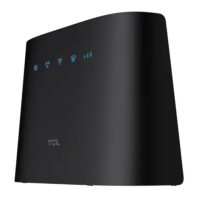
Indicator description LED indicator status
Connected on 4G or 5G* System LED Indicator: Solid green
Signal LED Indicator:
•Solid green: Strong signal strength
•Solid yellow: Acceptable signal strength
•Solid red: No signal
Firmware upgrading System LED Indicator: Blinking blue
SignalLEDIndicator:O
SMSLEDIndicator:O
Unread SMS SMS LED Indicator: Blinking green
SMS Inbox is full SMS LED Indicator: Solid green
No unread SMS and inbox is not full SMSLEDIndicator:O
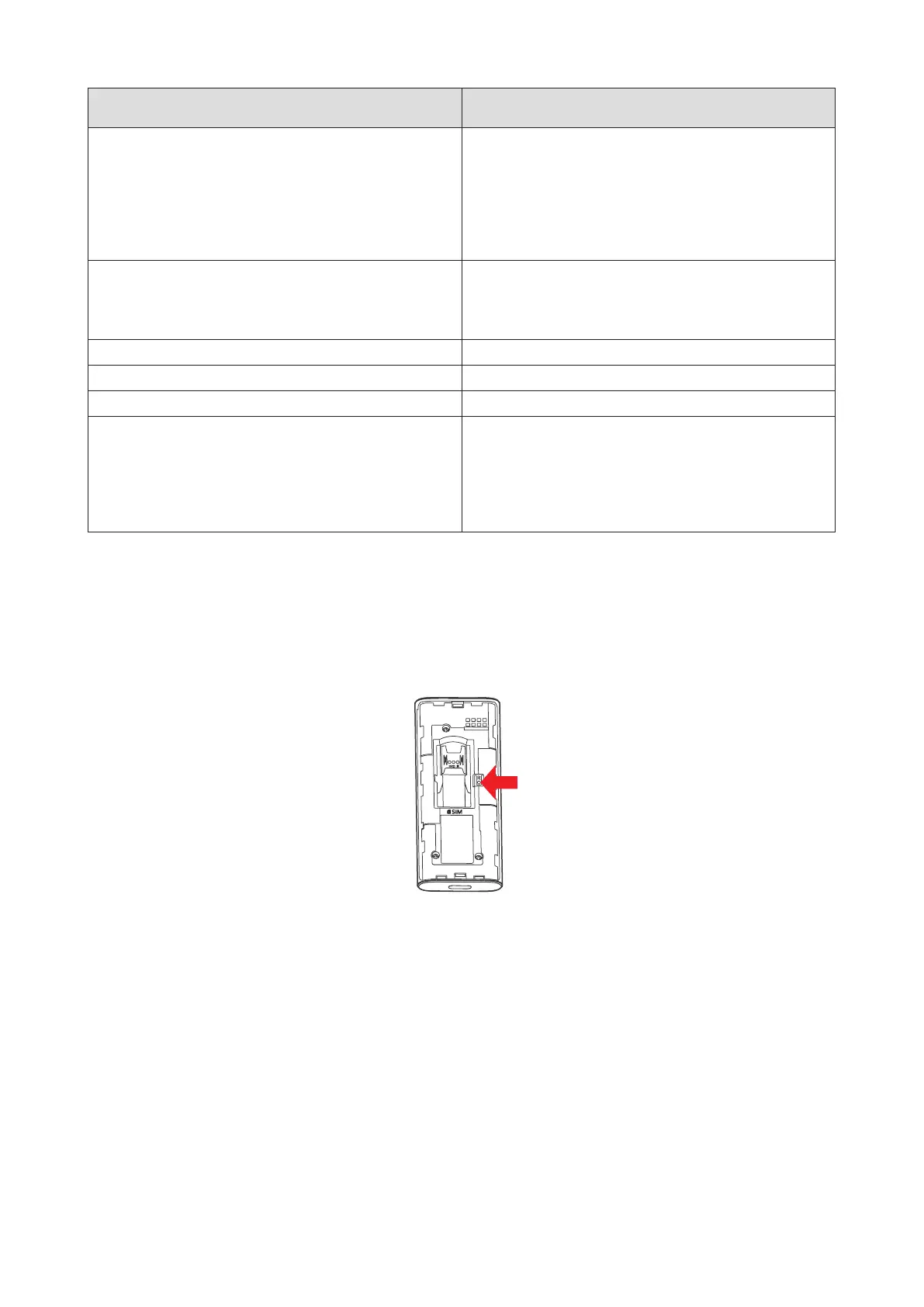
Reset When the Reset button is pressed for
3seconds,theSystem&Signal&SMSLEDs
will turn solid green at the same time, and the
device will be restored to factory settings and
then restart.
* 5G requires capable device.
Reset button
Press and hold the reset button for 3 seconds to reset your TCL LINKPORT IK511.
You can also reset the device via the Web UI (See “Restart & reset” on page 15).


 To Next Page