9
3.2 Explore Web UI features
Homepagefeatures
The Web UI is mainly comprised of the following sections: Home, Status, Services, Settings,
and System. Click on each section to display more information about your TCL LINKPORT
IK511.
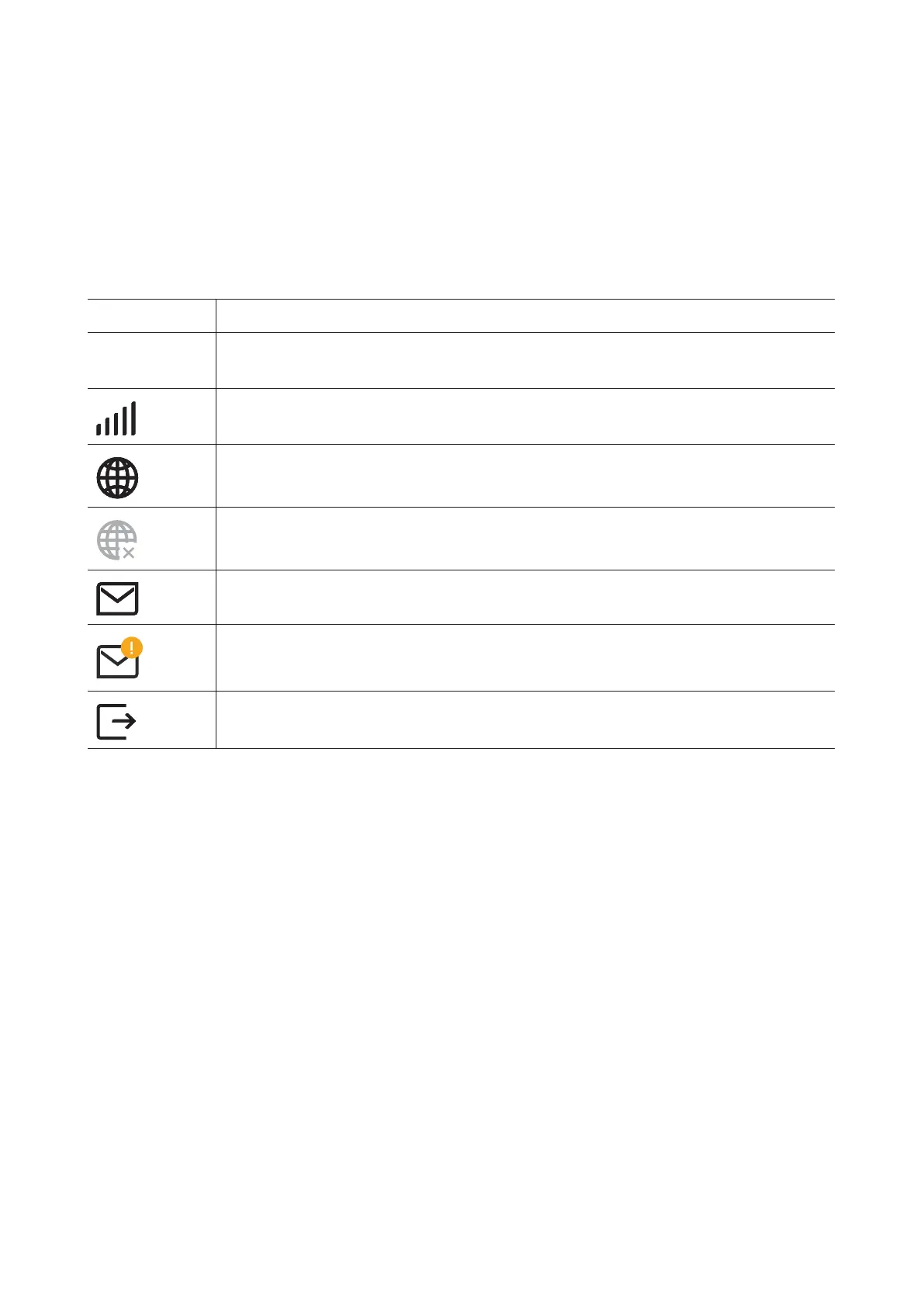
Commonly used status icons are displayed in the Web UI, which give you information about
your TCL LINKPORT IK511.
Status icon What it means
LTE / 5G
It is the network your TCL LINKPORT IK511 connects to. No Service will
be displayed when there is no network available.
The number of the signal bar indicates the signal strength. The more signal
bars it shows, the stronger the signal is.
The TCL LINKPORT IK511 is connected to WAN network.
The TCL LINKPORT IK511 is disconnected from WAN network.
New messages or unread messages.
The SMS inbox is full.
Click to log out of the Web UI.


 To Next Page