8
3. Access the Web UI
Youcanaccessthedongle’sWebUIthroughabrowser.Youcanmanageandcongurethe
dongle through the Web UI. The supported browsers and versions are as follows: Microsoft
Edge, Chrome 60 and above, Firefox 58 and above, Safari 12 and above, Opera 50 and
above.
3.1 Log in to the Web UI
To log in to the Web UI, follow these steps:
1. Open a web browser on the device connected to the TCL LINKPORT IK511 network.
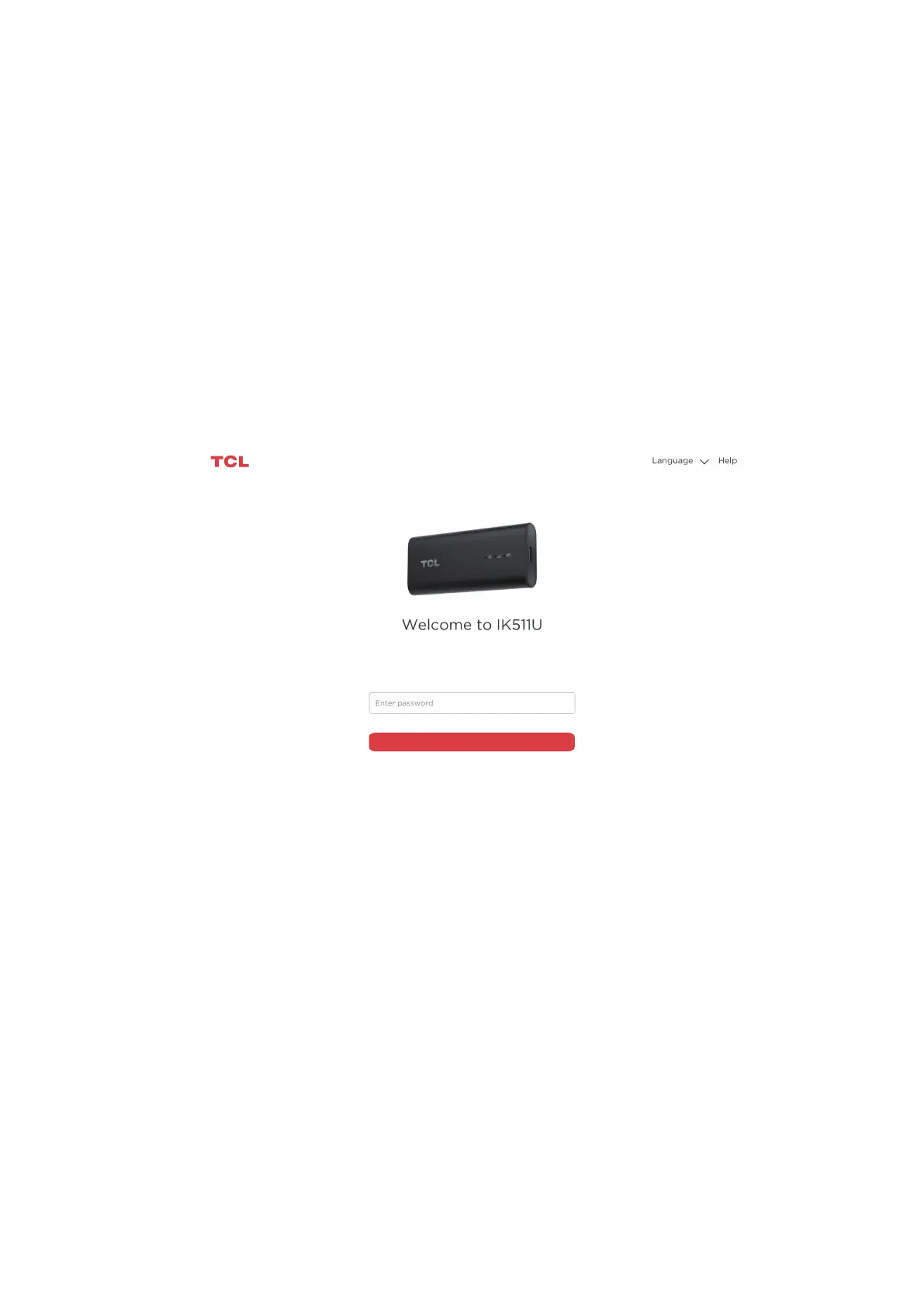
2. Gotohttp://192.168.0.1andfollowtheon-screeninstructionstonishtheloginprocess.
Forthedefaultlogininformation,refertotheImportantInformationLeaetorthelabelon
the inside of the device when you remove the back cover..
Log in
Notes:
•Click Language at the upper right of the screen to change the language setting.
•Click Help at the upper right of the screen to access user manual.


 To Next Page