4
1. Meet your TCL LINKPORT IK511
1.1 Product introduction
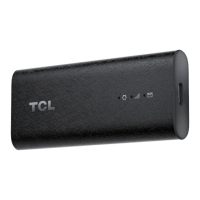
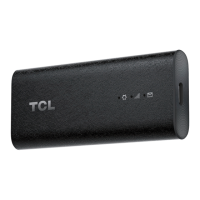
TCL LINKPORT IK511 is a 5G capable USB dongle. With its lightweight and compact design,
it can be used to provide one-to-one data access for the connected host device on-the-go,
as well as at home. You can connect your laptops, tablets, desktops, TVs etc. through USB,
and directly access the internet according to the type of OS.
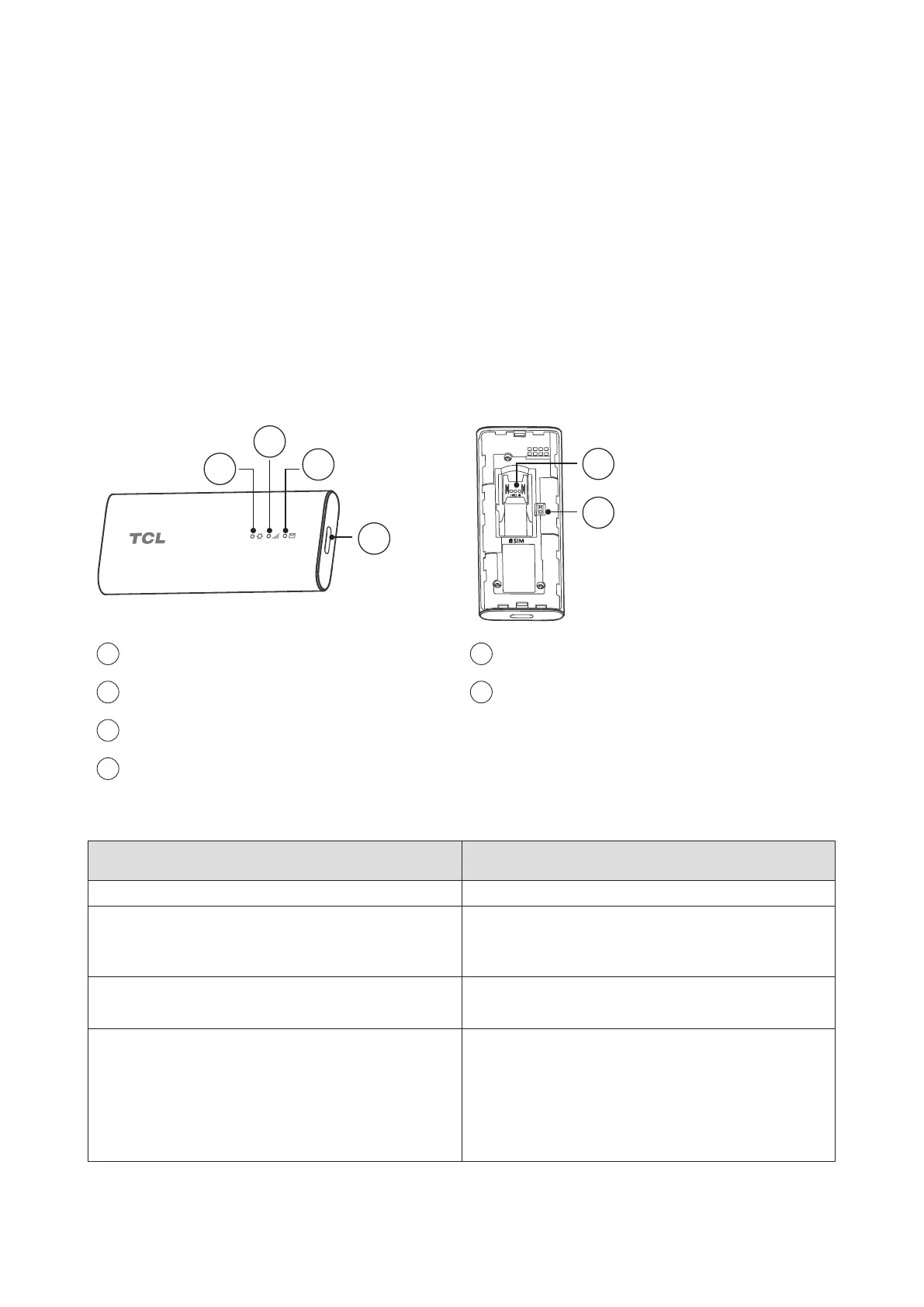
1.2 Product LED, Interface, & Reset Button
1
2
3
4
5
6
1
System LED Indicator
5
SIM Card Slot
2
Signal LED Indicator
6
Reset Button
3
SMS LED Indicator
4
USB-C Port
LED indicator:
Indicator description LED indicator status
Powering up System LED Indicator: Solid yellow
Error (for example, SIM card is not
recognized, or PIN, PUK or SIM lock
protected)
System LED Indicator: Solid red
Network searching System LED Indicator: Solid green
Signal LED Indicator: Blinking blue
Registered on 4G or 5G (but no EPS bearer
established)
System LED Indicator: Solid green
Signal LED Indicator:
•Solid green: Strong signal strength
•Solid yellow: Acceptable signal strength
•Solid red: No signal


 To Next Page