7
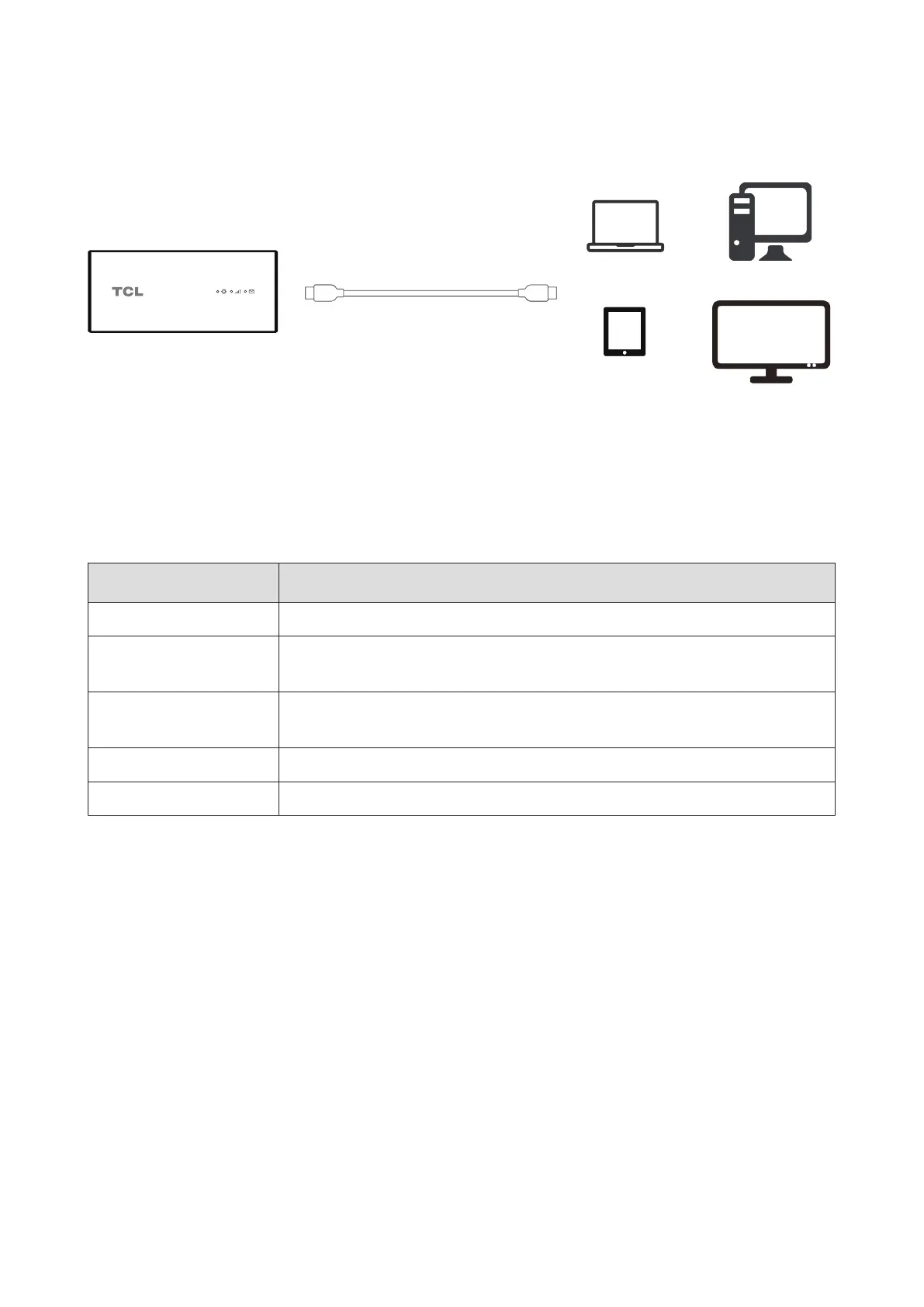
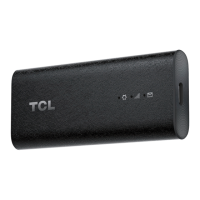
2.2 Plug the TCL LINKPORT IK511 into your host device
TCL LINKPORT IK511 uses a USB-C to USB-C cable to link the dongle to your device.
USB-C to USB-C Cable
(1)
Software will auto-install. Once installation is complete, the network is ready for use.
NOTE: Connecting to the network may take up to 1 minute.
2.3 Plug and Play for host devices
Host Device OS Version
Windows 7, 8, 10, 11
Linux Ubuntu v22.04, Ubuntu 16.04 LTS, Mint 21.1, Fedora 37,
openSUSE Leap 15.4
macOS 10.15.x Catalina, 11.x Big Sur, 12.x Monterey, 13.x Ventura,
14.xSonoma
iPadOS 15, 16, 17 or above
Android 11, 12, 13, 14
NOTE: Some products may not be compatible with your TCL LINKPORT IK511 due to OEM
speciccustomization.
(1) Only use the USB-C cable included with your device. Using the wrong cable may damage the device or
reduce performance.


 To Next Page