16
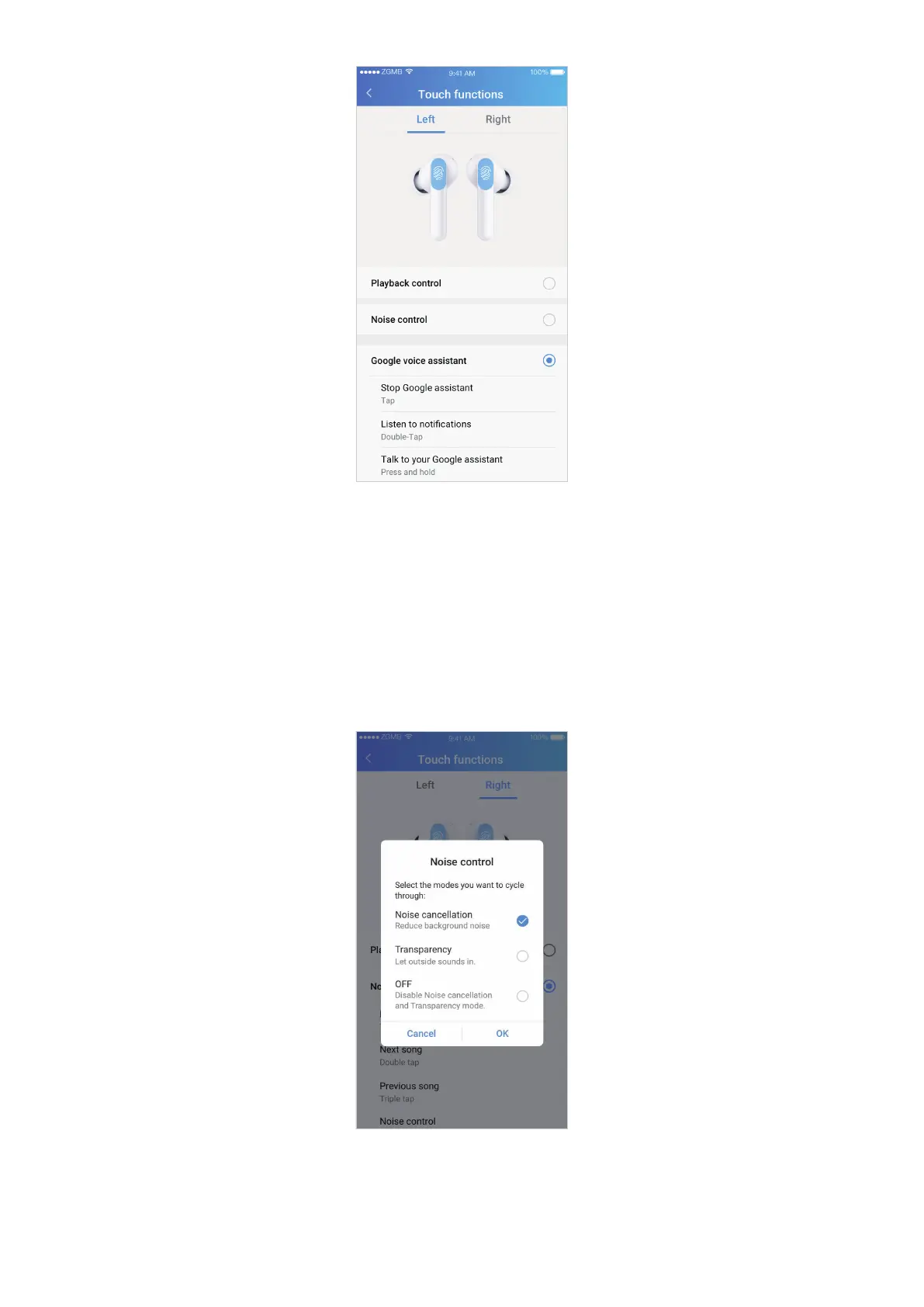
Playback control
By tapping and holding your earbuds, you can play, pause, skip, and repeat songs, and activate
your voice assistant. For more operating details, see "Playback controls" on page 11.
Noise control
By tapping and holding your earbuds, you can play, pause, skip, and repeat songs, and cycle
between the selected noise control modes.
Tap Noise control to customize which modes to switch between.
Google voice assistant
By tapping and holding your earbuds, you can listen to notifications, talk to or stop using
Google Assistant. For more information, refer to "Voice assist function" on page 13.


 To Next Page