15
Chapter 4. TCL Connect app
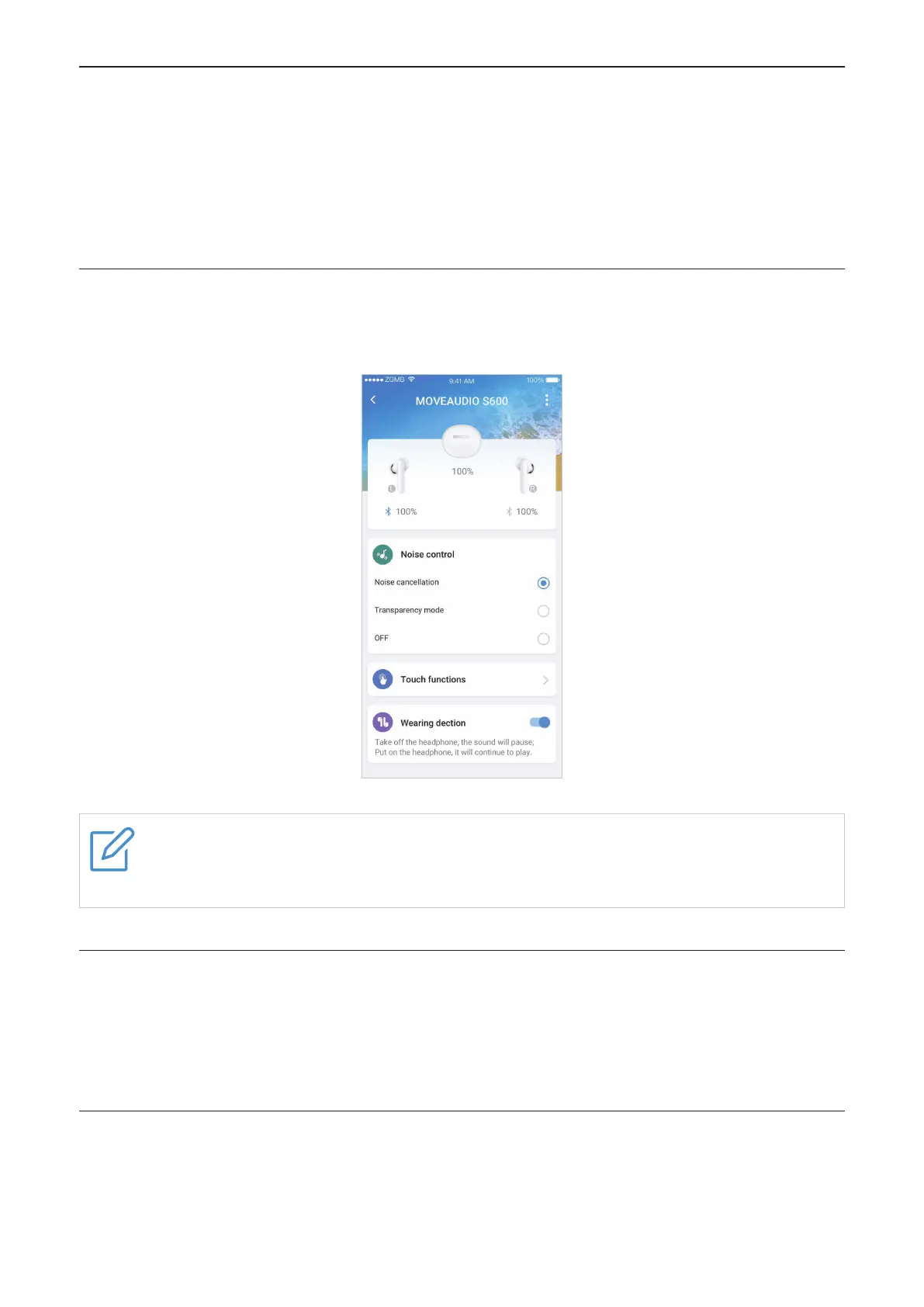
Use the "TCL Connect" app on your phone to check charge status, adjust controls, configure
settings, and more.
Illustration and description in the TCL Connect app may vary depending on your device model
and software version.
Battery level
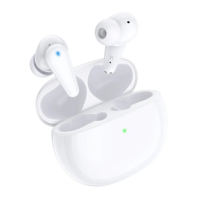
The TCL Connect app displays the battery level for the earbuds and charging case at the top of
the screen.
Note
When your earbud is connected successfully with your phone, the Bluetooth icon is in
blue. Otherwise, the icon is in grey.
Noise control
There are three noise control modes available: Noise cancellation, Transparency mode, and
OFF. You can achieve desired experience with a simple tap. For more details, see "Noise
control" on page 16.
Touch functions
The left and right earbuds can be assigned different functions. Tap Left or Right, and select an
option to set the touch control for that earbud.


 To Next Page
 Loading...