23
No Sound – General
• Volumeissettominimum;raisevolume.
• Powerisnoton;turnpoweron.
• Correct function button/indicator was not pressed; press the correct
functionbutton/indicator.
FM, no sound
• FMwasnotselected.PresstheSourcebuttontobringuptheSourceMenu.
Then select FM using the Select control and the OK button to confirm.
Radio, poor sound
• Stationisnottunedproperly;retunestation.
• FM Antenna is not adjusted properly (see page 10).
iPod, no sound
• iPodisnotpluggedintotheUSBjack;pluginsecurely.
• USBwasnotselected.PresstheSourcebuttontobringuptheSourceMenu.
Then select USB using the Select control and the OK button to confirm.
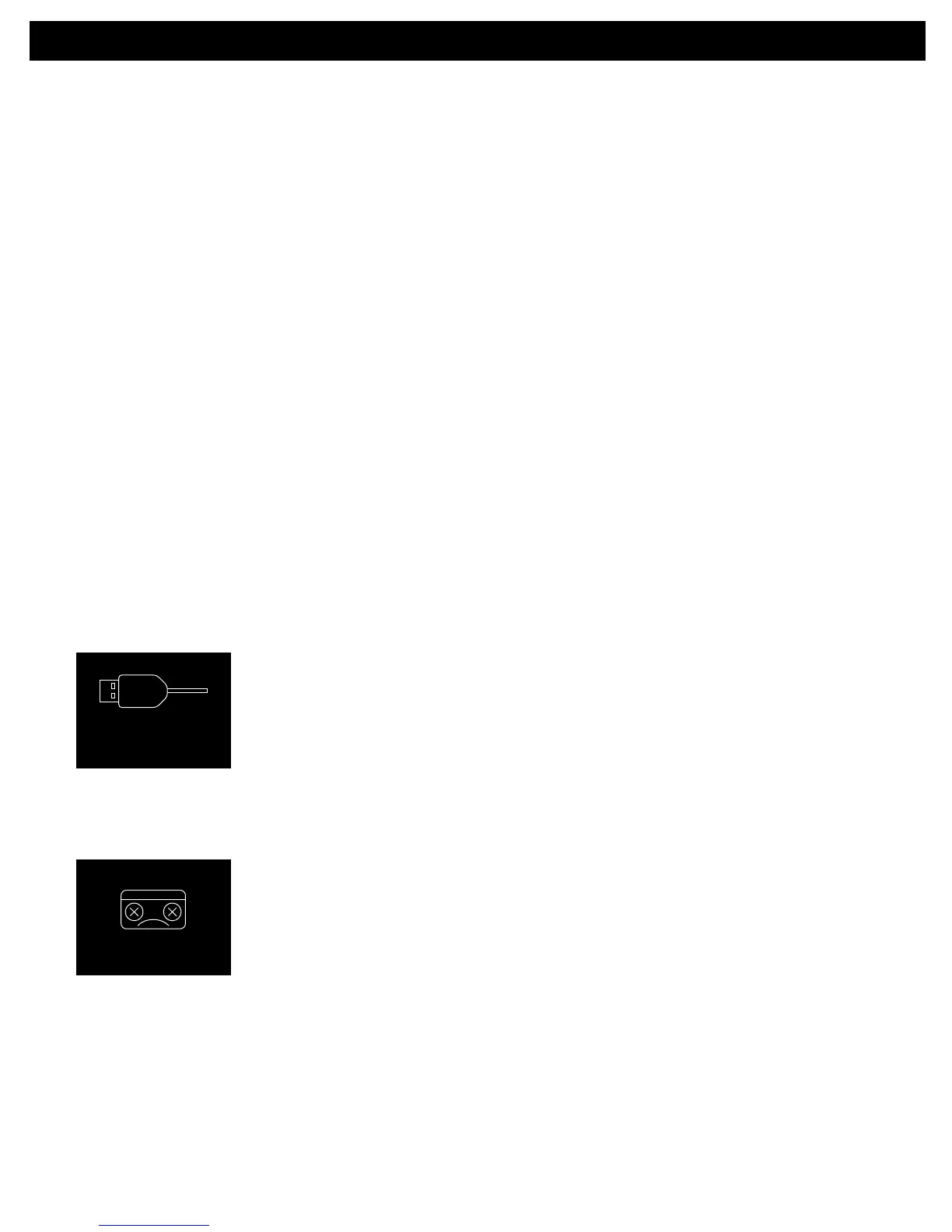
The following screen appears:
• ThereisnoUSBdeviceconnected;connecttotheUSBjack.
• Thefileiscorrupted,ornotinaformatthisunitwillplay.
TROUBLESHOOTING GUIDE


 To Next Page