16
a
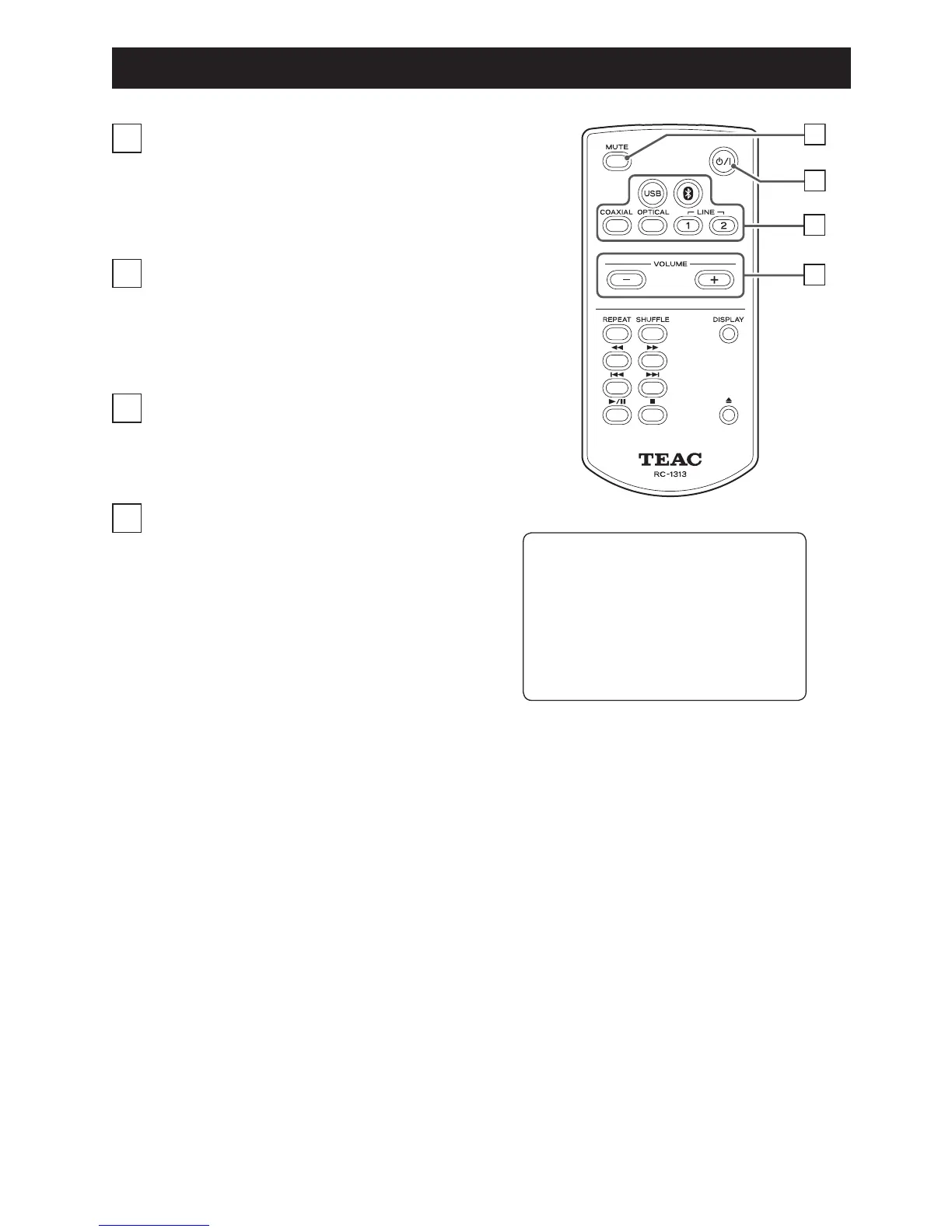
MUTE button
Press this button to mute the sound temporarily.
To restore the sound, press it again.
b
Standby/on (¤) button
Press this button to turn the unit on and put it in
standby.
c
Input source selection buttons
Use these buttons to select the playback source.
d
VOLUME (−/+) buttons
Use these buttons to adjust the volume.
Remote Control Unit Overview
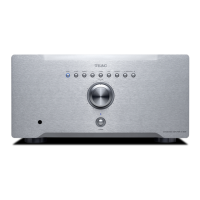
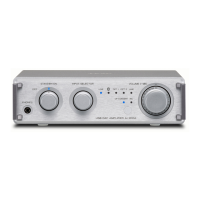
You can control both this AI-301DA
and a PD-H01 using the RC-1313
remote control.
Only the buttons used for the
AI-301DA are explained in this
document.
d
c



 To Next Page