18
H
./
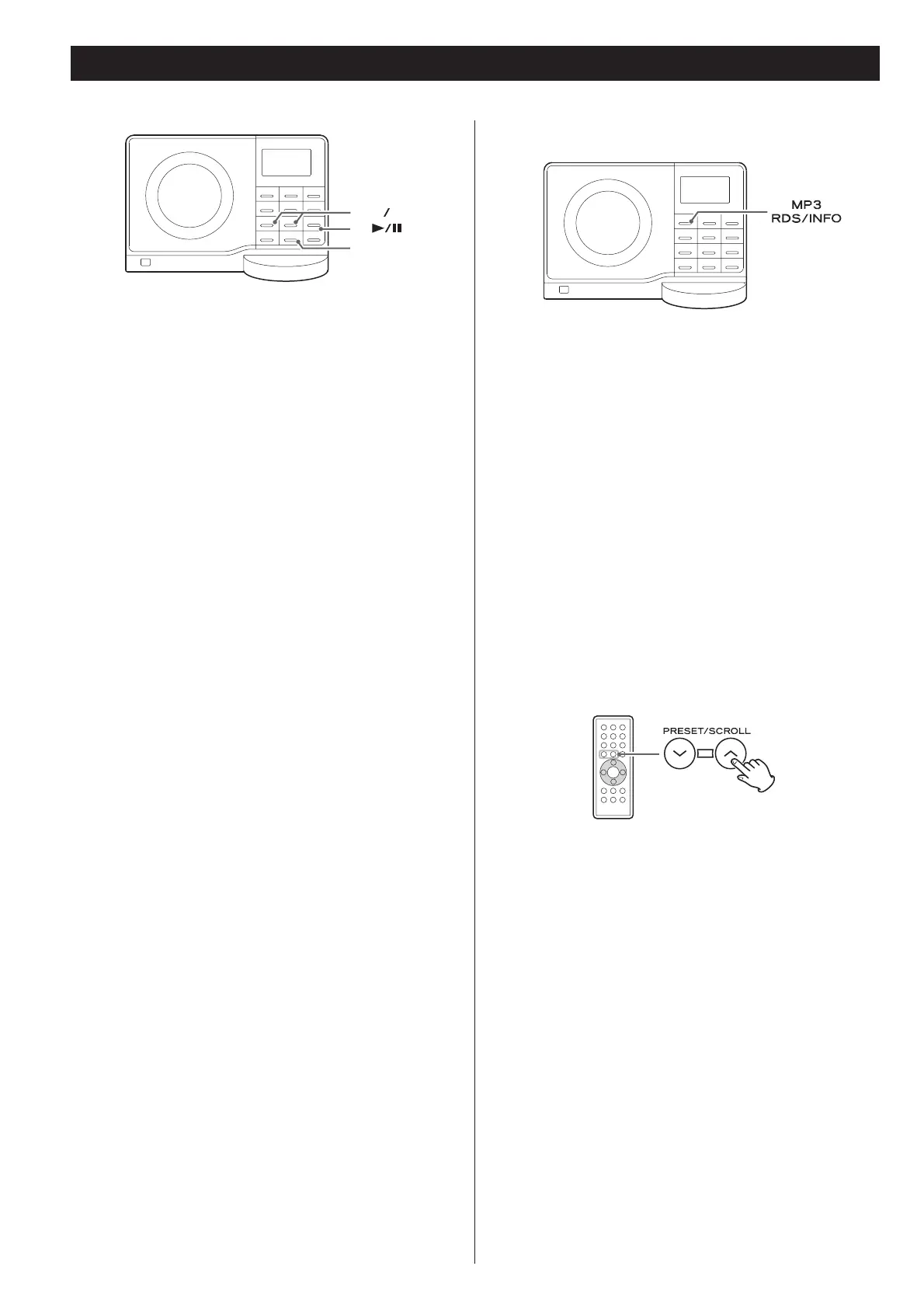
To suspend playback temporarily
(pause mode)
Press the Play/Pause button (&/)) during playback. Playback
stops at the current position. To resume playback, press the
Play/Pause button (&/)) again.
To stop playback
Press the Stop button (') to stop playback.
To skip to the next or a previous track/file
During playback, press the skip button (or) repeatedly
until the desired track/file is found. The selected track/file will
be played from the beginning.
In the stop mode, press the skip button (or) repeatedly
until the track/file you want to listen to is found. Press the
play/pause button (&/)) to start playback from the selected
track/file.
When the button is pressed during playback, the
track/file being played will be played from the beginning. To
return to the beginning of the previous track/file, press the
button twice.
During programmed playback, the next or previous track/file
in the program is played.
Search for a part of a track/file
During playback, hold down the skip button (or) and
release it when the part you want to listen to is found.
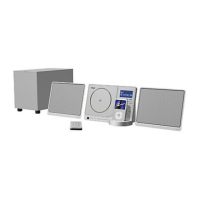
To display MP3 information
During playback of an MP3 disc, press the MP3 button for
more than 1 second. The information about the current track
is displayed as follows:
FILENAME V TITLE V ARTIST V ALBUM
Blank appears when there is no information.
UNKNOWN appears when the unit cannot read the
information.
Press the MP3 button for more than 1 second again to cancel
the MP3 information mode.
Select a folder on the MP3 disc
Press the PRESET/SCROLL button to select a folder.


 To Next Page