30
You can programme 30 FM channel presets.
Saving presets manually
1
Tune in a station you want to store (page 29).
2
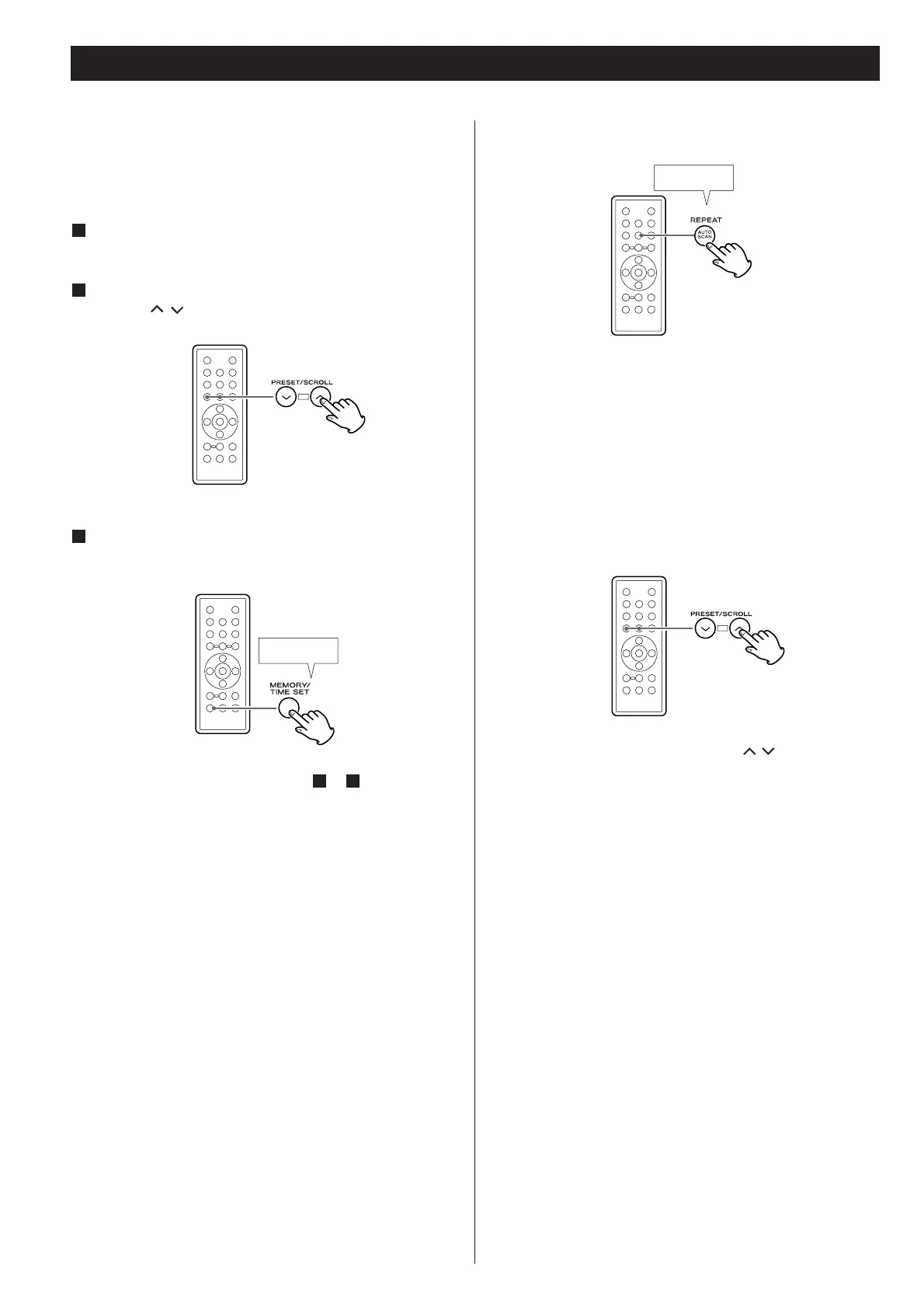
Select a preset for storing the station using the PRESET
buttons (
/ ).
3
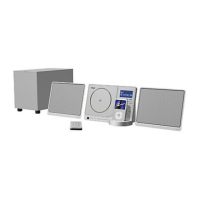
Press and hold the MEMORY button for more than 2
seconds.
Hold down
more than 2sec.
To store more stations, repeat steps
1
to
3
.
Preset Tuning (FM)
Saving presets automatically
Hold down
more than 2sec.
Press and hold the AUTO SCAN button for more than 2
seconds.
Up to 30 stations in your area will be stored automatically.
If there are more than 30, those with the best reception are
stored.
How to select a preset station
In FM mode, press the PRESET buttons ( / )
repeatedly until the desired preset station is found.
You can also use the PRESET buttons (/) on the main
unit.


 To Next Page