4.3 NAVIGATION
Press to display a figure similar to that
of the remote control. Press the arrow keys and
button on the remote control to perform functions such
as fast forward, fast reverse, previous track, next track,
step, slow motion, slow rewind, pause, play, audio,
subtitle, angle, etc.
NAVIGATION
ENTER
Notice: The functions, such as slow rewind, subtitle
and angle, require the support from the played disc.
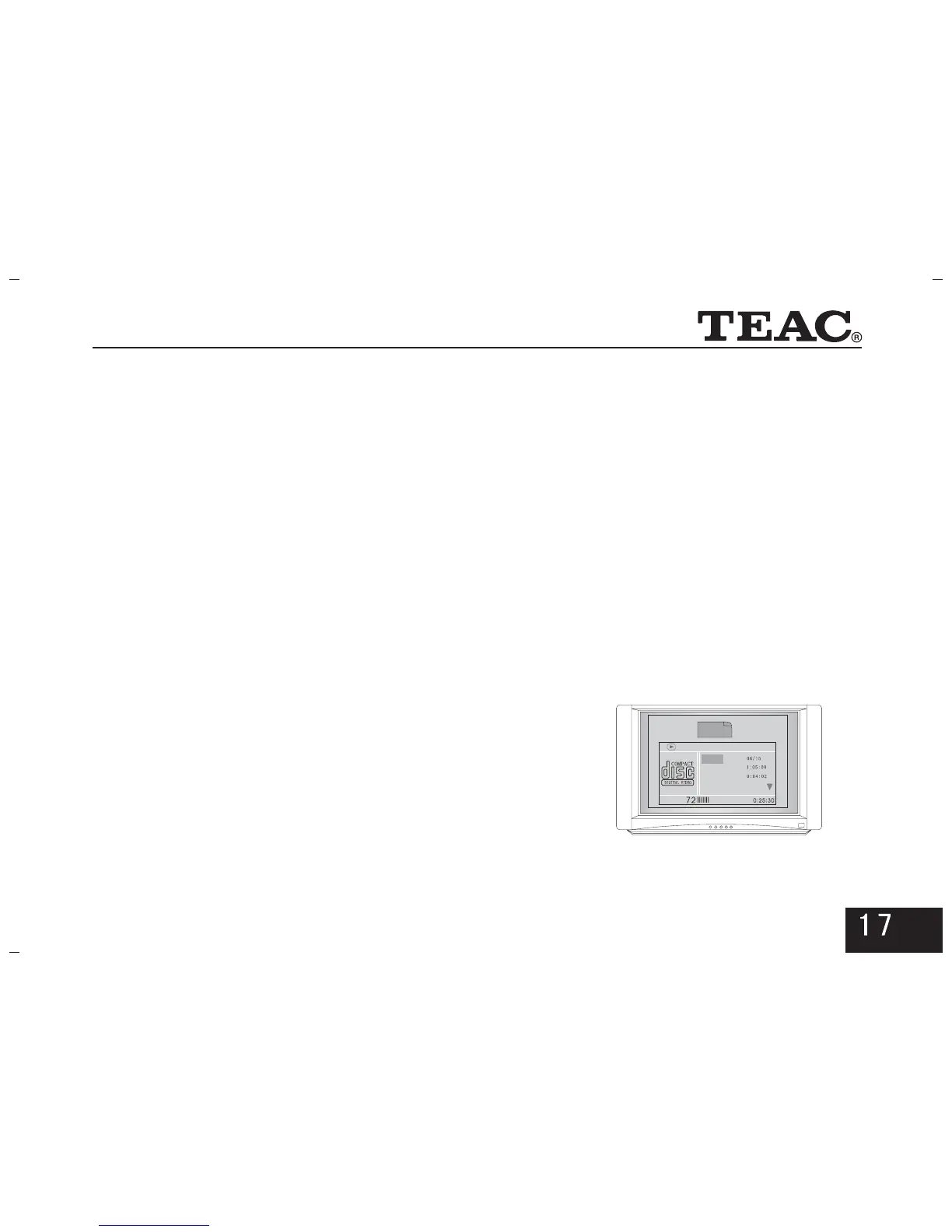
4.4 WINDOW DISPLAY
WINDOW
ENTER
In the play state, press the button on the
remote control and a multimedia interface will appear
as indicated in the picture on the right.
You can make a desired change with the arrow keys and
numeric keys on the remote control and then confirm
by pressing the button.
Menu
Track
Disc Time
Track Time
Repeat Off
Bitrate
Total Elapsed



 To Next Page