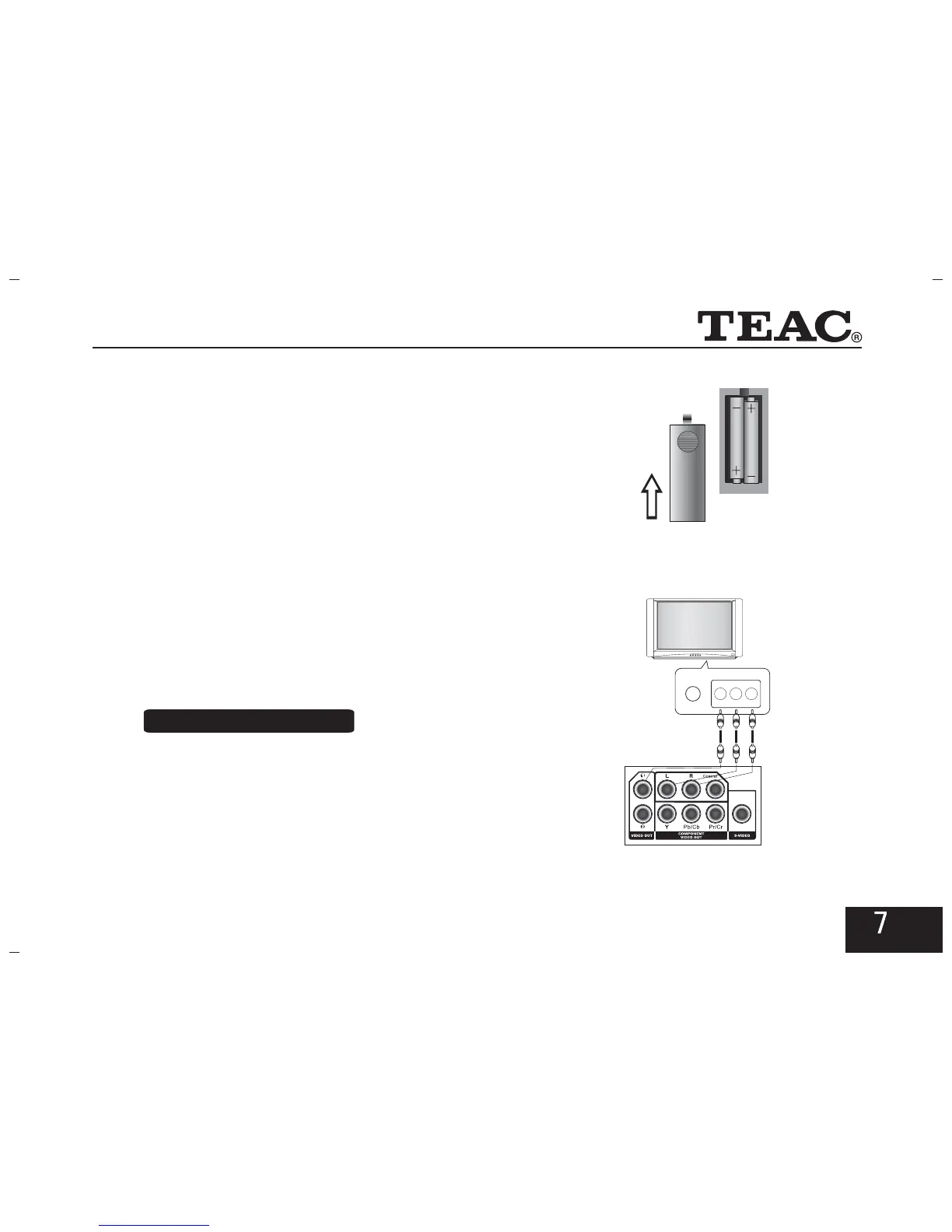
3.2 Battery Installation for Remote
Control
Open the battery compartment lid and insert a pair of AAA
batteries with correct polarity as indicated. Please point at the
remote sensor on the player while using the remote control.
* Turn off the power before connection.
* Wires must be appropriately connected; especially the
plug shall be inserted .
* Turn on the power after finishing connection.
3.3 System Connection
Connect with TV
Connect the Audio(L,R) and the video outputs of the
DVD player to the appropriate inputs of the TV set, as
indicated in the figure on the right.
1. AV Connection
S-VIDEO
VIDEO
L-AUDIO-R



 To Next Page