4.5 How to Enjoy MP3 / WMA discs
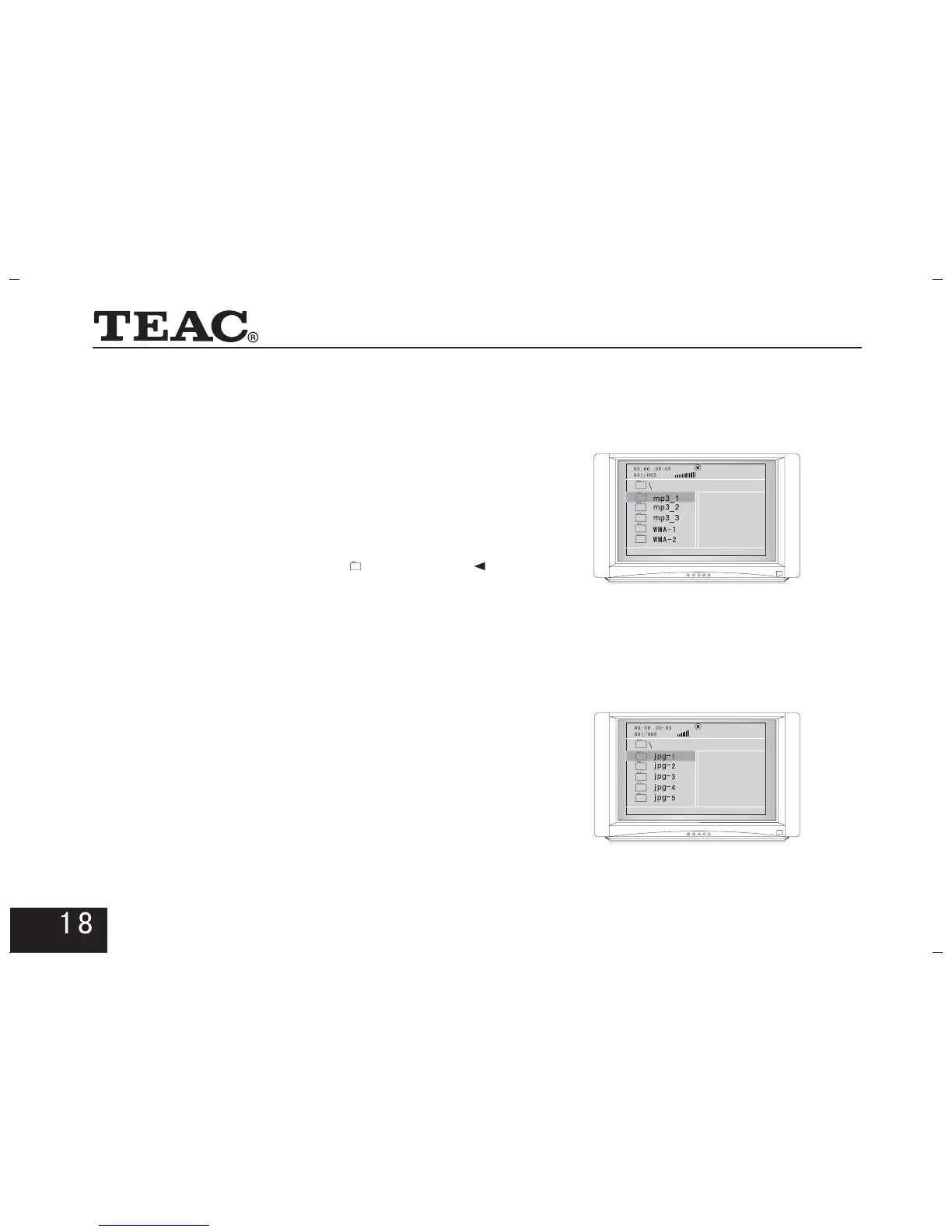
A MP3 or WMA disc has a directory structure such as
the one shown in the picture on the right.
In the play mode, press arrow keys to choose
the root directory and then press button to enter
into the sub directory. Press arrow keys to choose the
desired track and then press or button to
enjoy the music. If you want to return to the upper folder,
press arrow keys to choose the icon or press
button. Press button to switch between the file
list mode and the folder play mode.
FOLDER
ENTER
ENTER PLAY
PROG
"" ""
Note: 1) Sequentially display the tracks in
the entire disc.
Display the tracks in the
whole disc by the directory structure.
2) Choose and play the desired tracks with
numeric keys or the arrow keys.
File List:
Folder:
4.6 How to Enjoy the Digital Album of
Picture CD
The directory structure of a Picture CD disc is shown
in the picture on the right.
In the folder play mode, press arrow keys to choose



 To Next Page