When this option is set to the screen saver will be
activated within a few minutes to protect the screen of
your television if the picture becomes static, for example
in or modes.
ON ,
STOP PAUSE
5.2.4. Disc Menu
This item can select several languages
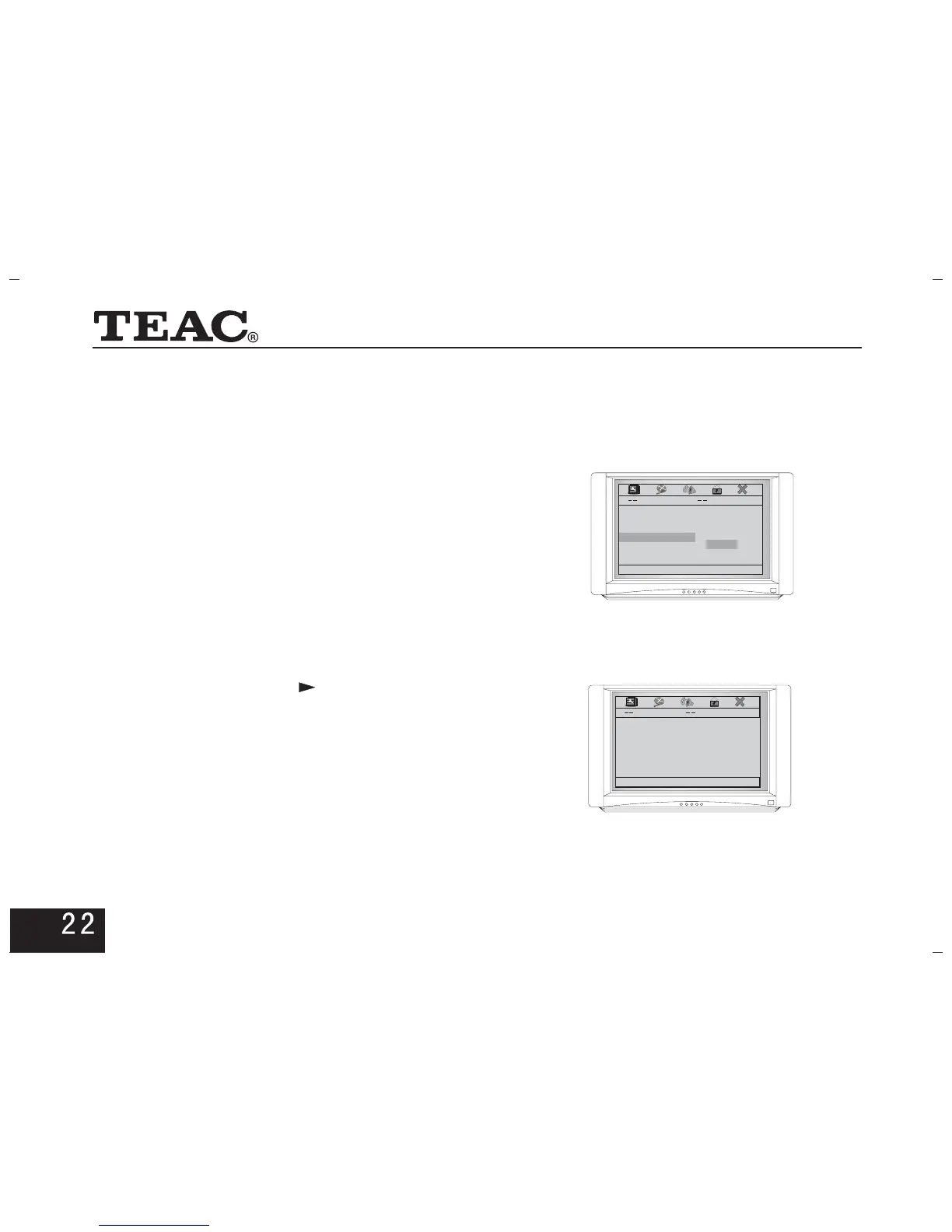
As shown in the picture on the right:
(supported by disc).
5.2.5. Default
Select this option to resume the default state when the
player is delivered out of factory.
5.3 Video Setup Page
Press the direction key on the remote control to""
enter this option.
Press direction keys to select,and press toENTER
activate your option.
5.3.1. TV Type
Select according to the colour system of the TV set so that
the output system of the player matches that of the tv set.
General Setup Page
OSD Lang ENG
Captions On
Screen Saver On
Disc Menu CHI
Default
English
French
Chinese
Japanese
German
Prefered Menu Language
Video Setup Page
TV Type PAL
TV Display PS
Component
Quality
Go To Video Setup Page



 To Next Page