5.3.2. TV Display
Here you can select the screen format of the TV
set, normal/PS normal/ LB , or(pan scan), (letter box)
wide screen. (This function needs supports of disc)
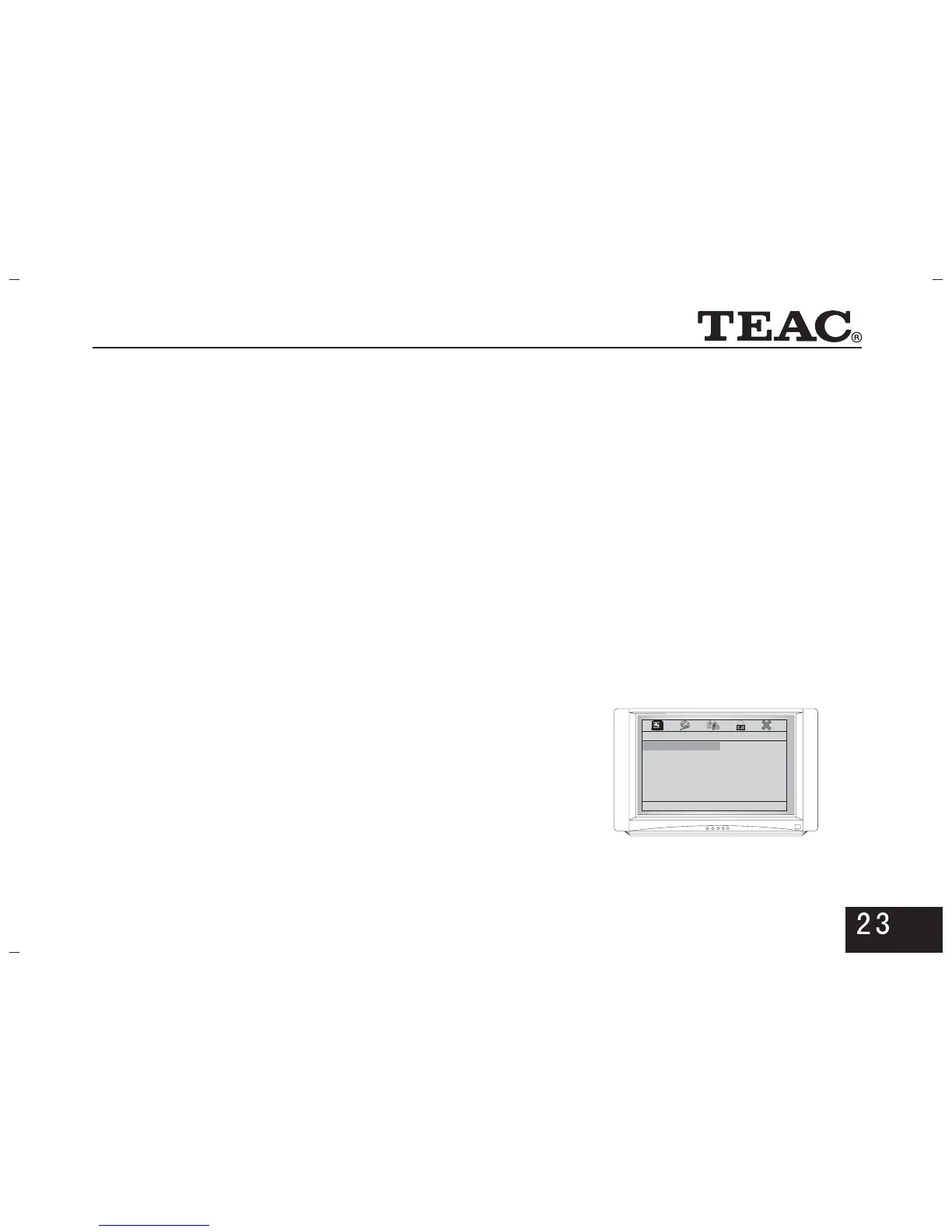
5.3.4. Quality(as shown in the right picture)
Adjust the brightness, contrast, hue, and saturation of the
picture through the direction keys so as to achieve your
expected effect.
Video Quality Setup
Brightness 00
Contrast 00
Hue 00
Saturation 00
Brightness
5.3.3.Component
Set the YUV output to progressive or interlacing.
When the player is connected to a TV set of progressive
scanning though YPbPr, select . When it isP-SCAN
connected to a common TV set, select ,INTERLACE
which can be also set through pressing corresponding
keys on the remote controller.
Note: If there is no image after selecting
press followed by to restore the normal
image. Alternatively turn off the power, wait 10 seconds
and turn on again, finally press .
P-SCAN,
SETUP PS
PS



 To Next Page