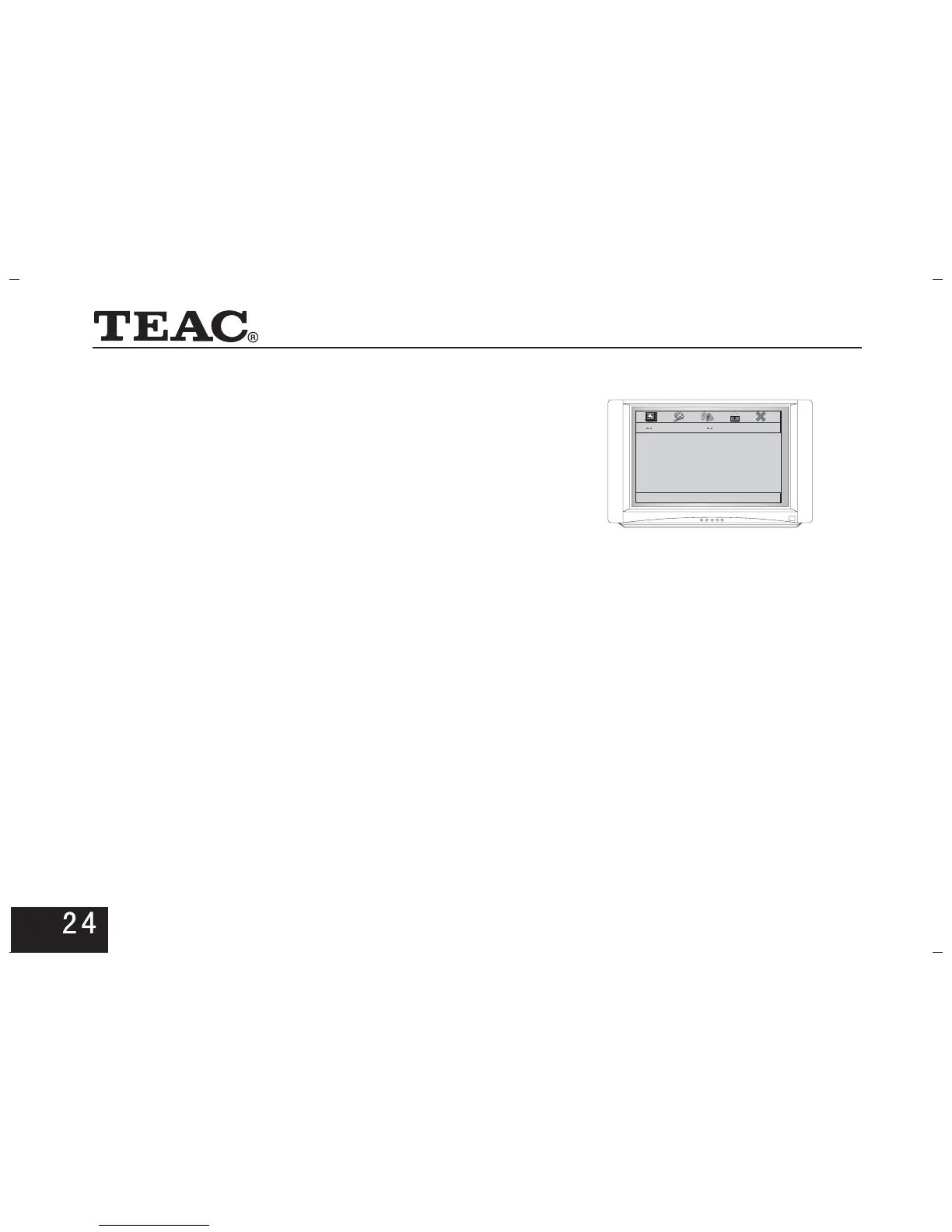
5.4 Audio Setup Page
Press direction keys to enter the setup page.
5.4.2. SPDIF setup
If the power amplifier connected to the DVD player
includes an AC-3
Otherwise set to for stereo sound.
Select to cancel the output.
SPDIF toRAW .
SPDIF PCM
SPDIF OFF
or DTS decoder set
Audio Setup Page
Speaker Setup
SPDIF Setup
Dolby Digital Setup
Equalizer
Go To Audio Setup Page
5.4.1. Speaker Setup
* Downmix
LT/RT means audio signal output through left
and right. means stereo signal output.Stereo
* PCM Output
It is possible to adjust the sampling frequency of the
. Use the highest sampling rate that
your audio amplifier can accept for optimum performance.
PCM OUTPUT
* SPDIF Output



 To Next Page