5.4.4. Equalizer Setup Menu
You can accentuate frequencies at both ends of the audio
frequency by setting the options of this menu.ON/OFF
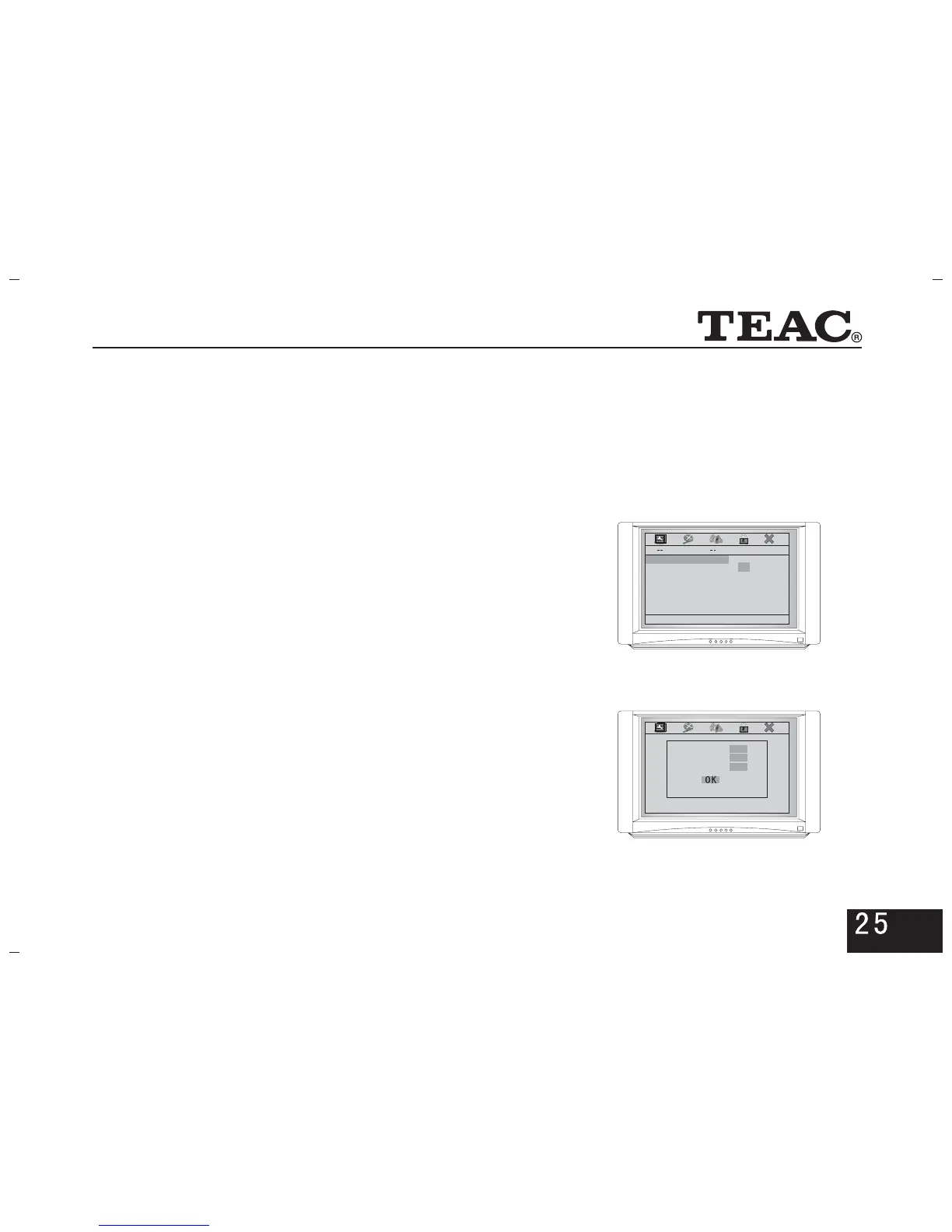
5.5 Password Setup Page
5.5.1. Password
Select and picture on the right will appear.Change
You can modify according to need. (Press numeric
key to input and key to confirm)ENTER
5.5.2. Parental
If you have set a password in the option, youPassword
have to input the password before setting the age control.
Equalizer Page
Bass Boost Off
Super Bass Off
Treble Boost Off
On
Off
Bass Boost
Old Password
New Password
Confirm PWD
5.4.3.Dolby Digital Setup
*Dynamic
The dynamic range(ratio between low volume to high volume
passages) can be adjusted to suit different listening requirements.
Use low or no compression for realistic audio effects during
day time hours. High compression is recommended during
the night to automatically reduce the audio level of high volume
scenes, such as explosions.



 To Next Page