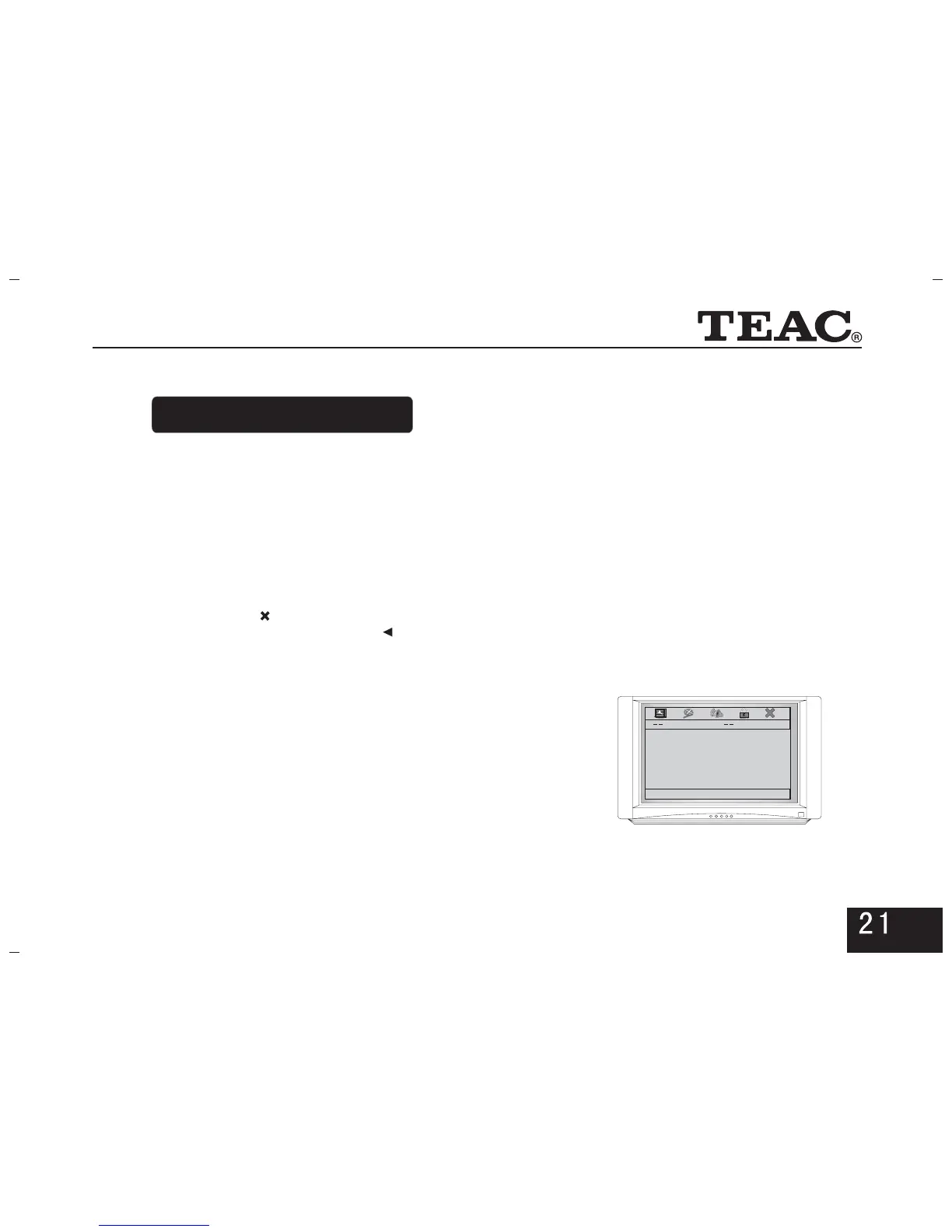
With powerful functions, the player can bring you perfect
video-audio enjoyment after the following setup.
5.1 Enter the menu
5. System setup
* Press key on the remote control to enter theSETUP
menu of General Setup Page.
* Press the direction keys on the remote controller to select
or adjust, and press key to confirm.ENTER
By selecting or pressing key again, exitSETUP""
from the interface. By pressing , return to the menu""
of upper level.
5.2 General Setup Page
General setup page is shown in the right picture:
5.2.1. OSD Lang
Here you can select in which language the screen menu
shall be displayed.
5.2.2. Caption
* To display the hidden captionOn:
* Not to display the hidden captionOff:
General Setup Page
OSD Lang ENG
Captions On
Screen Saver On
Disc Menu CHI
Default
Go To General Set Up Page



 To Next Page