the root directory and then enter the sub directory.
Highlight the file name of any picture and a small
preview will be displayed.
Press or button to confirm and then enjoyENTER PLAY
the picture. If you want to return to the upper menu,
press arrow keys to choose the icon. You can
display all the files available in a disc, regardless its
location in the directory structure, by pressing the
button to enter in file list mode. Press
again to return to folder mode.
""
PROG PROG
Notice: The desired picture can be directly chosen and
played with numeric keys and the button.ENTER
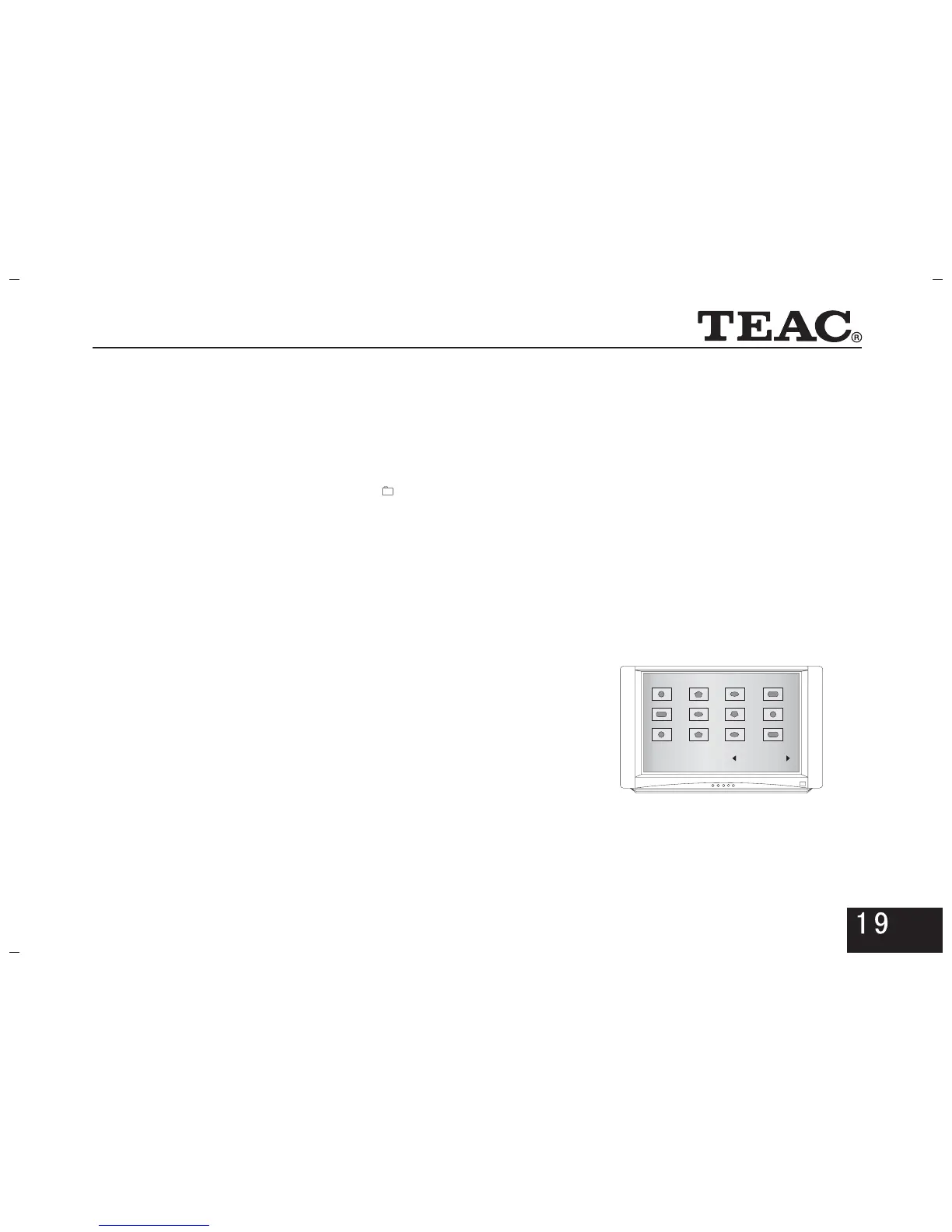
4.6.1 Multi Picture Browse
In play state, press button to enter into twelveSTOP
picture browse , then(as shown in the picture on the right)
you can press arrow keys to move the cursor for a choice and
Then confirm by pressing key.ENTER
PREV NEXTor --Turn to the previous or next page for
Browsing.
Slide Show--Select to play pictures at random.
Menu--Select to play the menu interface of functional
keys (as shown in Pictures 1 and 2 in the next
page), including the operation instruction for Picture
CD. Press button to exit from this interface.EXIT
S ide Show Menu PREV NEXTl



 To Next Page