Programs booked for recording will be marked. Any recordings that are to occur daily or weekly will not
be marked due to the static nature of the EPG, however the booked recordings will appear in your
recording schedule in the EPG screen.
While still in the EPG window, press the INFO button to view a list of the programs you have booked
for recording. In normal mode, press the BLUE button to access the record schedule list.
In the record schedule list you can add (RED button), Edit (GREEN button) or Delete (BLUE button)
schedules on the list. Press EXIT to exit the record schedule list.
NOTE:
! During recording you are able to view other sub-channels broadcasted on the same frequency. If you try to change
frequency, a message will appearasking you to confirm and end the recording or cancel.
! If the unit is on Standby mode, the scheduled recording will still proceed without the need to switch on the TV. You
are also able to switch on the TV midway recording and proceed to view the program that is being recorded.
Once the program has been set to record, you can view a list of programs scheduled for recording by pressing the
BLUE key on the remote control.
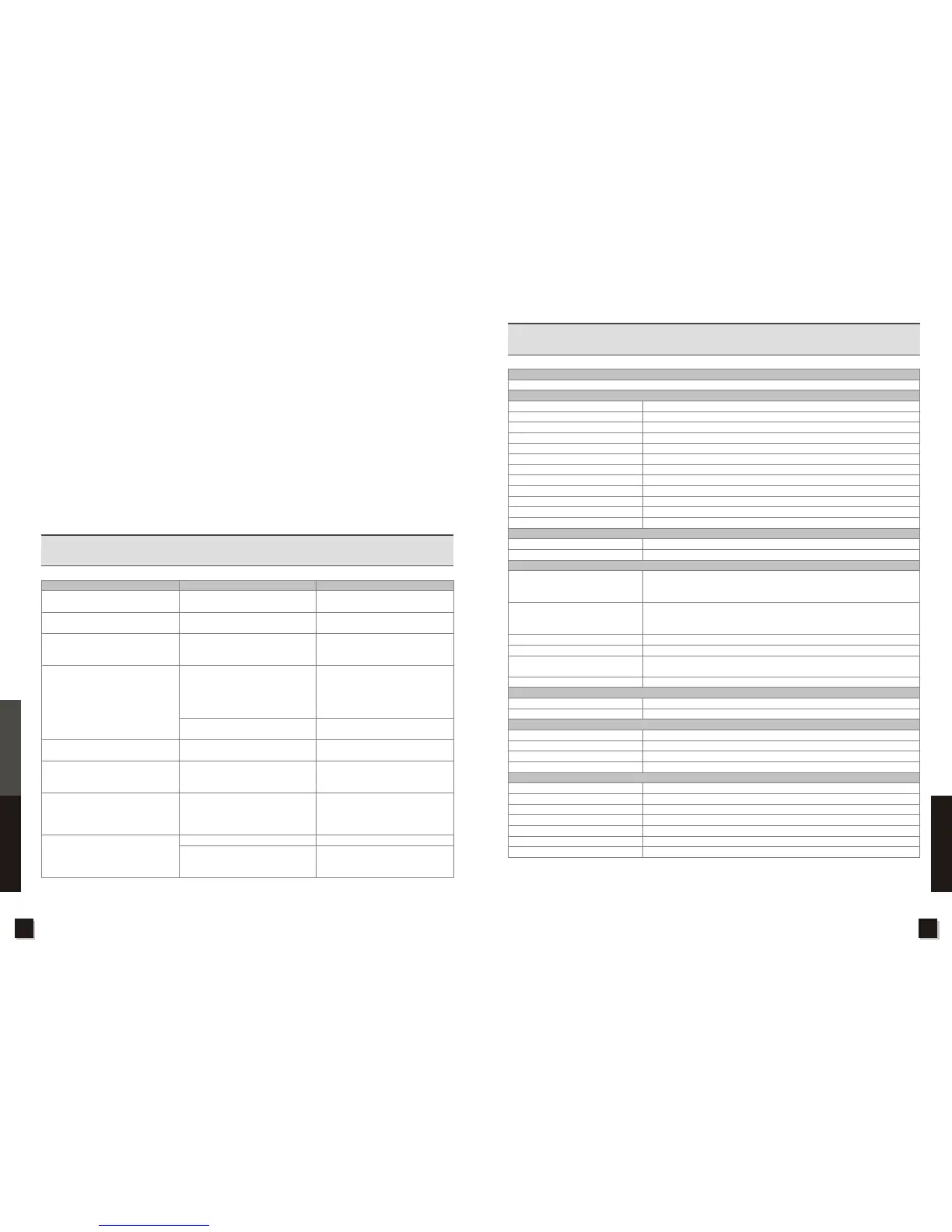
4. Troubleshooting
Problem
Possible Causes
What To Do
No display light up on front panel
No sound or picture, but the front
panel LED Display is OFF
No sound or picture
Bad picture/Blocking Error
No picture(Video)
No picture(Video)
There is interference on your digital
channel.
The RCU is not working.
Power Cord is not firmly plugged
The unit is in standby mode
The external antenna is not installed
properly
No signal or weak signal
Signal is too strong
The system is connected by AV cable
and TV is not in AV/EXT mode.
The system is connected by RF
cable and TV is in TV mode.
The system is connected using RF
cable and the output channel of the
receiver interferes with an existing
terrestrial channel or video signal.
Out of battery
RCU is aimed at wrong direction
Check to make sure power cord is
plugged properly into power socket
Press the standby button.
Adjust the antenna. Check the
Signal Level in the Channel Search
Menu
Check the cable connections,
antenna and other equipment
connected between the receiver and
antenna. Use an RF amplifier for the
external antenna to improve signal.
Connect a signal attenuator to the
RF input
Switch TV to AV mode
Check the VHF/UHF channel fixed in
your system and tune the VHF/UHF
properly.
Change the receiver output channel
to a more suitable channel or
connect the system using another
AV cable.
Change the battery
Aim the RCU at the unit, and remove
obstacles between the front panel
and RCU
Note: If you still cannot resolve the problem with above reference, please contact TEAC Support Hotline 1300 553
315.
5. Specification
TRANSMISSION STANDARDS
DVB-T,MPEG-2,MPEG-4,H.264
DVB-T RF INPUT/DEMODULATION
Connector Type
Input Frequency
Bandwidth
Signal Input Level
Input Impedance
ANT Power
Demodulation scheme
Code Rate
Guard Interval
Transmission Mode
Reed Solomon
Demodulation Type
AV output interface
Video Output
Audio output
AUDIO/VIDEO PROCESSING
Video decompression
Resolving rate
Signal compatability
Video Format
Audio decompression
Audio output mode
DATA SERVICE PORT
Connector
Data protocol
MEDIA FEATURES
Picture
Music
Movie
File management system
POWER SUPPLY
Type
AC Input for adapter
Power consumption
Insulation resistance
Standby Voltage/Hi-Pot
Temperature Rise
Safety Standard
IEC-FeMale x1 for RF input, IEC-Male x1 for RF Loop
(UHF)470~862MHz,(VHF)170~230MHz
6,7,8MHz
-78~-10dBm
75Ohm
5V(On/Off),Imax=50mA
QPSK,16-QAM,64-QAM
1/2,2/3,3/4,5/6 or 7/8
1/4,1/8,1/16 or 1/32
2k or 8k
204,188,t=8
COFDM,fully compliant with DVB-T Standard
HDMI, RCA for CVBS/YPbPr
Stereo Audio L/R output interface by RCA,Coaxial for S/PDIF
MPEG-2 MP@HL, ITU-T H.264 MP&HP@L4.1, VC-1 MP@HL and AP@L3,
up to 1080p@30fps; Option for RealMedia Decoder, up to 720p@30fps;
HW JPEG decoding
PAL-25 frame@720*576 and NTSC-30 frame@720*480 for CVBS output,
1080p/1080i/720p/570p/480p/576i/480i for YPbPr/ RGB component output,
HDMI up to 1080p@60Hz
Support conversion for different video formats and frame rates
4:3,16:9,By Pan & Scan and Letter Box conversion
MPEG-1,MPEG-2(Layer I/II),MP3,WMA, AAC-LC, Option for AC-3, E-AC-3
and HE-AAC 5.1 multi-channel decoding
Stereo, Joint stereo, Mono, Dual Mono; HDMI, S/PDIF audio for PCM or RAW
USB
USB2.0 interface
JPEG,BMP,PNG
MP3
AVI, XVID
NTFS,FAT32,FAT16; Copy,delete operations supported
AC mode
100-260VAC@50/60Hz±5%
Max 10W
More than 10MR at 500Vdc,Ambient conditions of 28±2%&70%RH
I/p to O/p:3KV(1 min)
<75 on winding&core;<50 on casting At 264Vac@50Hz
Designed to meet MEPS
12 13
Specifications
Troubleshooting
Specifications



 To Next Page