Recording Operation
Recording Operation
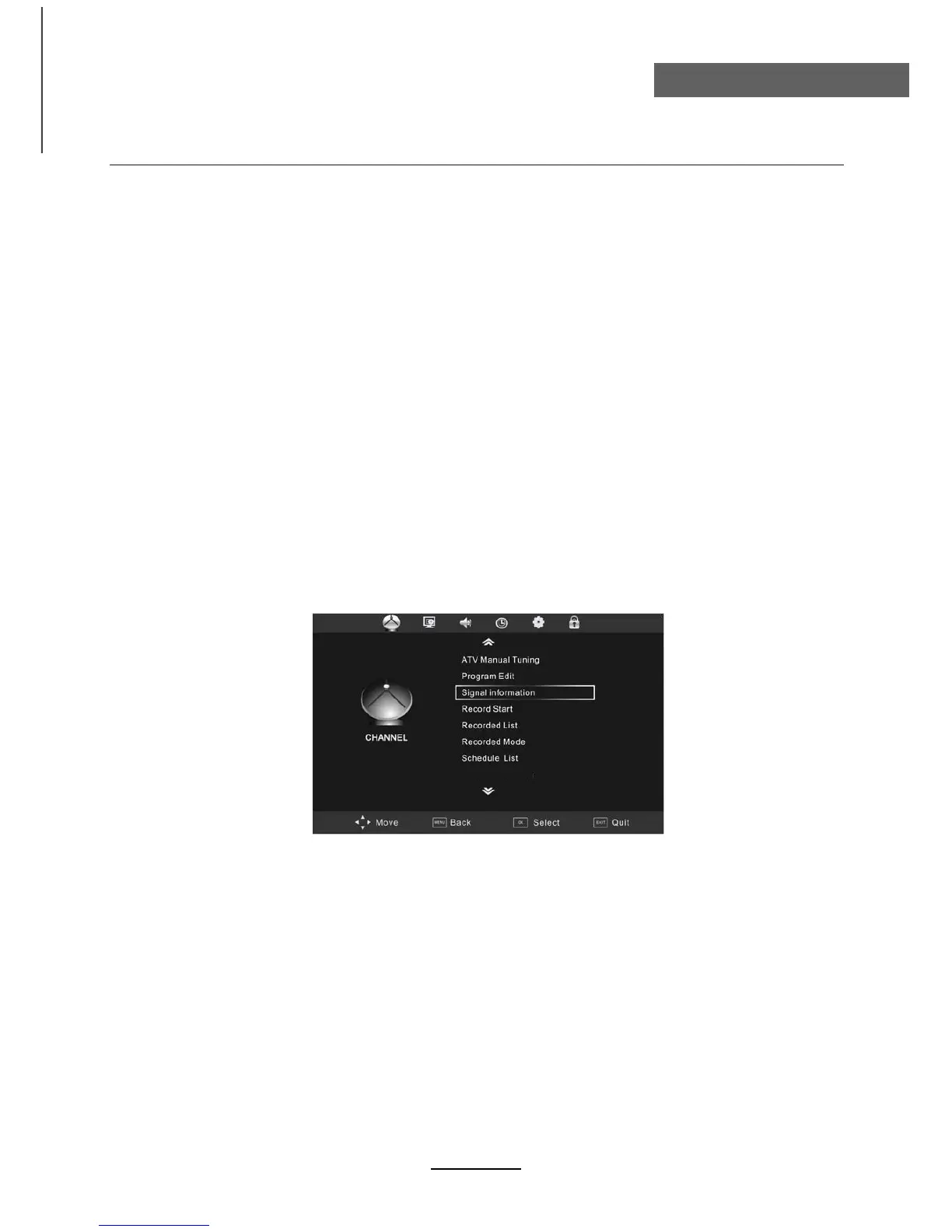
Digital Video Recording (DVR) settings (In DTV Mode only)
26
The DVR function allows this unit to record live digital TV (DTV) programs, allowing for viewing on
demand at any time. This function supports recording, timeshift and playback function as explained
here.
DVR will only record when there is an external USB drive connected to the unit with sufficient memory
space available. Recording can be done both manually on demand and also using Scheduled Record-
ing.
NOTE:
• When DVR function is in progress, DO NOT unplug the power and the external USB
device at will.
• When DVR function is active, the power indicator will blink with red and green colours
consecutively.
• Before the start of a program recording, please make sure the external USB device is
connected.
• Pre-recording, if the available storage space is low, a warning message would appear
before recording.
• While recording. If available storage space becomes low, the recording will be automati-
cally stopped.
Free Record Limit



 To Next Page