Recording Operation
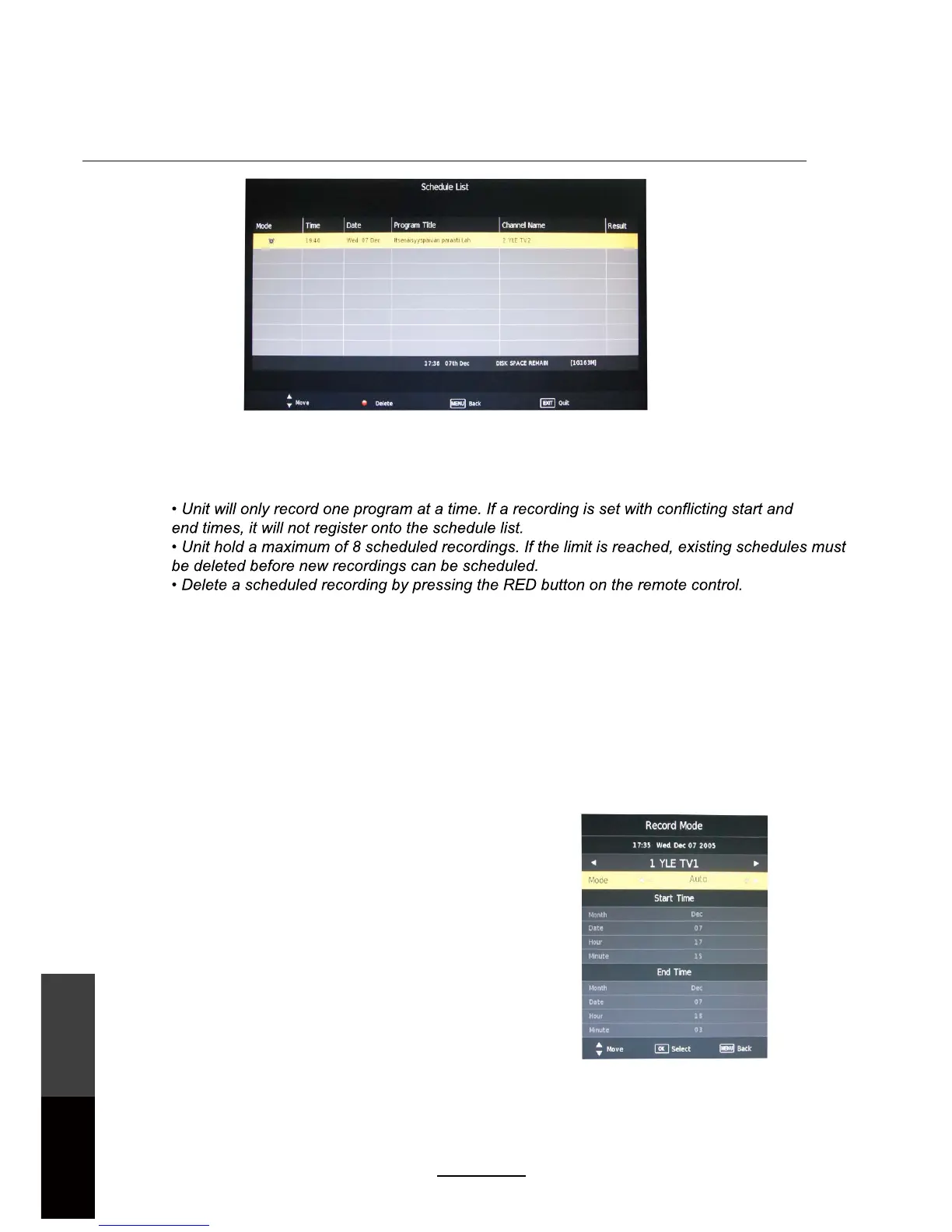
The Schedule List can be viewed by accessing it through the OSD menu by pressing the MENU button
on the remote control.
NOTE:
To view the Schedule List, press the SCH.LIST button on the remote control. Alternatively, press MENU
and select Schedule List under the CHANNEL tab, then press OK.
Recorded List
After the recording has been done, the stored programs can be viewed through a Recorded List by
pressing the REC.LIST button on the remote control. To play the items, press OK on the remote to select
the recorded program. To delete the program from the list, press the RED button.
Recorded list: Display the Recorded List menu.
INFO: Displays the information of the recorded program.
RED button: Delete the selected program.
32
Recording
Operation
Maintenance
and Service



 To Next Page