OPERATION
BASIC OPERATION
Press the POWER button on the remote control to switch on the power.The power
indicator will light up in green colour, press the POWER button again to switch off
the power, and the indicator will change to red.
Press the SOURCE button on the remote control to select the TV or DTV input mode,
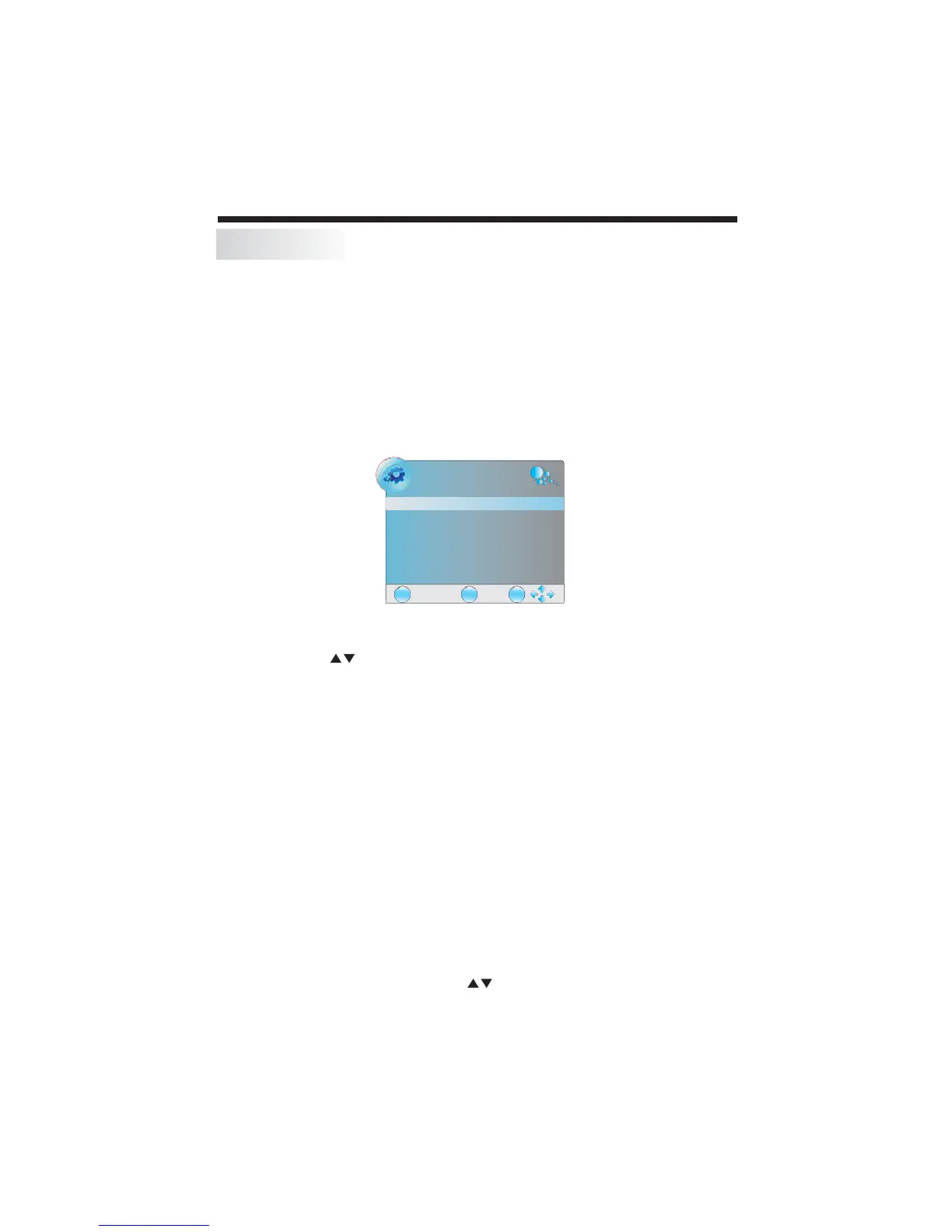
and press the OK button to confirm.If you are using the unit for the first time, an
Installation Guide menu will be displayed to guide you through
Press the CH- or CH+ button to select the previous or next channels or press the 0-9
buttons to enter a channel number directly.Press CH.LIST button to view the channels
list and press the buttons to select the desired TV programmes.
Press the VOL - or VOL + button to adjust the volume level. Press the VOL - button
repeatedly to decrease the volume; press the VOL + button repeatedly to increase
the volume from 0 to 100.
Press the PIC button repeatedly to cycle through the available video picture modes.
Press the SOUND button repeatedly to cycle through the available sound modes.
Press the INFO button to display the preset channel information.
Press the MUTE button to off the sound output, press this button again to
resume sound output.
Press the SOURCE button then press the buttons to select the input source and
press the OK button to confirm.
TURN ON THE UINT
CHANNEL SEARCH
WATCH TV PROGRAM
VOLUME
CHANGE SOUND MODE
VIEW CHANNEL INFORM TION
MUTE
CHANGE INPUT SOURCE
the channel scan,
Use the remote control to finish channel scan (you can also refer to CHANNEL MENU
(page 16) in this manual for the channel scan operation).
CHANGE PICTURE MODE
ADJUST
switch
A
-13-
EXIT
MENU
OK
NEW INSTALLATION
Menu Language English
Auto Tuning



 To Next Page