2. SETUP ITEMS INTRODUCTION
2.1 SYSTEM SETUP
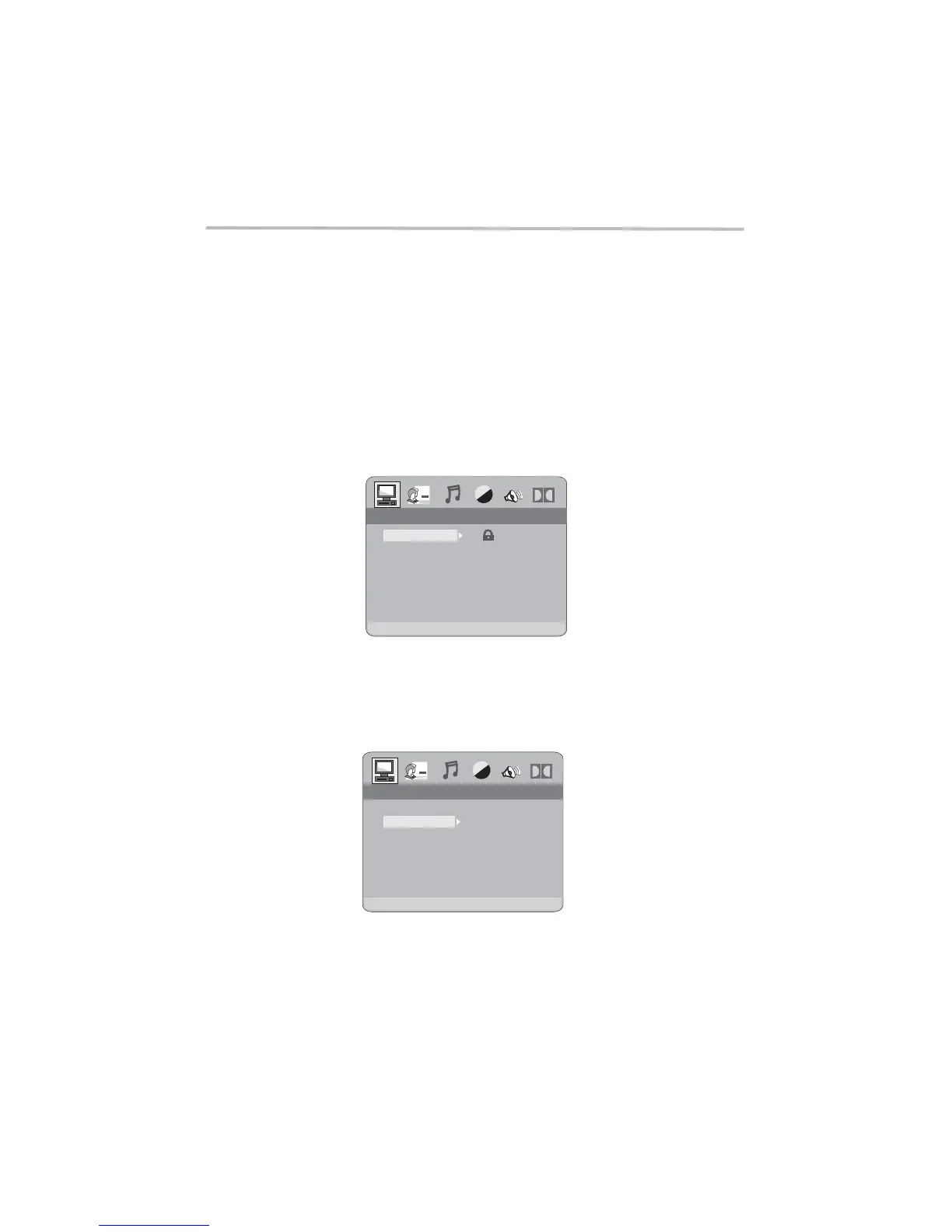
The system setup options are illustrated below:
-23-
DVD OPERATION
2.1.1 PASSWORD
To change the password, you will be prompted for the old password ,
then be prompted for new one. Enter a 4-digit number ( this is your password).
remember your PASSWORD, as the DEFAULT setting will revert
the PASSWORD to the factory defaults.
(Default:6666)
Please everything
but
2.1.2 DEFAULT
The DEFAULT setup options are RESTORE factory setup. Let your player work on
best state.
----
SYSTEM SETUPSYSTEM SETUP
PASSWORD
DEFAULT
RESTORE
SYSTEM SETUPSYSTEM SETUP
PASSWORD
DEFAULT



 To Next Page