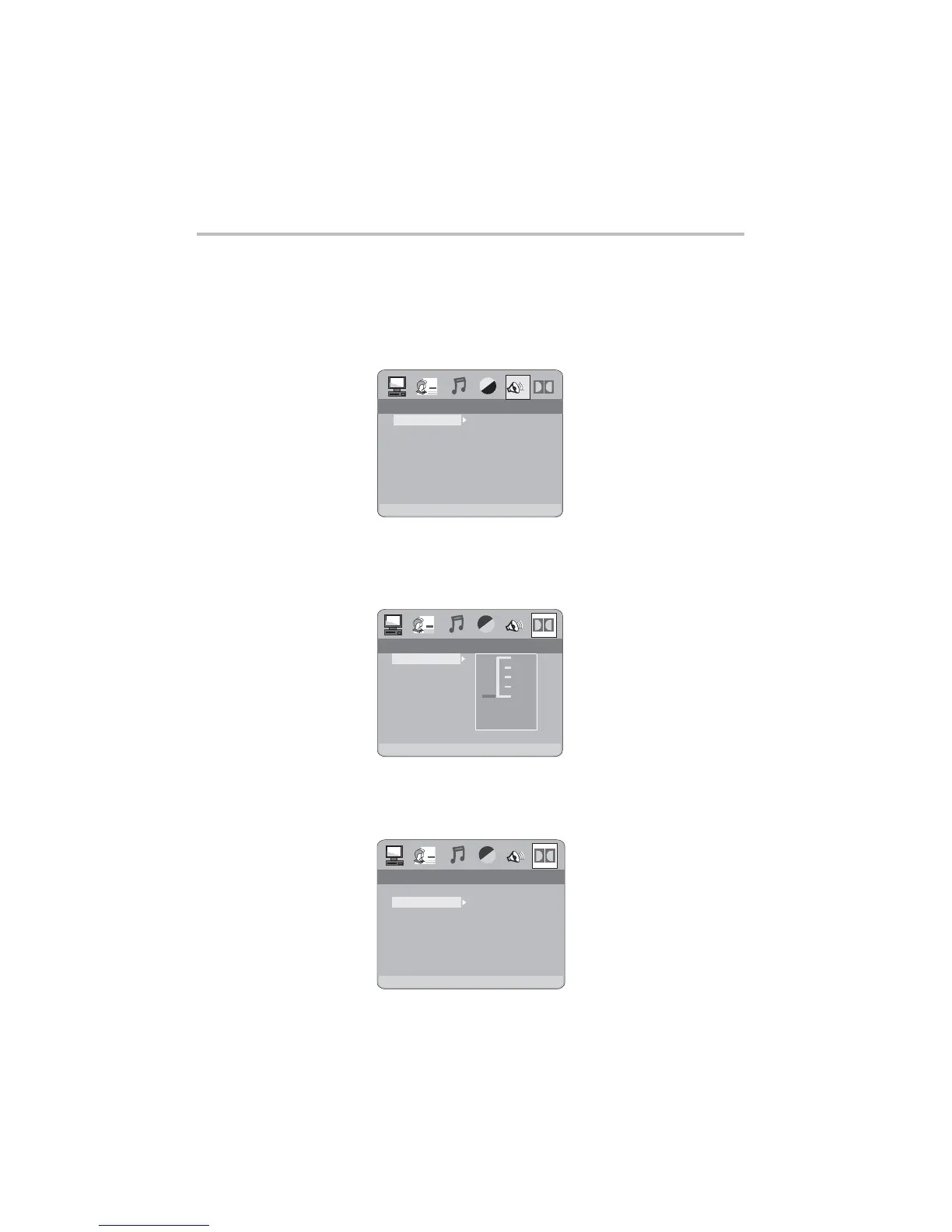
2.6.1 DYNAMIC RANGE
Choose this setting to adjust the ratio for different effects.Dynamic Range
2.6.2 DUAL MONO (LEFT + RIGHT)
Choose to setup the L and R mono output mode.There are four modes
in this option: STEREO, MONO L, MONO R, and MIX MONO.
LT/RT
STEREO
LT/RT
STEREO
SPEAKER SETUPSPEAKER SETUP
DOWNMIX
STEREO
MONO L
MONO R
MIX MONO
STEREO
MONO L
MONO R
MIX MONO
DYNAMIC RANGE
DUAL
MONO
DIGITAL SETUPDIGITAL SETUP
DIGITAL SETUPDIGITAL SETUP
DYNAMIC RANGE
DUAL MONO
FULL
6/8
4/8
2/8
OFF
-28-
DVD OPERATION
2.5 SPEAKER SETUP
The speaker setup options are illustrated below:
A)LT/RT Choose this setting when the DVD player is connected to a 2 Channel
Analog Audio input.
B)STEREO Choose this setting when the DVD player is connected to a TV or
therefore modulator.
2.5.1 DOWNMIX
2.6 DIGITAL SETUP
The DIGITAL SETUP options are illustrated below:



 To Next Page