User Guidance Information
Names of each part
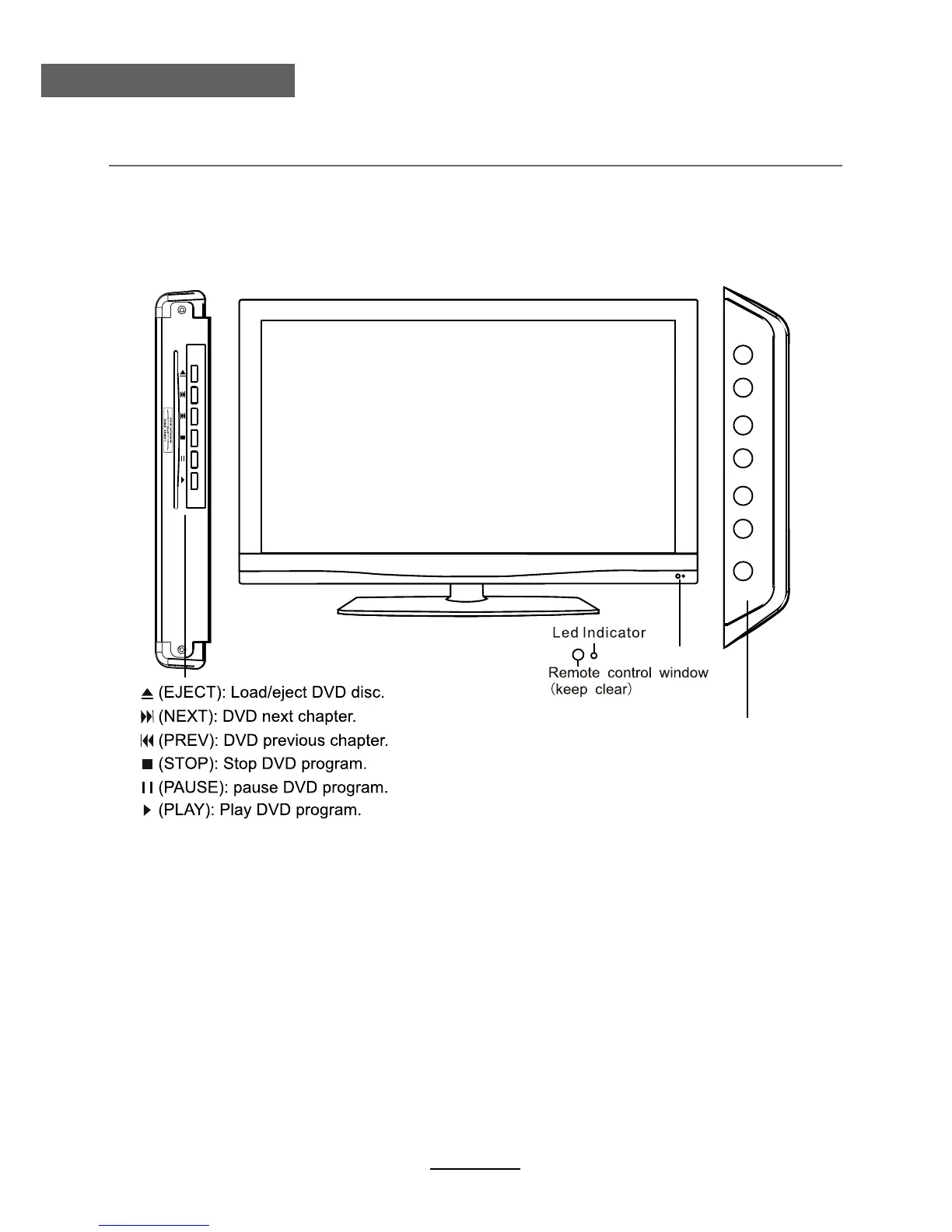
Front View
INPUT:
Display the input source menu.
MENU: Display/exit the OSD menu.
CH+/-: Scan through channels.
VOL+/-: Adjust the volume.
POWER: Turn on/standby the TV set.
INPUTMENU CHCH
VOLVOLPOWER
7



 To Next Page