Basic Operation
Maintenance
and Service
The following section conveys the unit’s general operation, such as switching the unit on,
selecting the input source, and using the automated channel search command.
Switching the unit on
1. Connect the television unit to the antenna wall socket using a coax television cable plug.
2. Connect the power cord to the power supply and flip the POWER Switch at the back of
the TV to the ON position.
3. Press the POWER button on the remote control or on the television panel.
4. The On Screen Display (OSD) should appear.
Selecting an input source
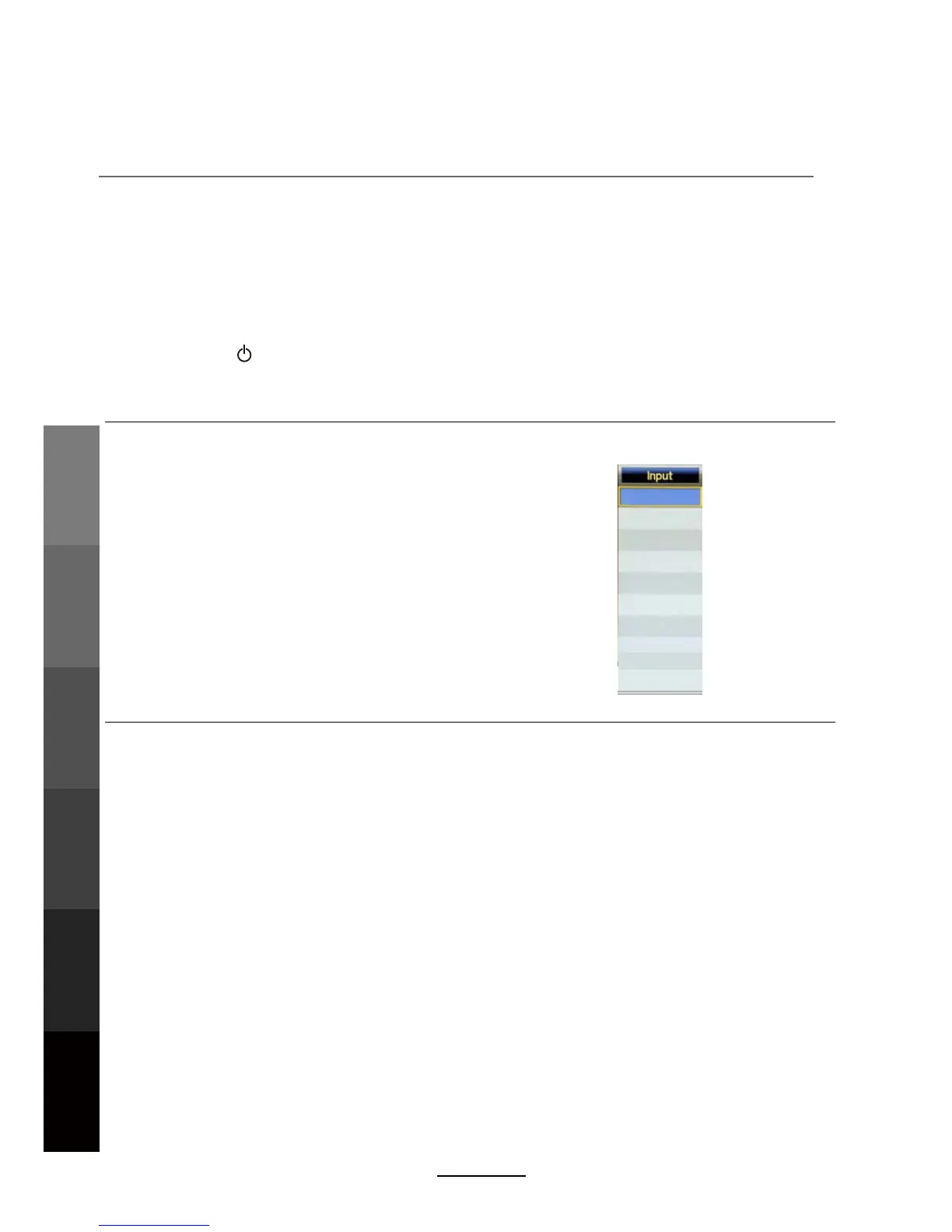
The unit incorporates multiple input sources which can be
selected via the INPUT button on the television panel or
remote control. The following steps explain the procedures
involved.
1. Press the INPUT button to enter the Input menu. The
screen will display the Input Source menu.
2. Use the CH+/- button on the TV set or /\ / \/ direction
buttons to select the desired input source.
3. Press OK to enter the selected source.
NOTE: Please make sure the corresponding device is
connected before selecting the input source.
DTV
AV
YPBPR
HDMI1
HDMI2
HDMI3
ATV
Media
PC
12
Basic OperationOSD Menu
Multimedia
Operation
Recording
Operation
Maintenance
and Service
DVD Operation
DVD



 To Next Page