18
During playback, repeatedly press the .or/ button
until the desired track is found. The selected track will be
played from the beginning.
In the stop mode, press the .or/ button repeatedly
until the track you want to listen to is found, and press the
PLAY/PAUSE button (y /J) to start playback from the
selected track.
< When the . button is pressed during playback, the track
being played will be played from the beginning. To return to
the beginning of the previous track, press the . button
twice.
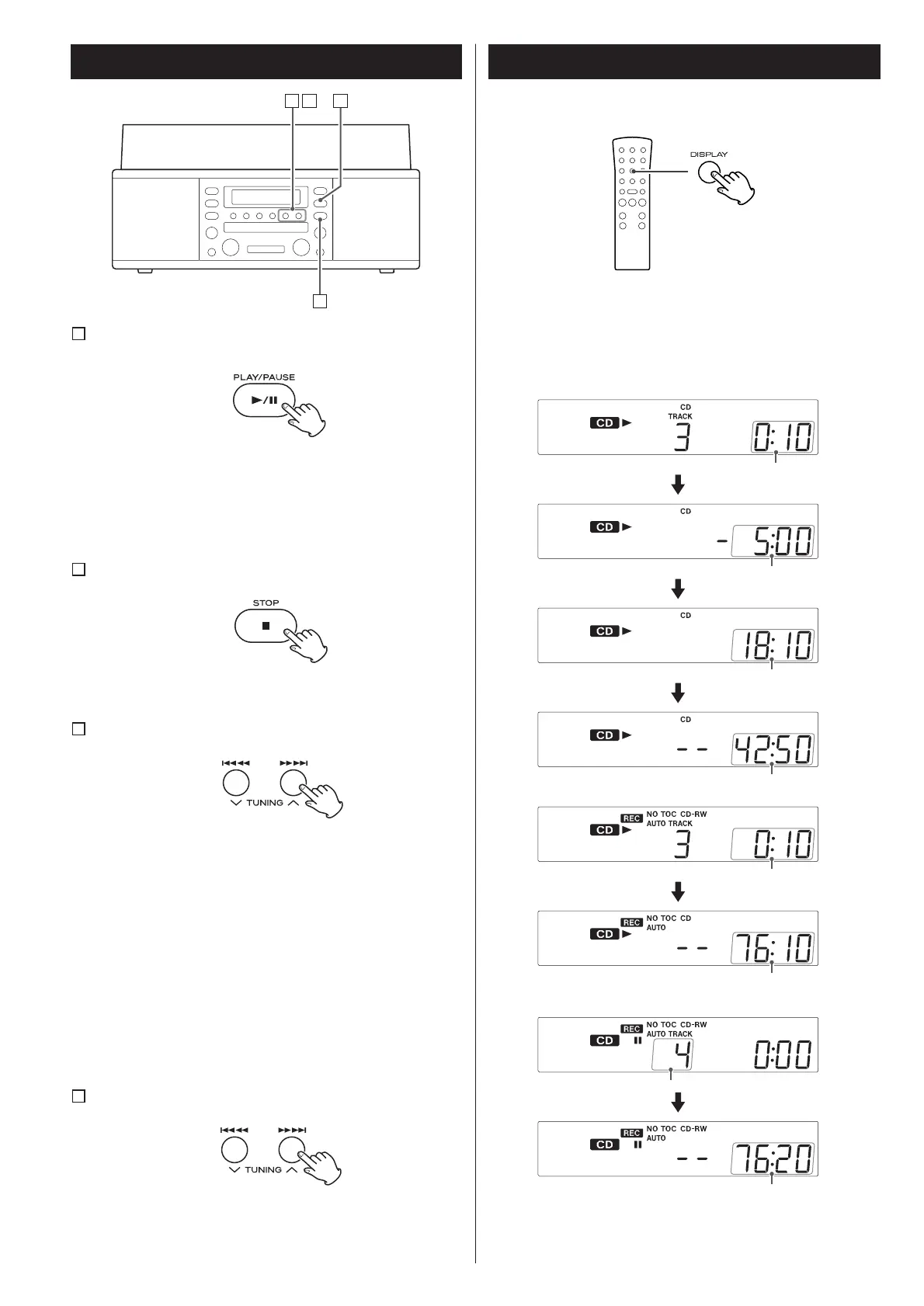
To suspend playback temporarily (pause mode)
A
Press the PLAY/PAUSE button (y /J) during playback.
Playback stops at the current position.
To resume playback, press the PLAY/PAUSE button (y/J)
again.
To stop playback
B
Press the STOP button (H) to stop playback.
To skip to the next or a previous track
C
Search for a part of a track
D
During playback, hold down the .or/ button and
release it when the part you want to listen to is found.
Listening to a CD 2 Time Display
Each time the DISPLAY button is pressed, the display changes as
follows:


 To Next Page