20
AUDACITY FOR PC
Installing Audacity to PC
1.
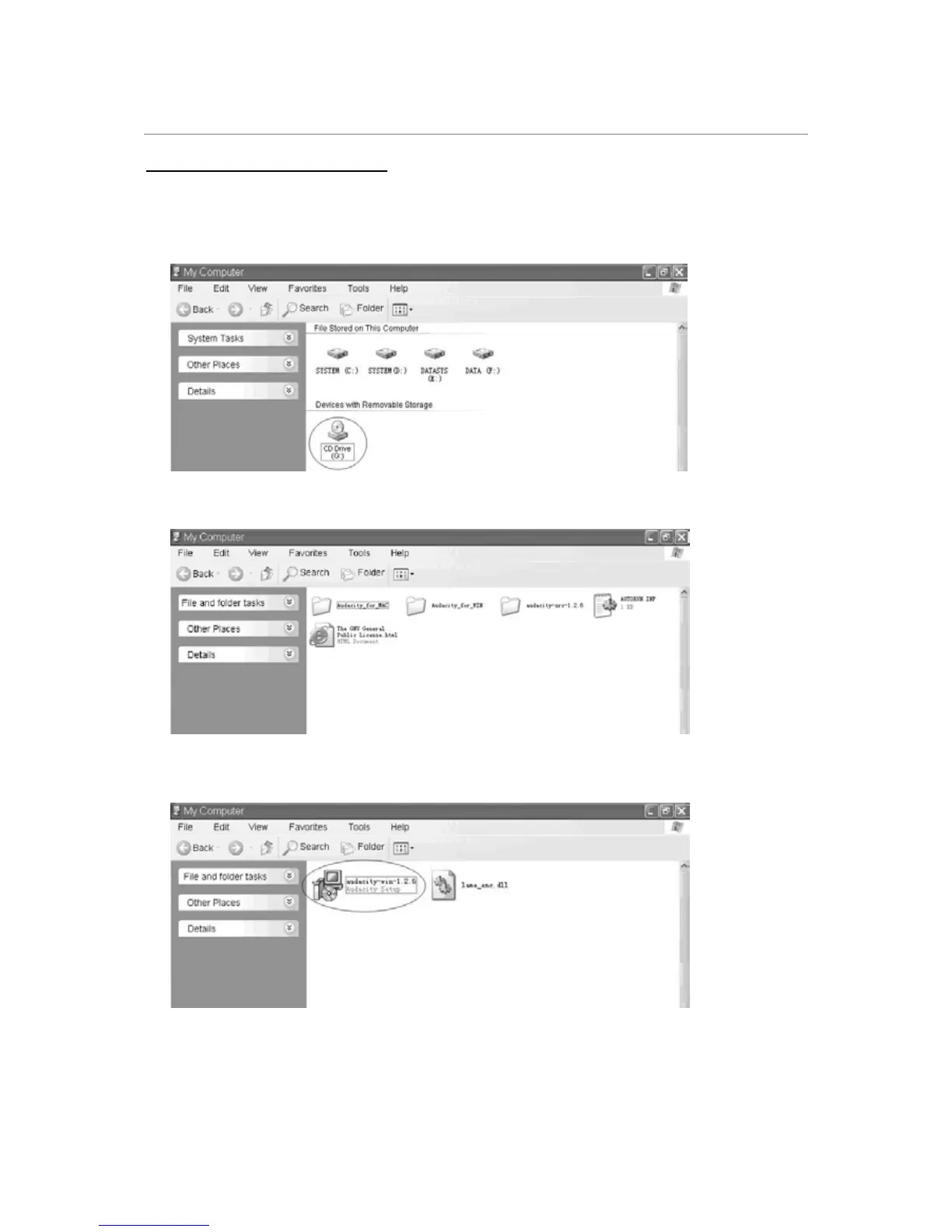
Insert the Audacity software CD that comes with your unit into your computer’s
CD/DVD drive. On your computer, click the Start button, go to My Computer and
double-click on the CD/DVD Drive.
2. Double-click on the Audacity_for_WIN folder.
3. Double-click the setup file (audacity-win-1.2.6.exe) to start installing Audacity.
4. The Audacity Setup Wizard will appear. Follow the prompts in the installation window
to install Audacity.



 To Next Page