21
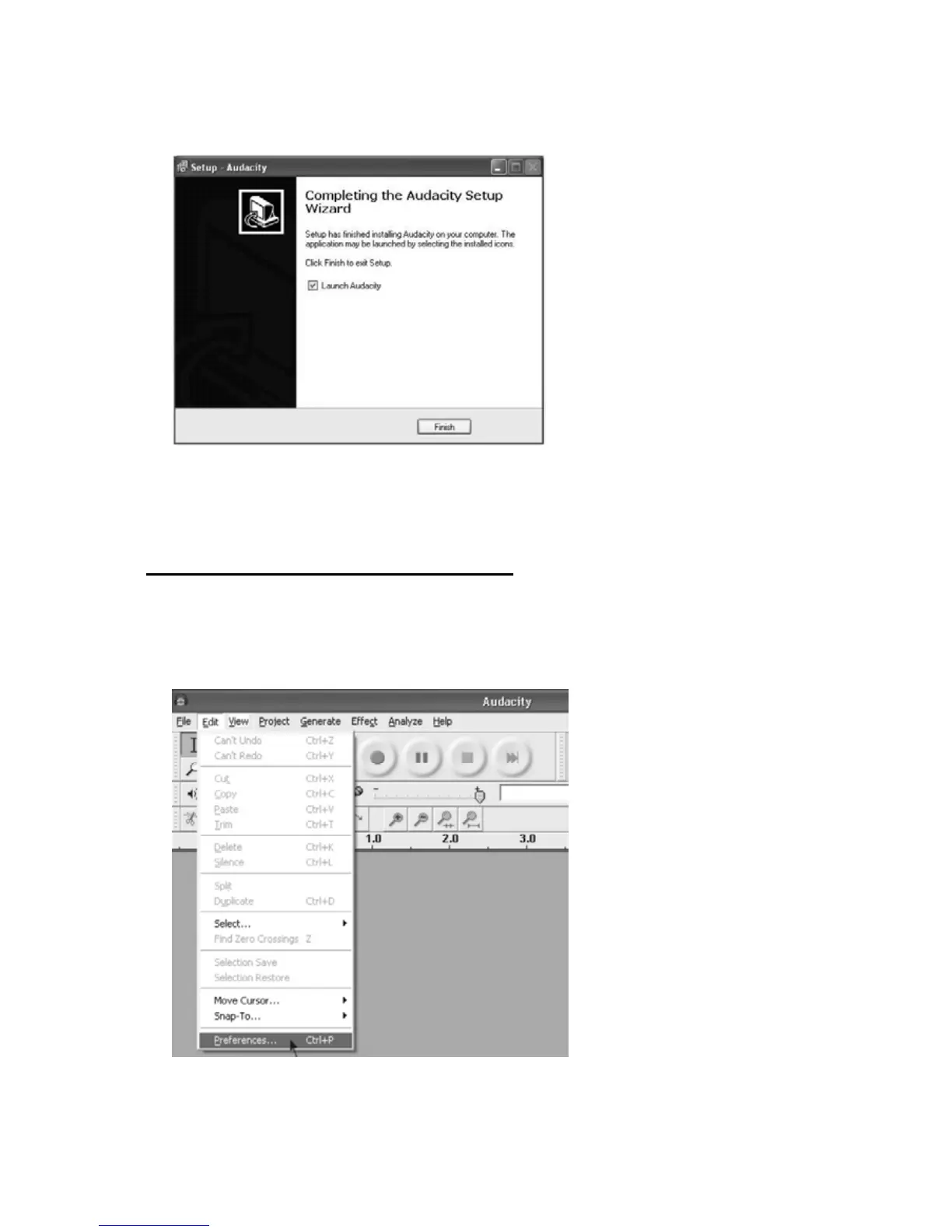
5. Click on Finish to complete the installation. You can now run Audacity to record and
edit audio.
Preference Setup for Recording to PC
In order to record from the turntable unit to Audacity on the PC, make sure that the settings
are as below.
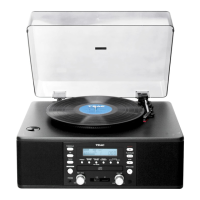
1. Click “Edit” on the Audacity menu bar and select “Preferences” in the drop-down
menu. The Audacity Preferences window will pop up on the screen.



 To Next Page