265
NOTE: If “Core Audio (USB Audio CODEC)” does not appear in the Device list, exit the
Audacity programme, reopen it and try again. Make sure that the turntable unit is connected
to your computer.
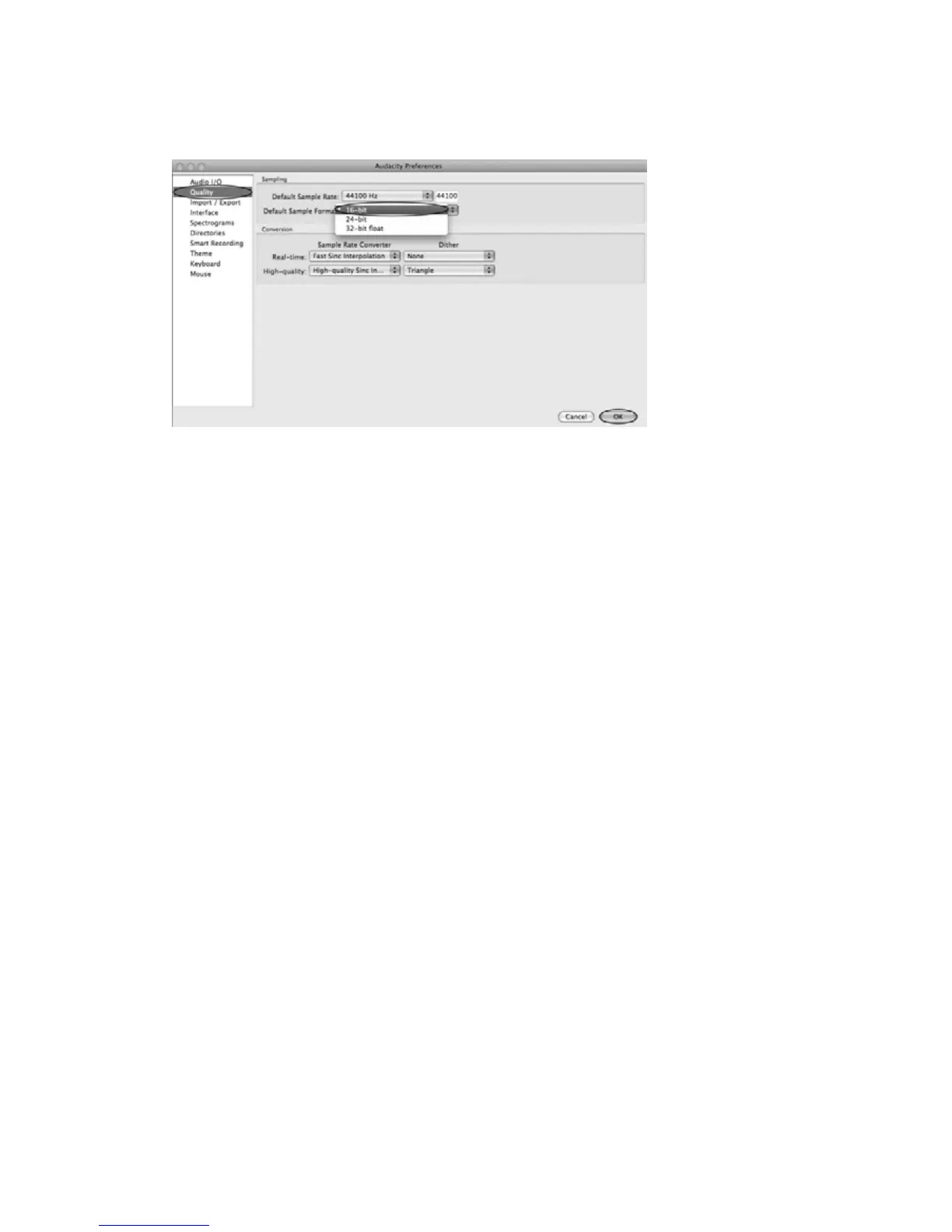
4. Under the Quality tab, set the Default Sample Format to 16 bit. Select OK to save
your setting and close the preferences window. You are now ready to record.



 To Next Page