English – 13 | MP-470
Using the Touchpad Controls
Your player comes equipped with a touch-sensitive control pad. To
use the controls, touch the arrow keys on the front of the player
lightly just as you would a button and the controls will light up. If
you touch and hold a key, it will register as a continuous button
touch.
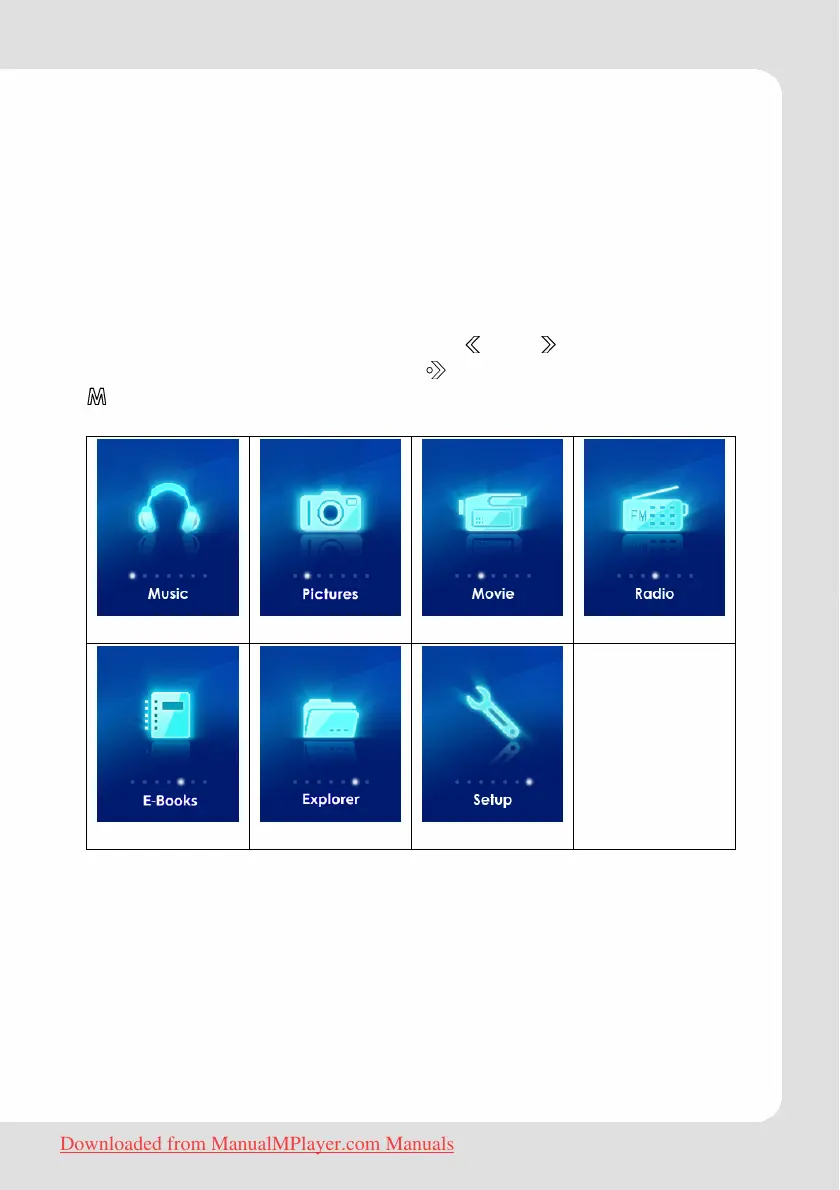
Main Menu
The main menu offers seven functions. and allow to navigate
to the desired function. Touching
activates it. Touch and hold
until you are back in the main menu.
Downloaded from ManualMPlayer.com Manuals



 To Next Page