English – 22 | MP-470
Installation
1. Locate the MP3 Player Utilities setup file on the Installation CD:
setup.exe.
2. Double-click the file to start the installation process.
3. Follow the on-screen instructions to complete the installation
process.
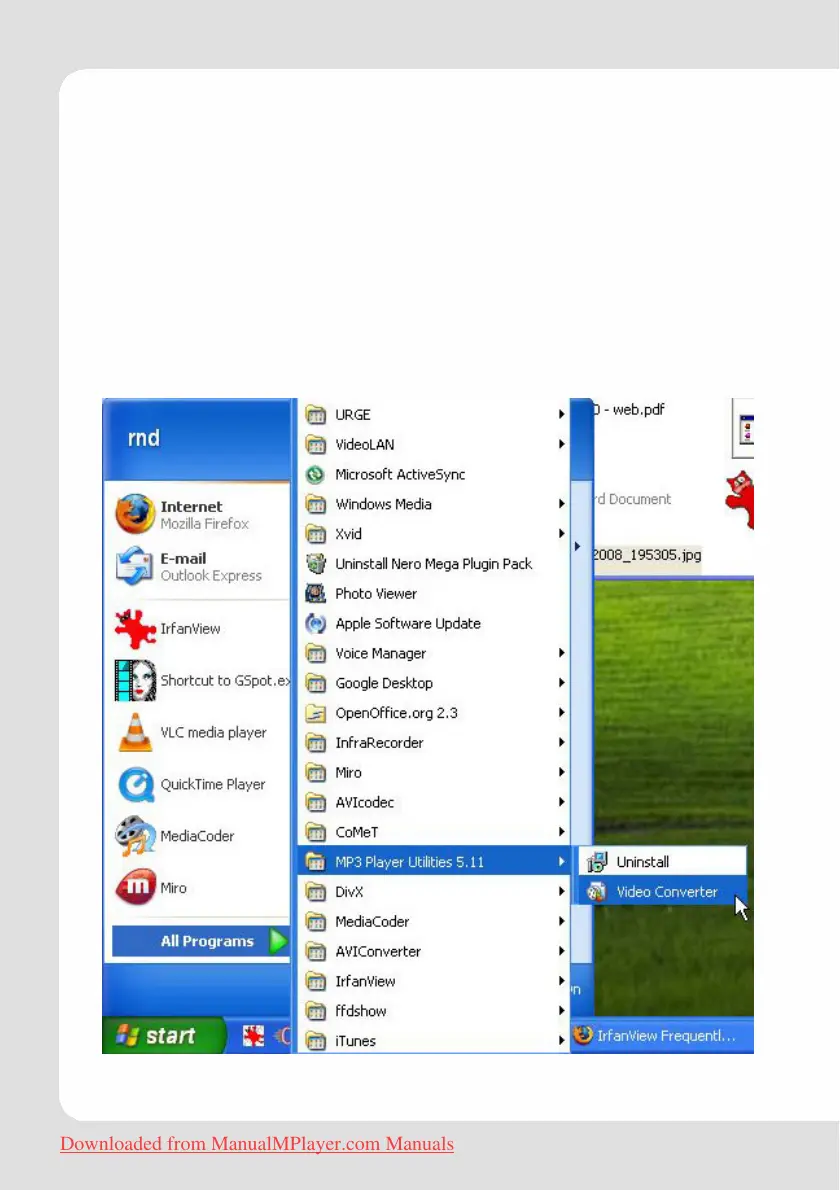
Converting Video
To start the program, locate the Video Converter program in your
Windows Start menu.
Downloaded from ManualMPlayer.com Manuals



 To Next Page