English – 27 | MP-470
Reading an E-Book
Touch and hold until the main menu is displayed. Select with
or
“E-Books” and confirm with . The E-Book Explorer screen will
appear.
To use the keys please proceed as described in the paragraph
“Hints According to User Interface/Explorer Key Functions”.
E-Book Mode
The player can display text files with manual control or as a
“slideshow” (text files automatically advance to the next page).
Touch
to toggle between Auto and Manual Mode.
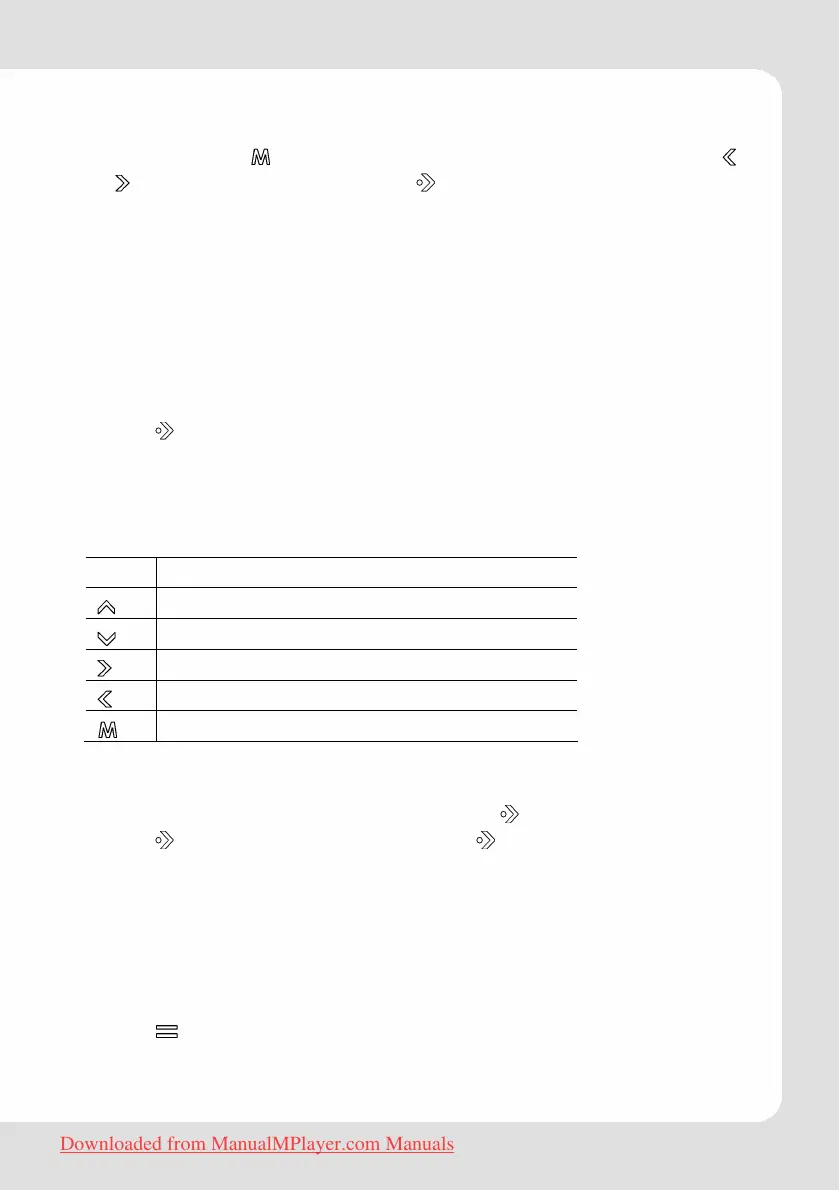
Manual Mode display
To display a text file, select and confirm the file from the EBook List.
Key Function
Skip back one line.
Skip forward one line.
Skip to the next page.
Skip to the previous page.
Return to the EBook List.
Auto Mode display
Select a file from the EBook List and touch to confirm.
Touch
to start the slideshow. Touch again to stop the slide-
show.
Note: You can change the duration of time between the text
files in the Quick Options menu.
Adding a bookmark
Touch to save the current location as a bookmark tag. “Tag
has been saved!” will appear on the screen.
Downloaded from ManualMPlayer.com Manuals



 To Next Page