English – 18 | MP-470
Viewing Photos
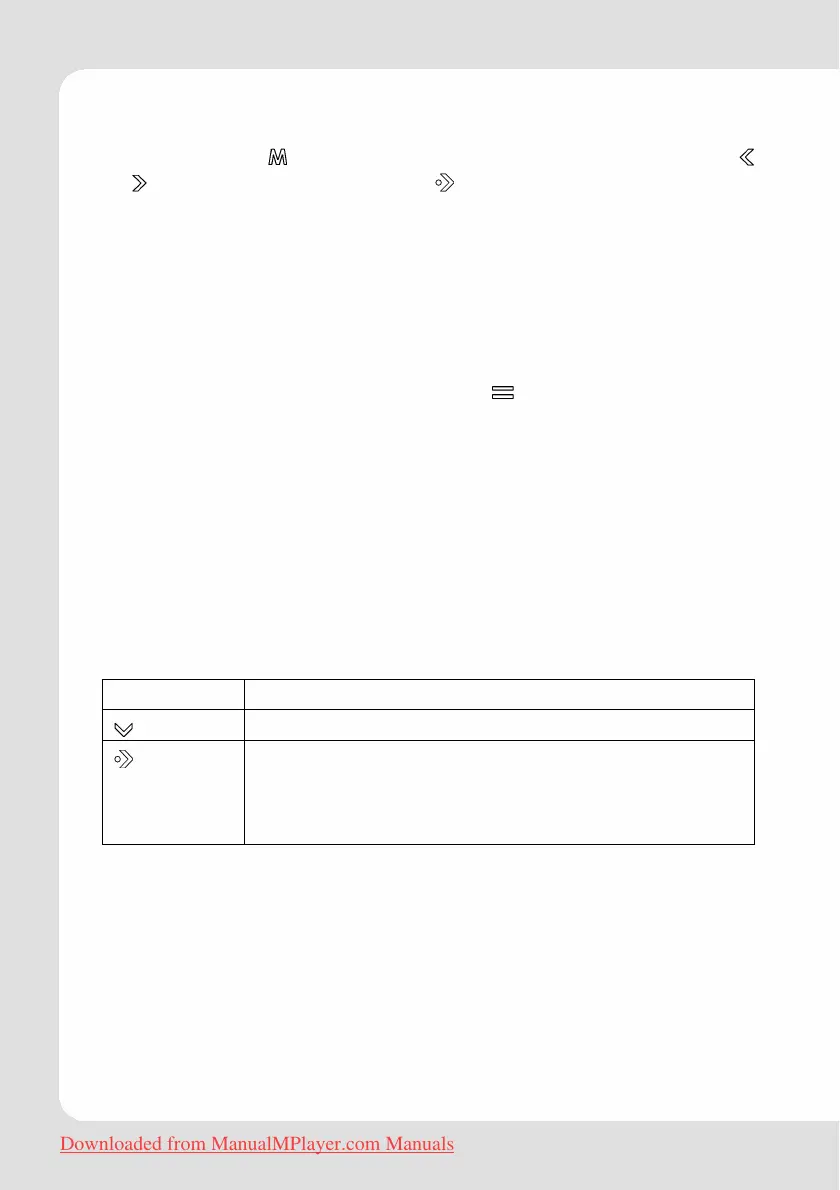
Touch and hold until the main menu is displayed. Select with
or
“Pictures” and confirm with . The Photo Explorer screen will
appear.
To use the keys please proceed as described in the paragraph
“Hints According to User Interface/Explorer Key Functions”.
Hint:
You can toggle between file list browser and thumbnail
presentation by shortly touching the
key.
Select the “ALL PICTURES” option to view all of the pictures on your
player regardless of which folder they are in.
Picture Mode
To use the keys please proceed as described in the paragraph
"Hints According to User Interface/Basic Operation".
Additionally there are two other key functions:
Key Function
Rotates the picture clockwise in steps of 90 deg.
Start or stop slideshow mode.
You can change the duration of time between
pictures during Slideshow mode from the Quick
Option menu.
Downloaded from ManualMPlayer.com Manuals



 To Next Page