11
ENGLISH
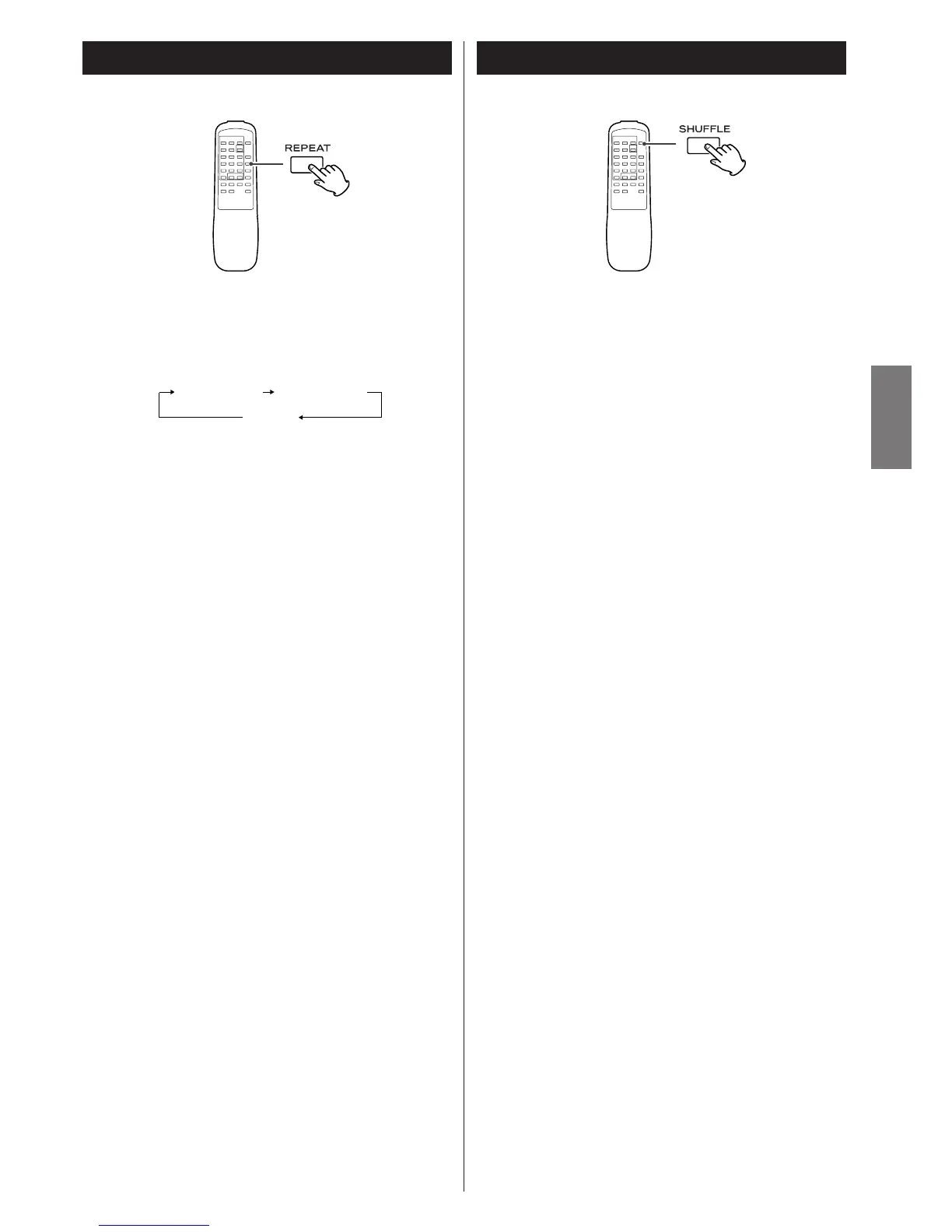
Repeat Playback
Each time the REPEAT button is pressed, the mode is
changed as follows:
REPEAT ALL
All tracks or files of all discs will be played repeatedly.
REPEAT ONE
The track/file being played will be played repeatedly. If you
select another track/file in REPEAT ONE mode, the track/file
selected will be played repeatedly.
< During programed playback, if the REPEAT button is pressed,
the programed contents will be played repeatedly.
< If both the INTRO CHECK and REPEAT buttons are pressed,
the first 10 seconds of tracks/files will be played repeatedly.
< If both the SHUFFLE and REPEAT buttons are pressed, the disc
shuffle play will start. When all tracks/files of a disc have been
played once, the next disc will start playing. All tracks/files on
all discs are thus continuously shuffle played.
< If the INTRO CHECK, REPEAT and SHUFFLE buttons are all
pressed, the first 10 seconds of tracks/files are shuffle played.
When shuffle intro play of a disc is once over, the next disc
will start playing. The first 10 seconds of all tracks/files on all
discs are thus continuously shuffle played.
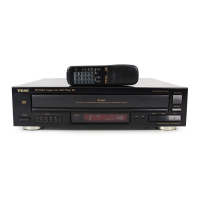
Shuffle Playback
Shuffle mode turns on/off by pressing the SHUFFLE
button.
During shuffle mode, SHUFFLE indicator lights. In shuffle mode
the tracks/files of the disc are played randomly.
When all tracks/files of a disc have been played once, the next
disc will shuffle play. The unit will stop when all discs have been
played.
< If you press the / button during shuffle playback, next
track/file will be randomly selected and played. If you press
the
. button, the currently played track/file will be played
from the beginning. In any other cases, one and the same
track/file is not replayed.
< The numeric buttons does not work during shuffle playback.
< If tracks/files are programed, the SHUFFLE button does not
work.
< If both the SHUFFLE and REPEAT buttons are pressed, the disc
shuffle play will start. When all tracks/files of a disc has been
played once, the next disc will start playing. All tracks/files on
all discs are thus continuously shuffle played.
< If the INTRO CHECK, REPEAT and SHUFFLE buttons are all
pressed, the first 10 seconds of tracks/files are shuffle played.
When shuffle intro play of a disc is once over, the next disc
will start playing. The 10 seconds of all tracks/files on all discs
are thus continuously shuffle played.



 To Next Page