11
2. Initial Installation
After completing all cable connections (described in “Connecting to Your TV”), turn on the
wall power supply. Press the POWER button on the Set Top Box or its remote control to turn
it on.
If you are using this unit for the first time, or have reset it to its Factory Default state, the
Installation Guide will appear on the TV screen.
The Initial Installation menu will display. Press the
▶
button to confirm and proceed. Press the
◀ or EXIT button to go back to the previous page.
1. Language - choose you desired language
2. Output Mode Settings - choose the best setting that is supported by your TV.
3. Display Settings - adjust the zoom of the picture on the TV.
4. Region Settings - select your region. (If Australia - press the OK button to choose from
a list of Australian states)
5. Tim
e Zone Settings - choose your time zone (this setting is used by Android apps)
6. Network Connection - set up your Internet connection. Choose from Ethernet (wired)
or Wi-Fi (wireless)
7. App Installation
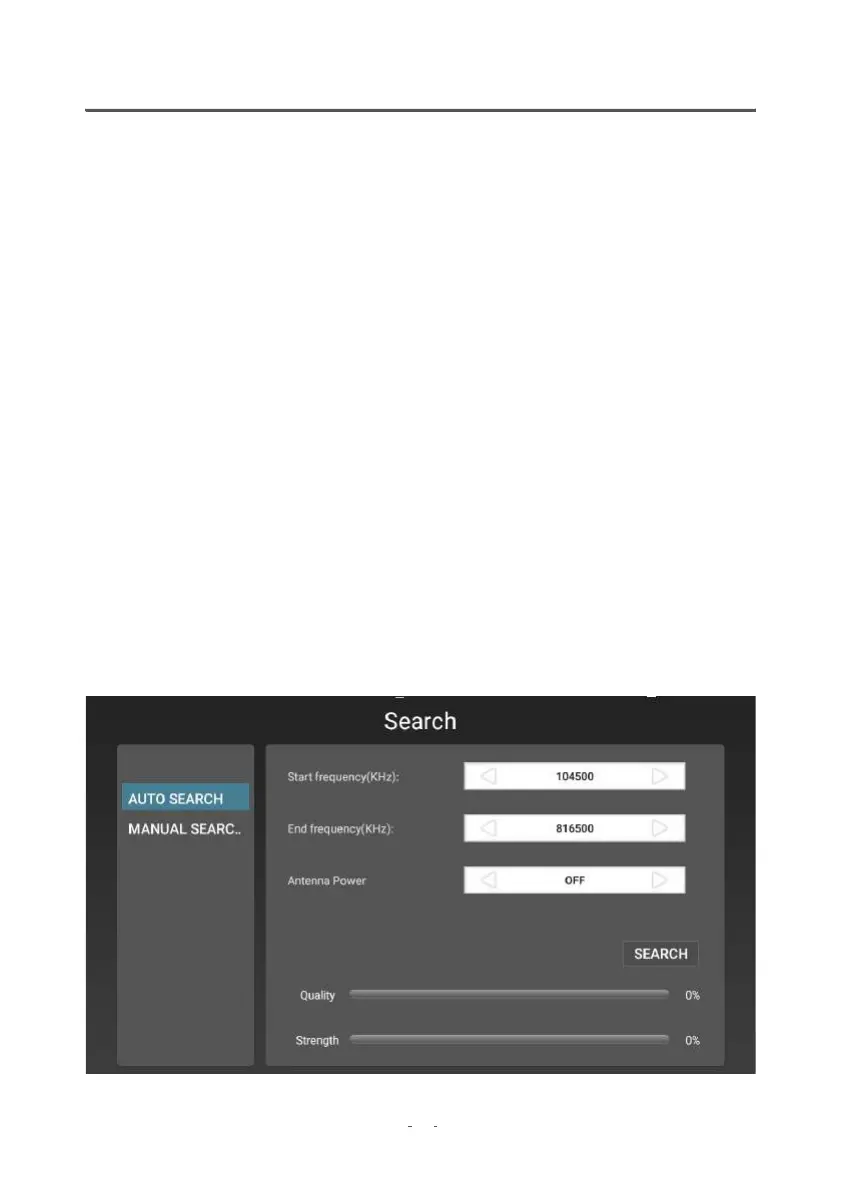
2.1 Auto Channel Search


 To Next Page