23
5. Menu Operation
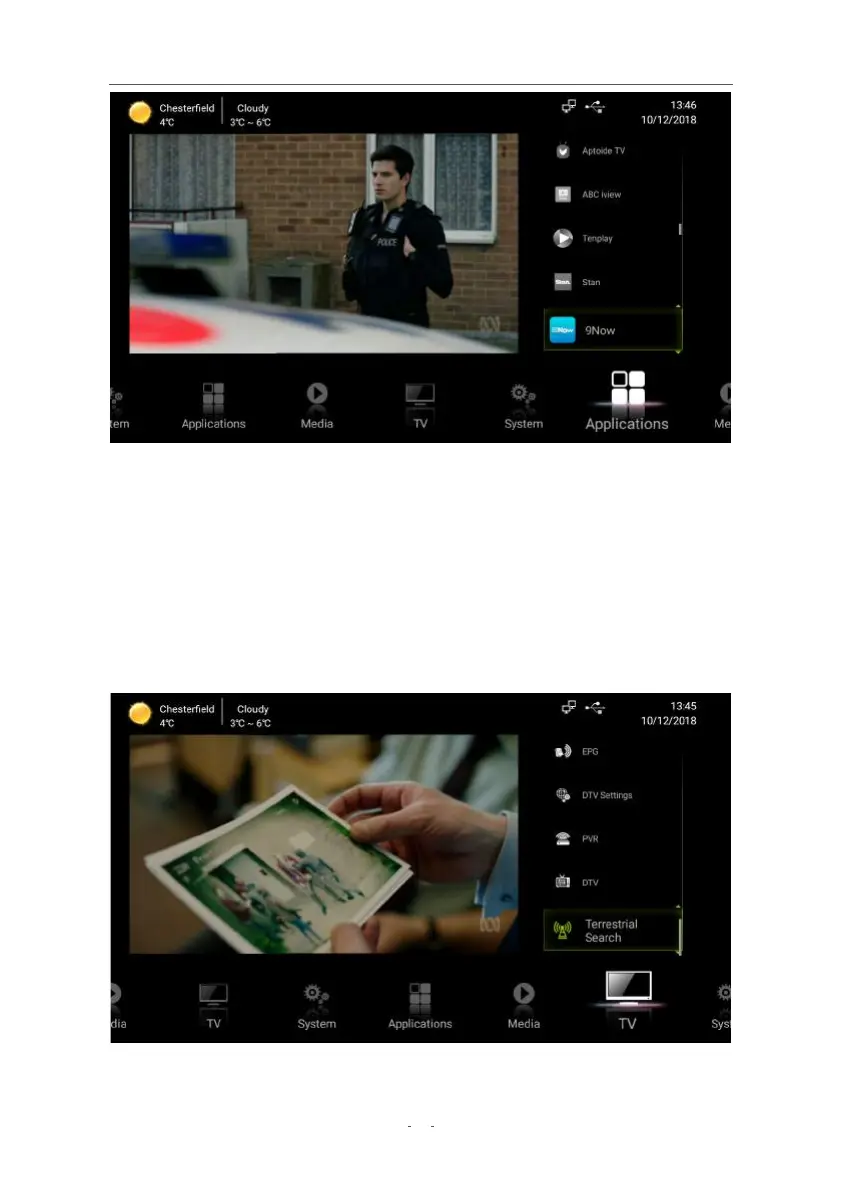
● Press the MENU button to access the menu system.
● Press ◀ / ▶ to scroll through the different menus: TV, Media, Applications, System.
● Press ▲ / ▼ to highlight an item in the chosen menu.
● Press OK to enter settings adjustment for highlighted items. Follow on-screen button
hints where provided.
● Some actions require a password – key in your current 4-digit password with the
number buttons t
o enter. (Default pas
sword: 0000)
● Press the EXIT button to return to the previous menu. Press the HOME button to quit
the menu entirely.
5.1 TV Menu
● DTV: Enter DTV Mode to watch TV.
● Terrestrial Search: Access channel scanning menus.


 To Next Page