30
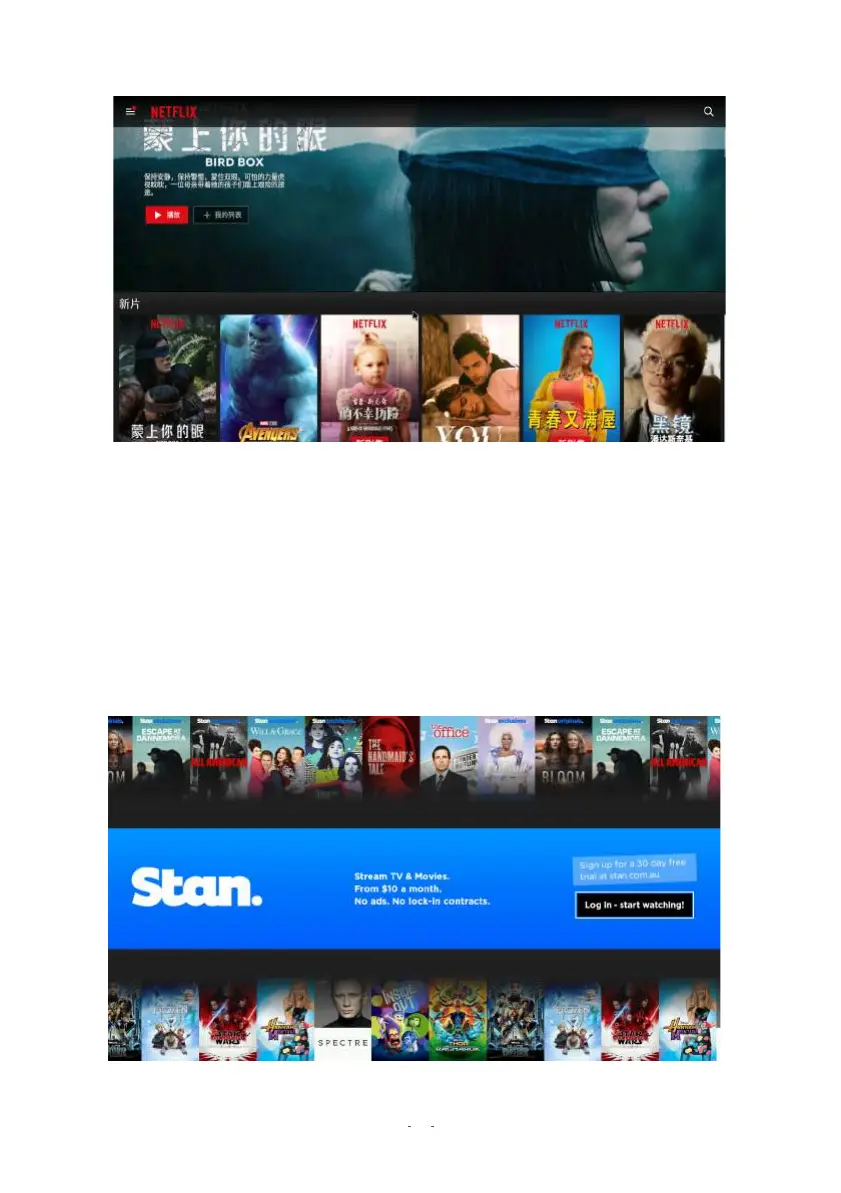
6.4 NETFLIX
Browse and watch movies and TV episodes with your Netflix account. (You must first have a
working Netflix account.)
1. Run the app by pressing APPS on the remote control, and choose Netflix.
2. Press the OK button to start Netflix.
3. Log in to your Netflix account by using the on-screen keyboard.
4. Choose or set up your Netflix profile and start using Netflix.
NOTE: We recommend usi
ng Mous
e Mode with this app.
6.5 STAN


 To Next Page