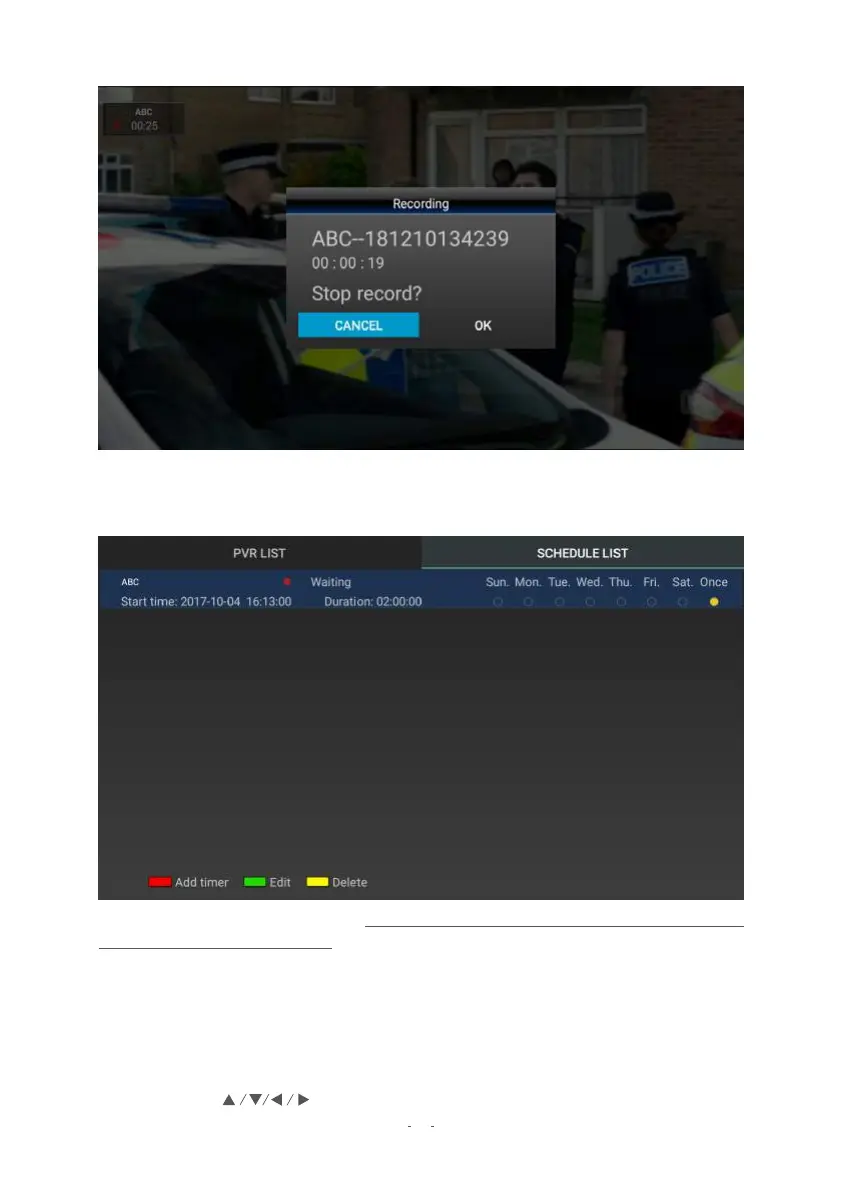
4.1 Instant Recording
19
● To start recording, press the RECORD button on the remote control.
● To stop recording, press the STOP button, then press OK to confirm.
4.2 Scheduled recording
Schedule recordings ahead of time – however, you must leave the Set Top Box running for
the scheduled recording to work. If you attempt to switch off while you have a recording
scheduled to happen, the Set Top Box will prompt you to confirm the shutdown.
SCHEDULE VIA EPG
This is a quick and easy way to schedule recordings according to programs available in the
EPG, which lists the broadcast schedule up to 7 days in advance.
1. Press the EPG button.
2. Using the buttons, find the desired channel and program and highlight it.


 To Next Page